⚫
⚫
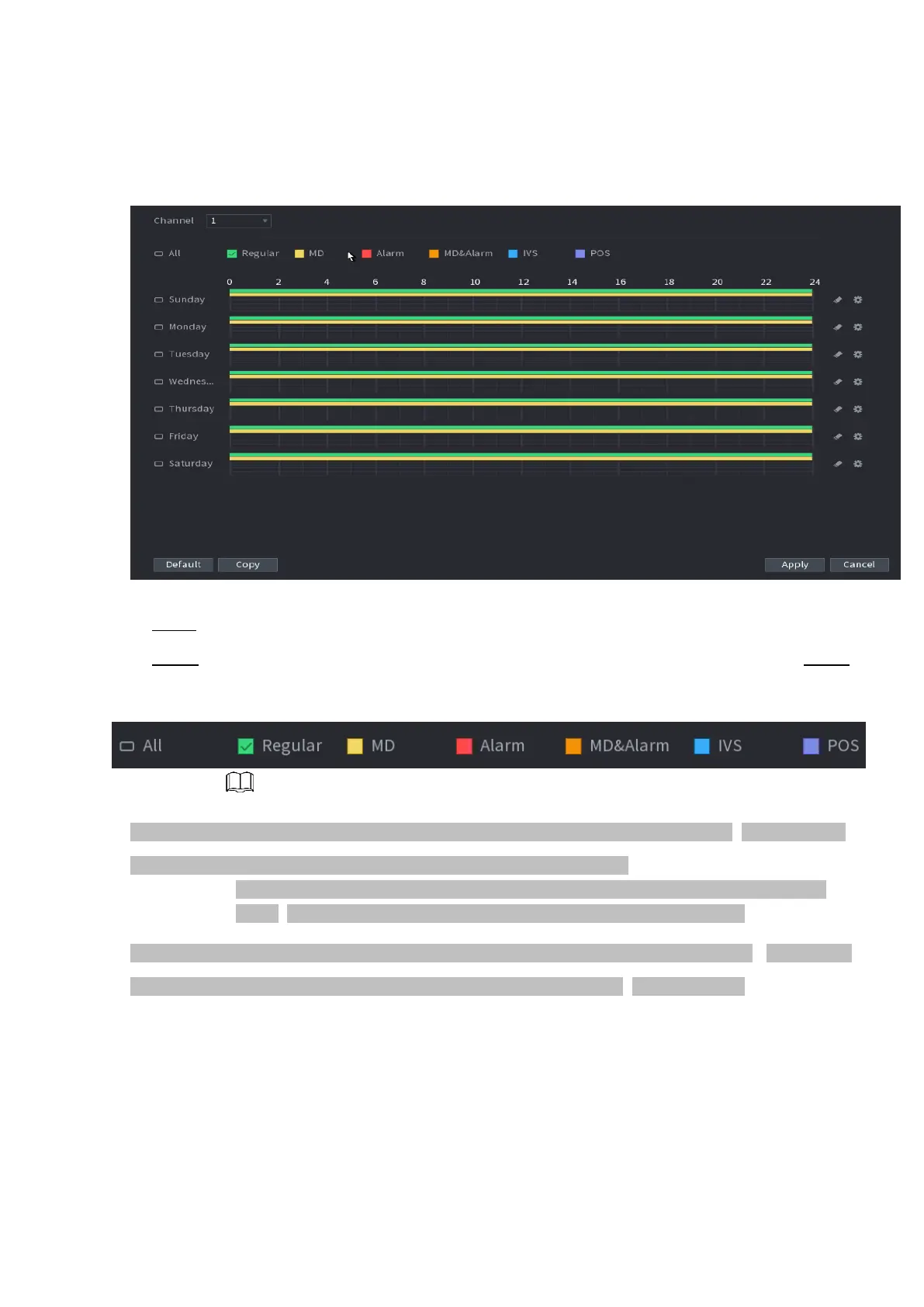
⚫ Figure 1-39
⚫ Step 2 Select a channel to set schedule snapshot.
⚫ Step 3 Set snapshot type as schedule. Refer to "1.2.5.2 Snapshot" for detailed information. Step 4
Check the box to set alarm type. See Figure 1-40.
⚫ Figure 1-40
⚫ When the record type is MD (motion detect), alarm, MD&Alarm, IVS and POS, enable the channel record
function when corresponding alarm occurs. For example, when the alarm
type is MD, select Main Menu > ALARM > VIDEO DETECTION > Motion Detect,
select the record channel and enable record function. See Figure 1-35.
⚫ When the record type is MD (motion detect), alarm, MD & Alarm, IVS and POS, refer to "1.8.5 Video
detect ", "1.8.3 Alarm ", " 1.7.2.4 IVS " and " Step 3 POS " for detailed information.



 To Next Page