31
EXCEL HR OPERATOR MANUAL
D1796, REV. D, 12/16
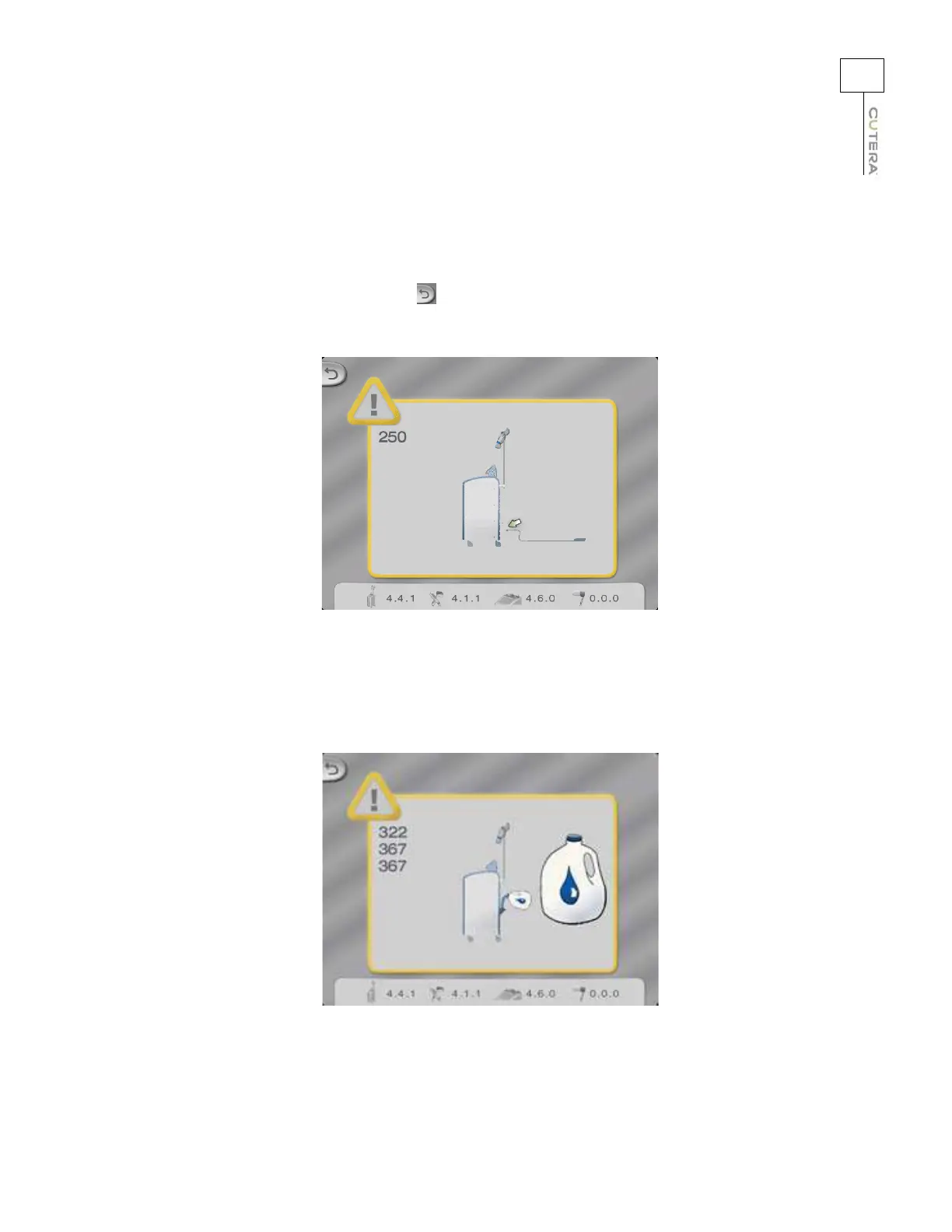
“Connect Footswitch” advisory pop-up screen appears on the
touchscreen with its corresponding error code(s).
Probable Cause: The footswitch is not properly connected to the console.
Suggestion: Ensure that the footswitch is properly connected to the
console. Touch
the
(back) button in the upper left corner of the pop-up screen to
clear the advisory message.
“Water Low” advisory pop-up screen appears on the touchscreen.
Probable Cause: The system is low on water.
Suggestion: Turn off the system, and add water as instructed in the Routine User
Maintenance
section. Restart the system to continue with treatments.



 To Next Page