CVC TECHNOLOGIES, INC. CVC 400 OPERATION MANUAL
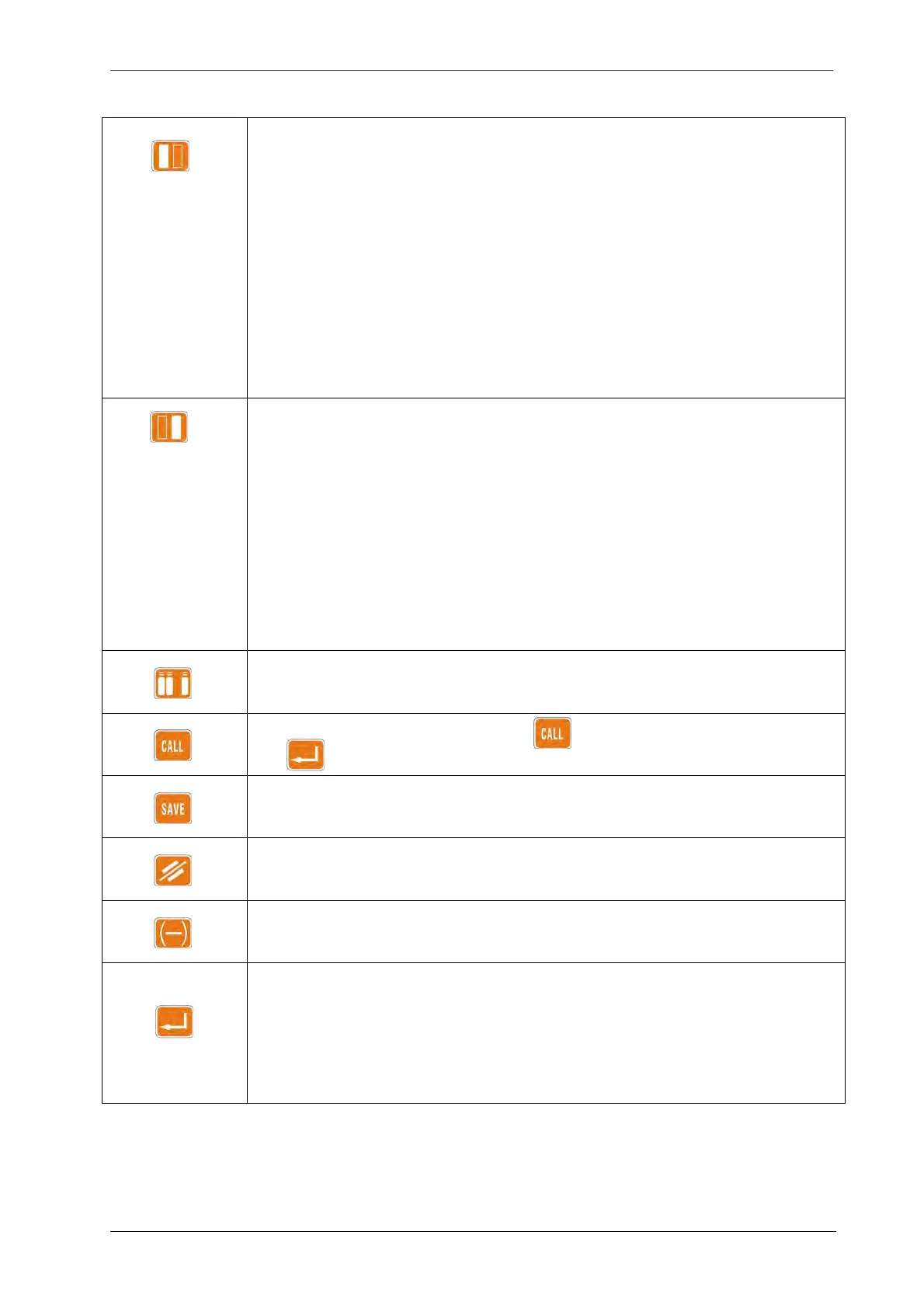
Labeling Head A (Fig 8.1-2):
Toggles labeling head A ON or OFF, a symbol on the display up-right corner shows the current
labeling heads, the right rectangle in the symbol becomes black to indicate that the labeling head A
is active. This key should also be pressed for LABEL DISPENSING SPEED, LABEL EXTENSION,
LABEL POSITION, LABEL SENSING, LABEL LENGTH settings, the right rectangle in black indicates
that the modifications made are being made to labeling head A.
As the switch for Hot Stamp Printer:
Within the PRINT time display, use this key to toggle ON or OFF the Hot Stamp Printer on labeling
head A, X1 is displayed to indicate that the printer on head A is off, and X12 indicates that the
printers on both heads A and B are off.
Labeling Head B (Fig 8.1-2):
Toggles labeling head B ON or OFF, a symbol on the display up-right corner shows the current
labeling heads, the left rectangle in the symbol becomes black to indicate that the labeling head B
is active. This key should also be pressed for LABEL DISPENSING SPEED, LABEL EXTENSION,
LABEL POSITION, LABEL SENSING, LABEL LENGTH settings, the left rectangle in black indicates
that the modifications made are being made to labeling head B.
As the switch for Hot Stamp Printer:
Within the PRINT time display, use this key to toggle ON or OFF the Hot Stamp Printer on labeling
head B, X2 is displayed to indicate that the printer on head B is off.
1. To turn the product separator wheel OFF and ON.
2. To adjust the speed of the product separator wheel.
To recall job settings from memory; first press and then select the job number, and then
use to confirm.
To place a new job setting into memory.
To erase all setting, ready for entry of new values.
Instantaneous slowing down: immediately slow the conveyor down for a better observation of the
labeling process, used for adjustment and setting up purpose.
Confirmation key: use this key to confirm memory job number selection during CALL and SAVE
operations, as well as to confirm changes to all parameters, such as REMAINING, PD SPD, LAB
SPD…etc.
Press this key after job number has been selected for either CALL or SAVE, also press this key
after a new value has been entered for a given parameter.
8 - 2



 To Next Page