CVC TECHNOLOGIES, INC. CVC 400 OPERATION MANUAL
10.2 Operating Procedure
a.. Turn on the main power switch on the top of the power box (Fig 6.1-2).
b. First machine identification screen is displayed as below:
CVC
CVC 400
VER X.X
After 3 seconds, the display is changed to:
10 - 2
c. All the new products should be automatically adjusted by pressing F1, both F2 and F3 are not
functional for the new products.
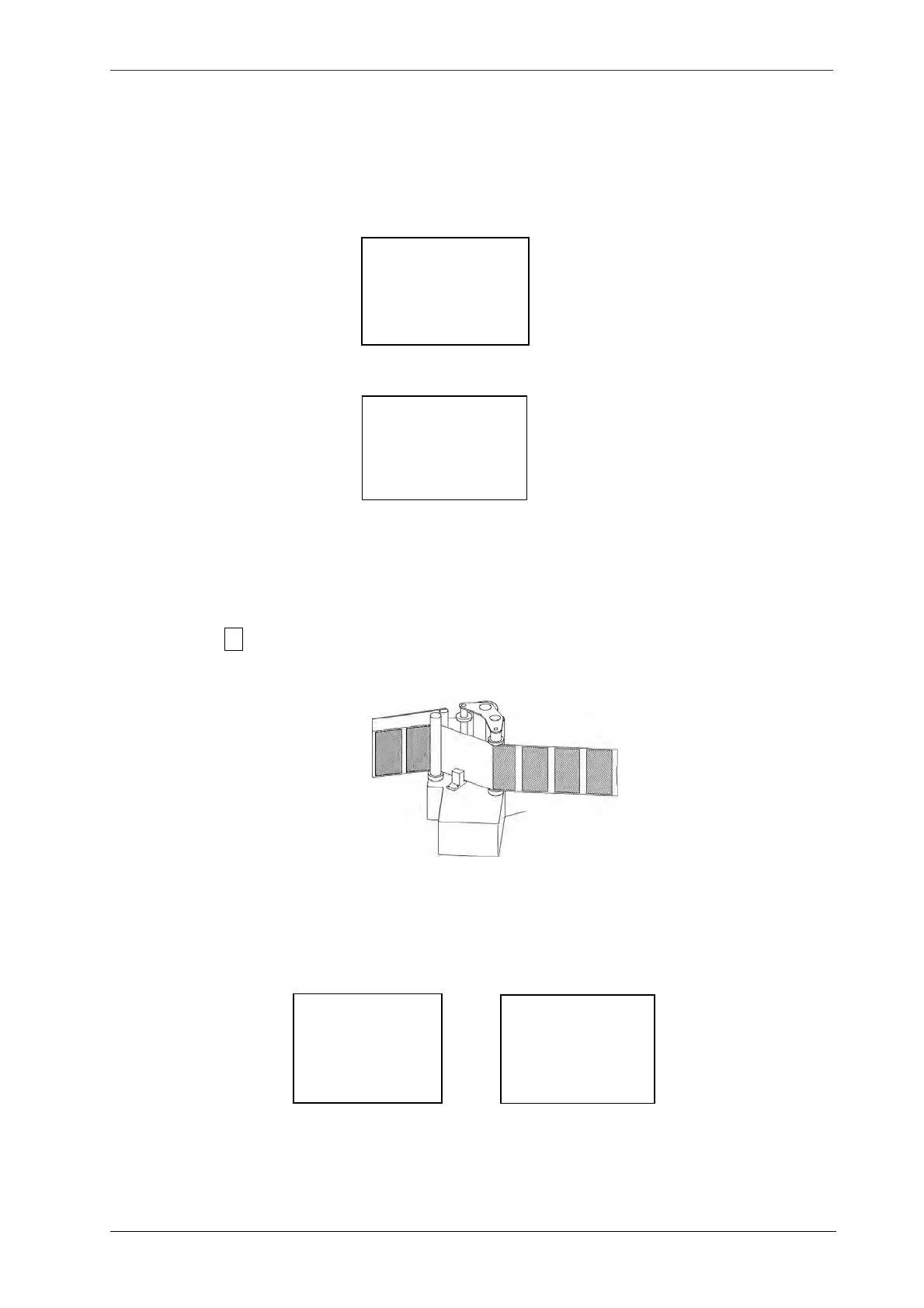
1) Before press F1 key, remove the label inserted into the slot of the label sensor, if the label
obstructs the backing paper (No label on the label sensor, refer to Fig 10.2-1).
2) Next two LCD displays show auto label sensing:
-JOB SELECTION-
F1 AUTO ADJ
F2 CALL MEMORY
F3
CURRENT MEM
Fig.10.2-1
LAB SENSING
AUTO ADJ
F2 SENSITVY
F3 LAB SENS



 To Next Page