CVC TECHNOLOGIES, INC. CVC 400 OPERATION MANUAL
11.8 Label Remaining Quantity Adjustments
a. Used for label quantity control. Enter the number of the labels, the display shows the current
remaining number of the labels, and it may alert the operator with an alarm when the remaining
number of the labels falls below "500" and "200". The machine will stop when label remaining
quality falls to "0".
b. Normally, it is set at "0" when label quantity control is not required.
c. To set a new number of the remaining label:
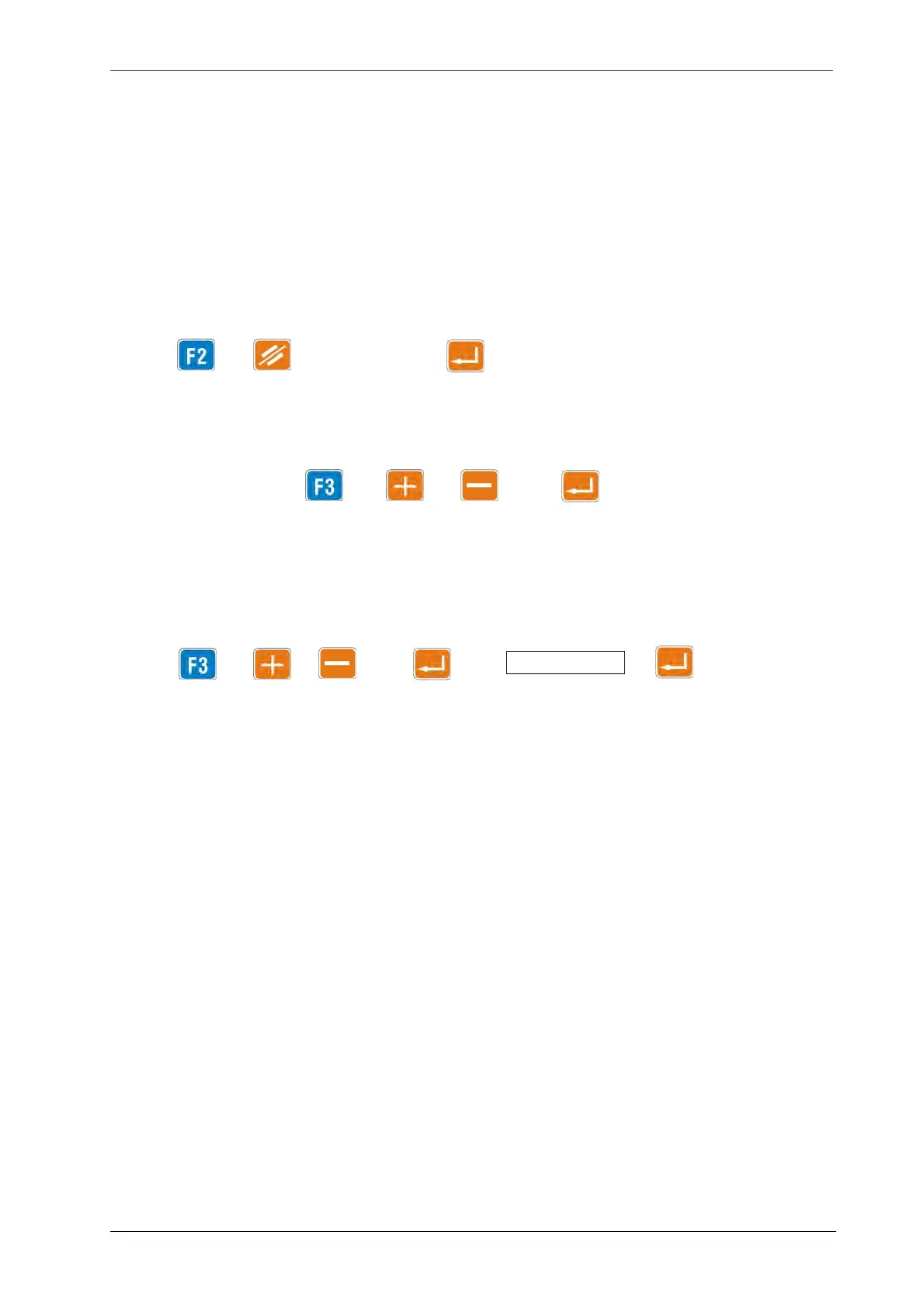
Press →→label quantity →
11.9 Product Speed (PD SPD) Adjustments
a. To change speed: Press → or key → key
b. Parameters in the display shown in the above right figure: F1 - labeling speed, F2 - label extension
and F3 - labeling position will automatically synchronize the machine if the product speed is
changed. Operator modification of these three values are not recommended unless necessary.
c. To set a new speed:
11 - 5
Press → or key → key → memory (job) # → key
11.10 Label Dispense Speed (LAB SPD) Adjustments
This is a label speed which is dispensed from the peel blade. In normal case this parameter will
automatically synchronize SelfSet
TM
system and no adjustment is required unless special case. Only
the following two situations require adjustment:
a. Backing paper does not stretch on the peel blade. This is caused by a bottle moving speed higher
than label dispensing. This situation is easy to neglect. When this problem comes into existence, the
label extension length may become unstable, the backing paper tends to lower and applied labels
are not straight. (Fig 11.10-1)
b. Label dispensed from the peel blade is loose and curved, this is caused by a bottle moving speed
lower than label dispensing, the label tends to wrinkle when applied (Fig 11.10-2). The label
dispensing speed can be decreased to correct this problem.



 To Next Page