CVC TECHNOLOGIES, INC. CVC 400 OPERATION MANUAL
O
Х
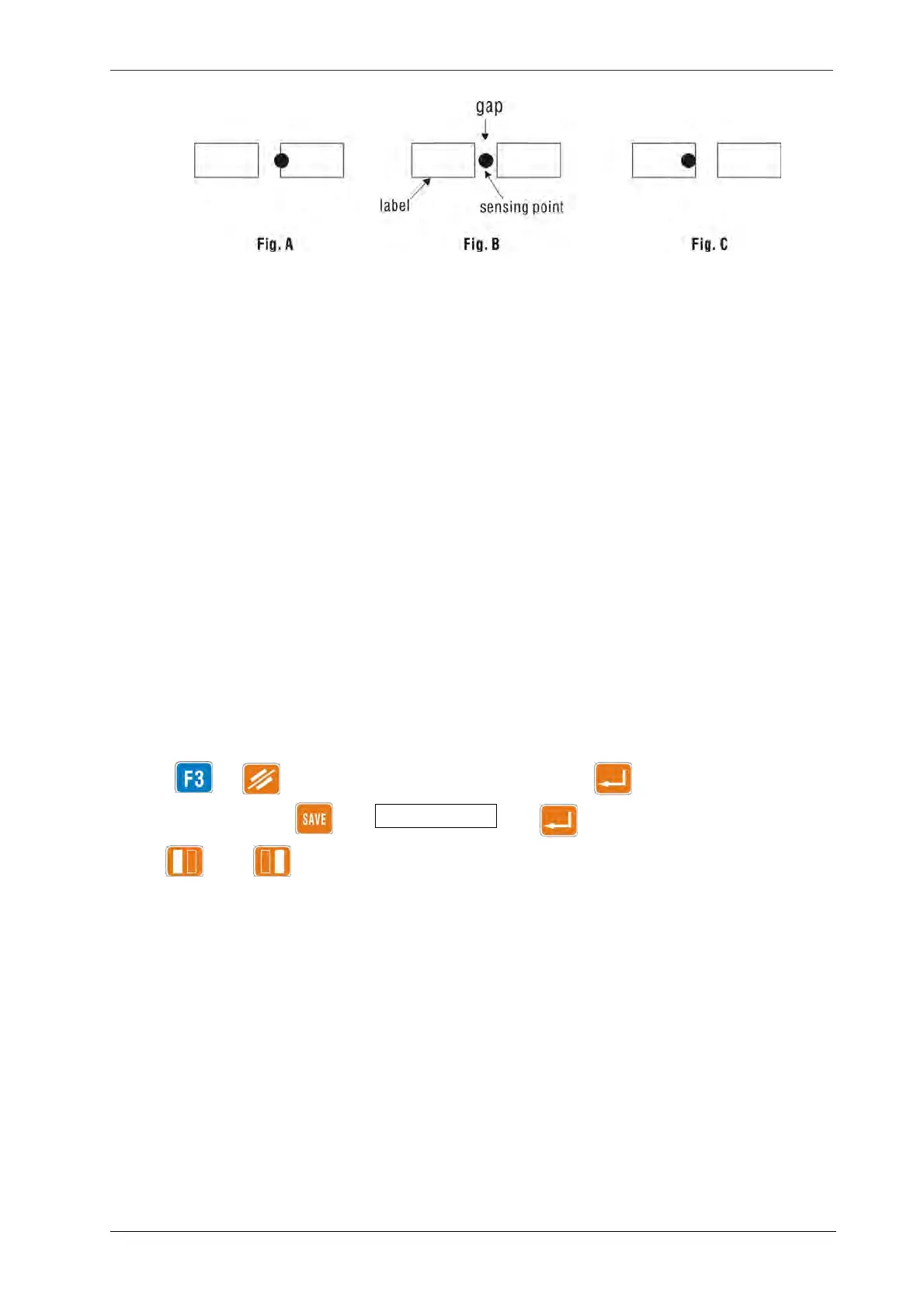
Fig
11.13-1
g. Thinner or clear portions of the label may be mistaken as gaps, causing incomplete label dispensing
(half label is dispensed), the label will be abnormally pulled out by the bottle instead of smooth
dispensing. The reference value F3 LAB SENS should be decreased to correct this problem.
h. Backing paper and label opacity can be manually measured by pressing F2 and placing either the
backing paper or the label in the label sensor slot, values measured this way may not represent the
actual opacity along the whole roll as opacity may fluctuate greatly. Consequently, it is
recommended to have a minimum difference of 30 between the backing paper value and the
reference F3 LAB SENS, as well as between the reference F3 LAB SENS and the minimum value of
the label.
i. For label rolls having small opacity difference between backing paper and label, or when using clear
labels, manual setting may be necessary or even a special sensor may be required to detects label
thickness.
j. Setting procedure:
Press → clear existing valve → enter new value → key
11 - 10
To save into memory: → Memory (Job) # →
Use and to switch between labeling head A and B.



 To Next Page