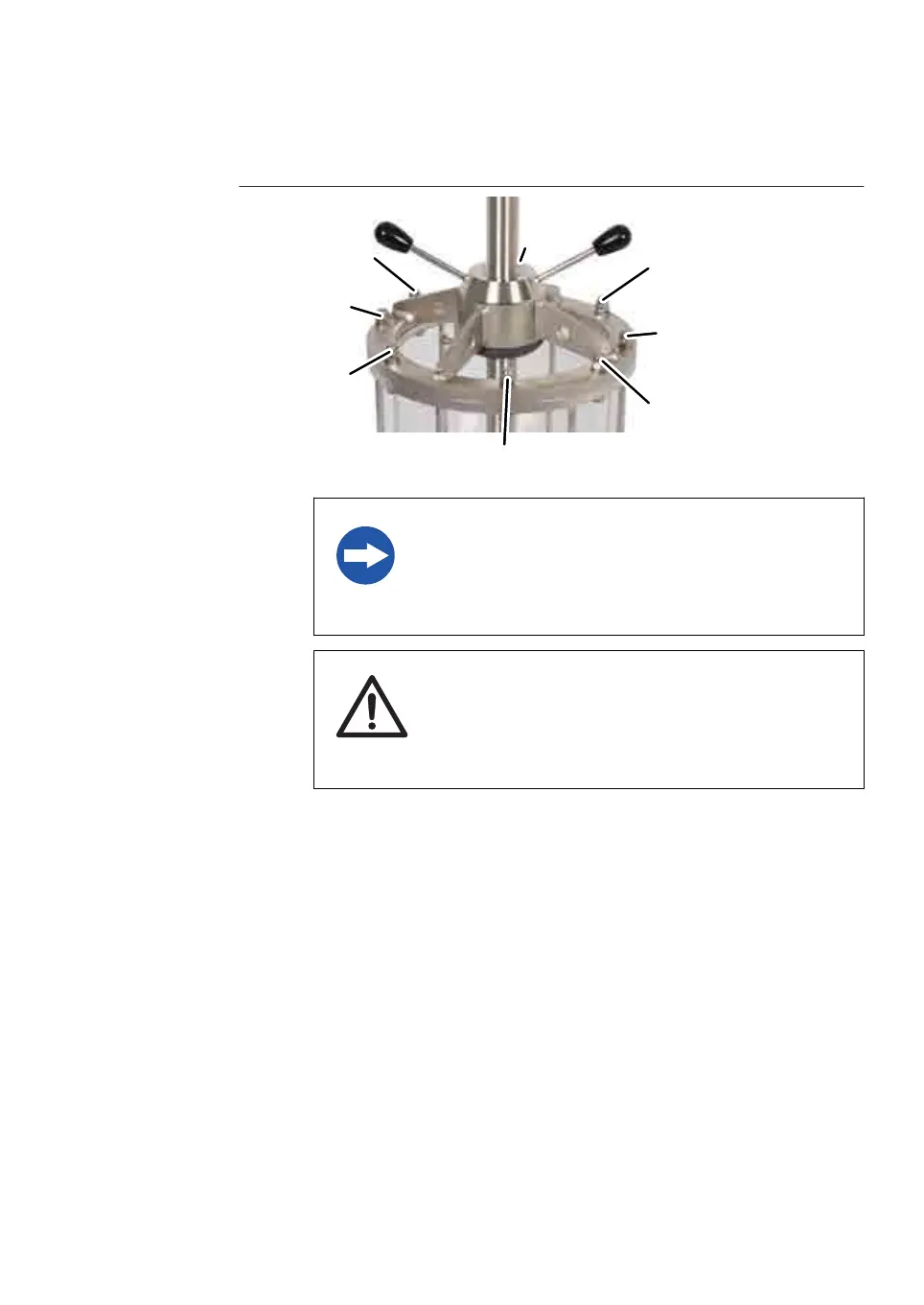
Step Action
NOTICE
D
o not loosen each nut completely in one movement.
Three to four turns per nut is enough to loosen and
remove the nuts.
3
CAUTION
R
emoving the top plate and adapter often causes spill-
ages and splashing. Remove any spillage on the floor
immediately to minimize the risk for slipping accidents.
Loosen the adapter top plate and lift out the adapter. Remove the adapter
w
ithout letting the stainless steel touch the glass.
6 Maintenance
6
.2 Replacements of nets and O-rings
6.2.1 Replacements in the adapter
BPG Columns Operating Instructions 29193223 AB 83











 To Next Page