35D-Link DWR-961 User Manual
Section 3 - Conguration
IPv6
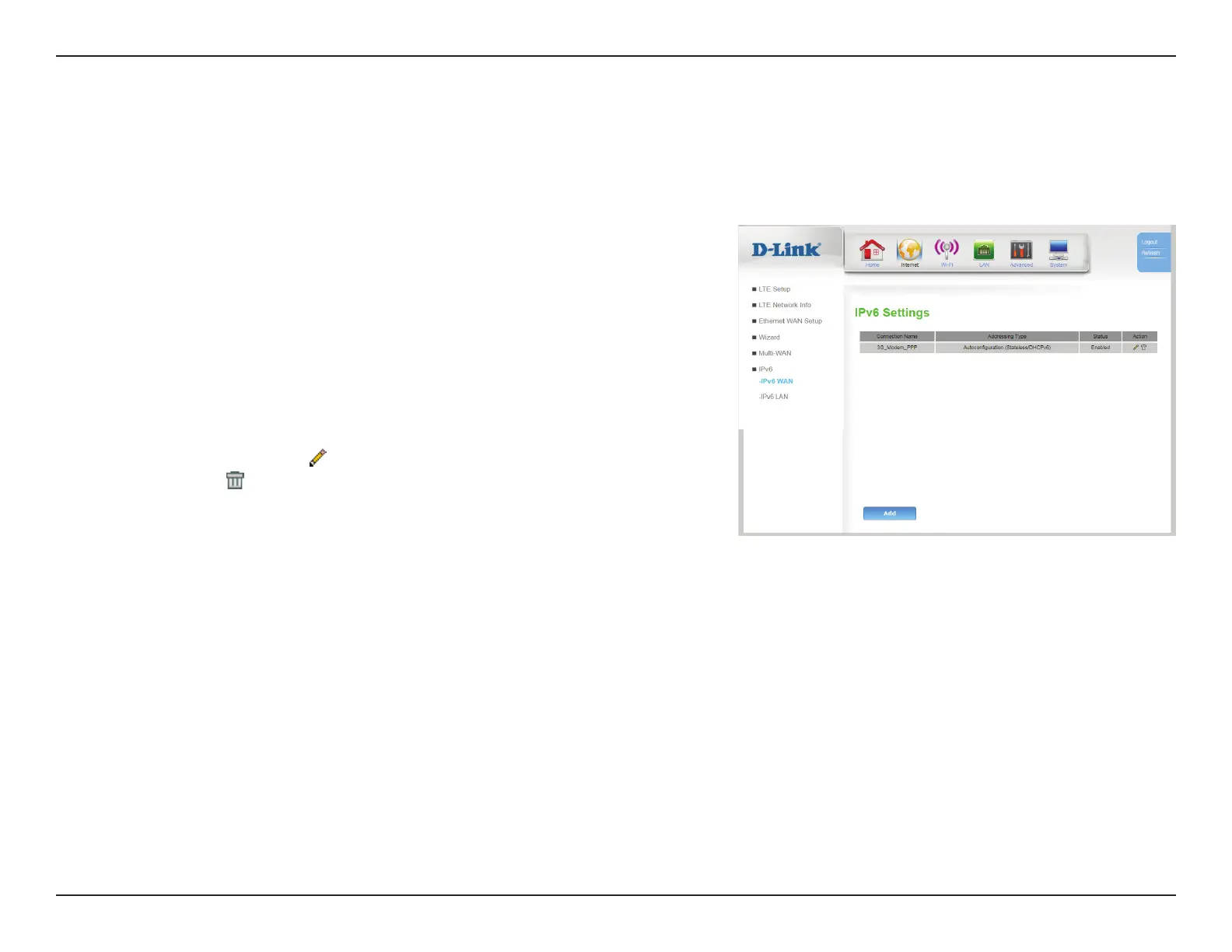
IPv6 WAN
WAN IPv6 Address Settings
Connection
Name:
Indicates the name of the interface being used by the IPv6 WAN
connection.
Addressing
Type:
Indicates which addressing type is used by the connection.
Status: Indicates whether the connection is Enabled or Disabled.
Action: Click the pencil (
) icon to edit the connection, click the trash can
icon ( ) to delete the connection.
Click Add to add a new connection, described on the following page.









 To Next Page