What Are You Looking For?
Find
It Here
®
•
How
to
use
W
i
ndows
XP and
W
i
ndows
Vista
•
How
to
work
with
programs and
files
•
How
to
personalize my
desktop
•
Information
on network activity, the Power
Management
Wizard,
hotkeys, and other items controlled by
Dell
Windows Help and Support
Center
1
Click Start or →Help and
Support
.
2
Type a word
or
phrase
that
descr
i
bes
your problem
and
click
the
arrow
icon.
3
Click the topic that
describes your
problem.
4
Follow
the
instructions on
the
scr
e
en.
Dell QuickSet
Help
To
v
i
e
w
Dell QuickSet Help, right-click the Quickset
QuickSet.
icon in the Microsoft
®
Windows
taskbar.
For
more
information on Dell
QuickSet,
see
"Dell™
QuickSet"
on
page
129.
•
How
to
reinstall my operating
system
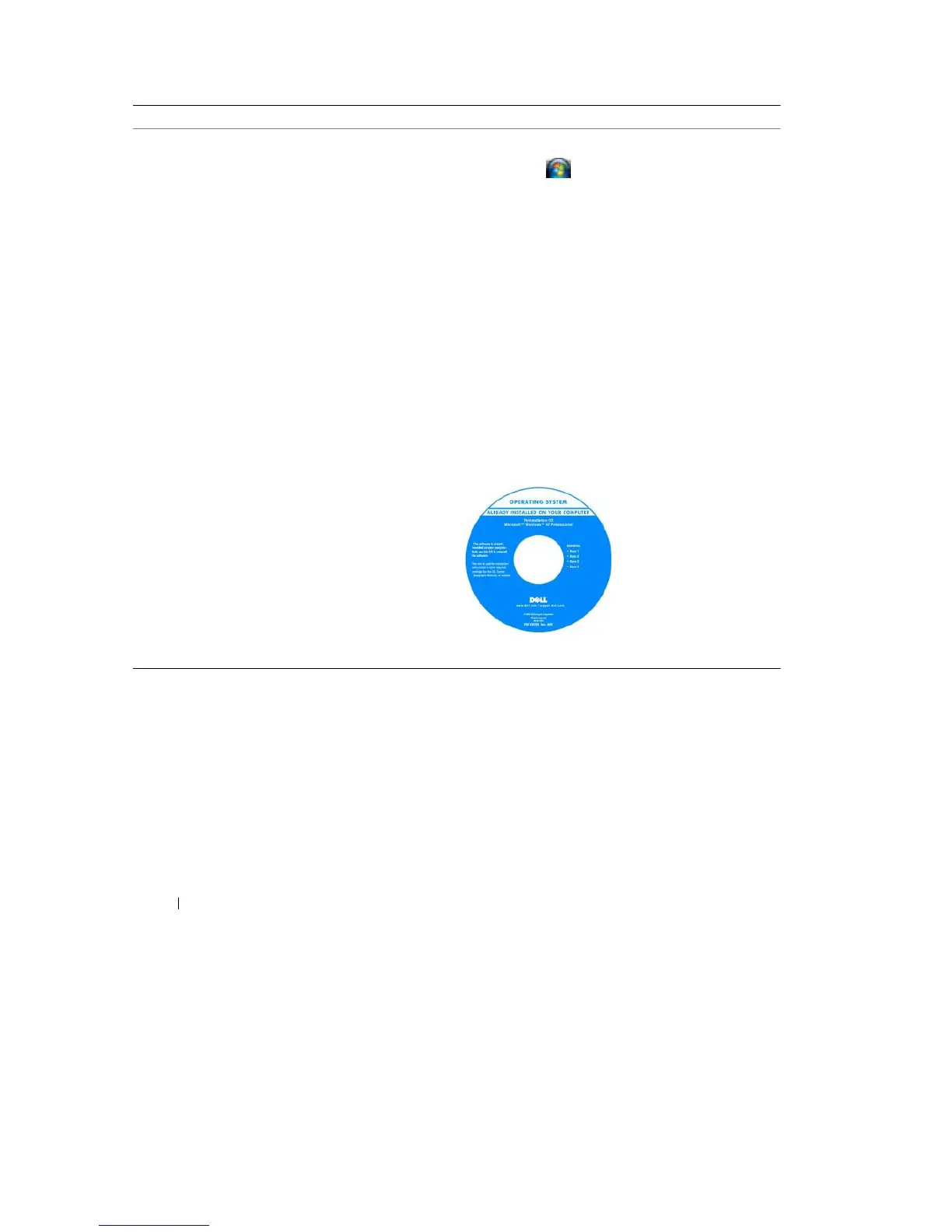
Operating System CD
NOTE:
The Operating System CD
may be optional and
may
not ship with your computer
.
The operating system is already installed on your
computer
.
To reinstall your operating system, use the Operating
System
CD (see "Reinstalling Windows" on page
104).
After you reinstall your
operating system, use
the
Drivers and
Utilities CD
to
reinstall drivers for
the
devices that came
with
your
computer
.
Your operating
system
product
key
label is
located
on your
computer
.
NOTE:
The color of your CD
varies based on the operating system you
ordered.
14
Finding
Information










 To Next Page