U S B
C O N N E C T O R S
Connect USB devices, such as a mouse, keyboard, or
printer
.
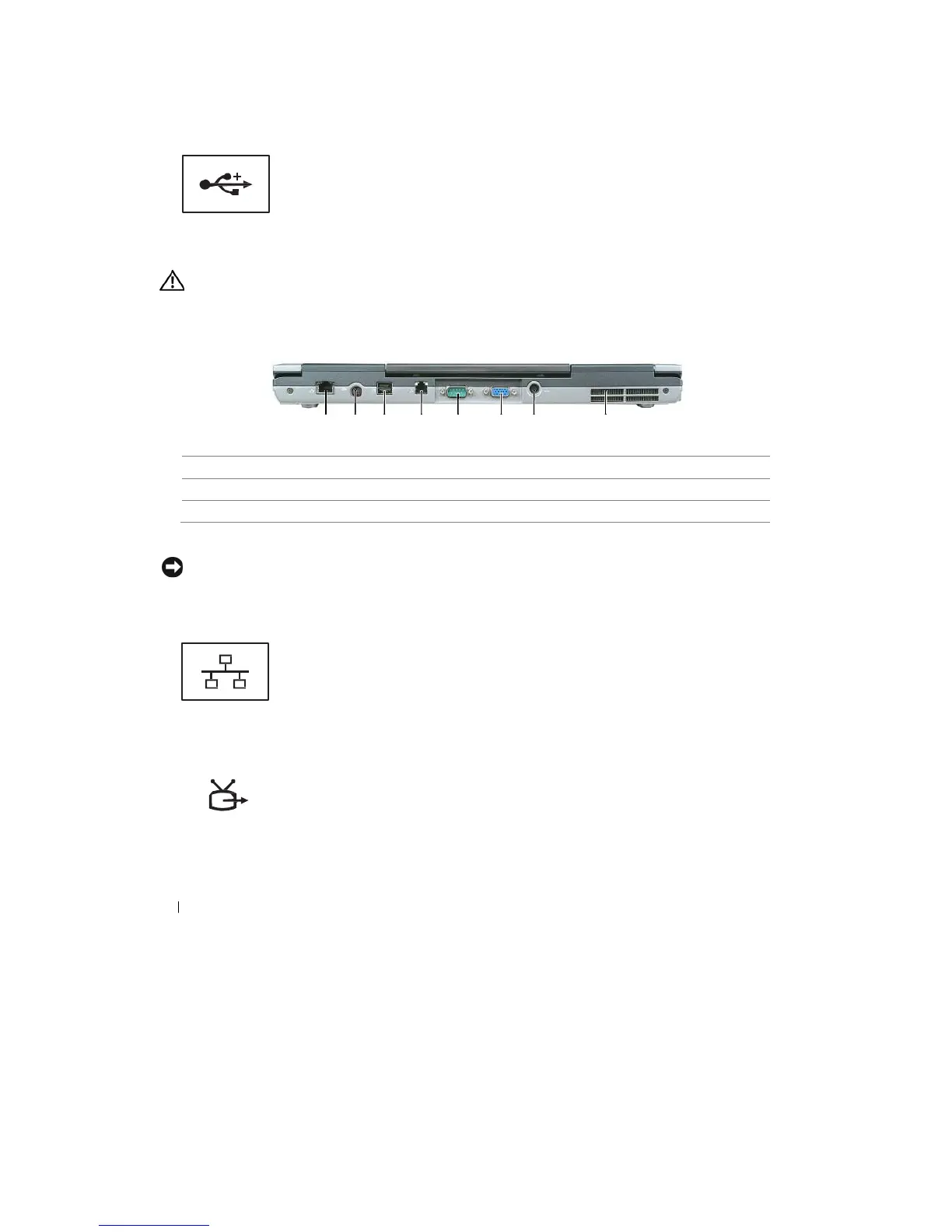
Back View
CAUTION:
Do not block, push objects into, or
allow
dust to accumulate
in
the
air
vents. Do
not store your
computer
in a low-airflow
environment, such as
a
closed briefcase,
while it is
running. Restricting the
airflow
can
damage the computer or cause
a fire.
1
2
3
4
5
6
7
8
1
N E T W O R K
C O N N E C T O R
( RJ - 4 5 )
NOTICE:
The
network connector
is slightly larger
than the modem connector. To avoid damaging the computer,
do not
plug
a
telephone
line into
the network
connector.
Connects the computer to a network. The two lights next
to
the connector indicate status and activity for wired
network
co
nnecti
ons.
For information on using the network adapter, see the device
user’s guide supplied with your computer (see
"Connecting
a
Network or Broadband Modem Cable" on page
49).
S -
V I D E O
T V
-
O U T
C O N N E C T O R
Connects your computer to a TV.
Also
connects digital audio-capable devices
using the TV/digital audio adapter c
able.
22
About Your
Computer










 To Next Page