Using
Multimedia
Playing CDs or
DVDs
NOTICE:
Do not press down on the CD or DVD tray when you open or close it. Keep the tray closed when you
are
not using the
drive.
NOTICE:
Do not move the computer while playing CDs or
DVDs.
1 Press
the
eject
button
on
the front of the drive.
2 Pull
out the tray.
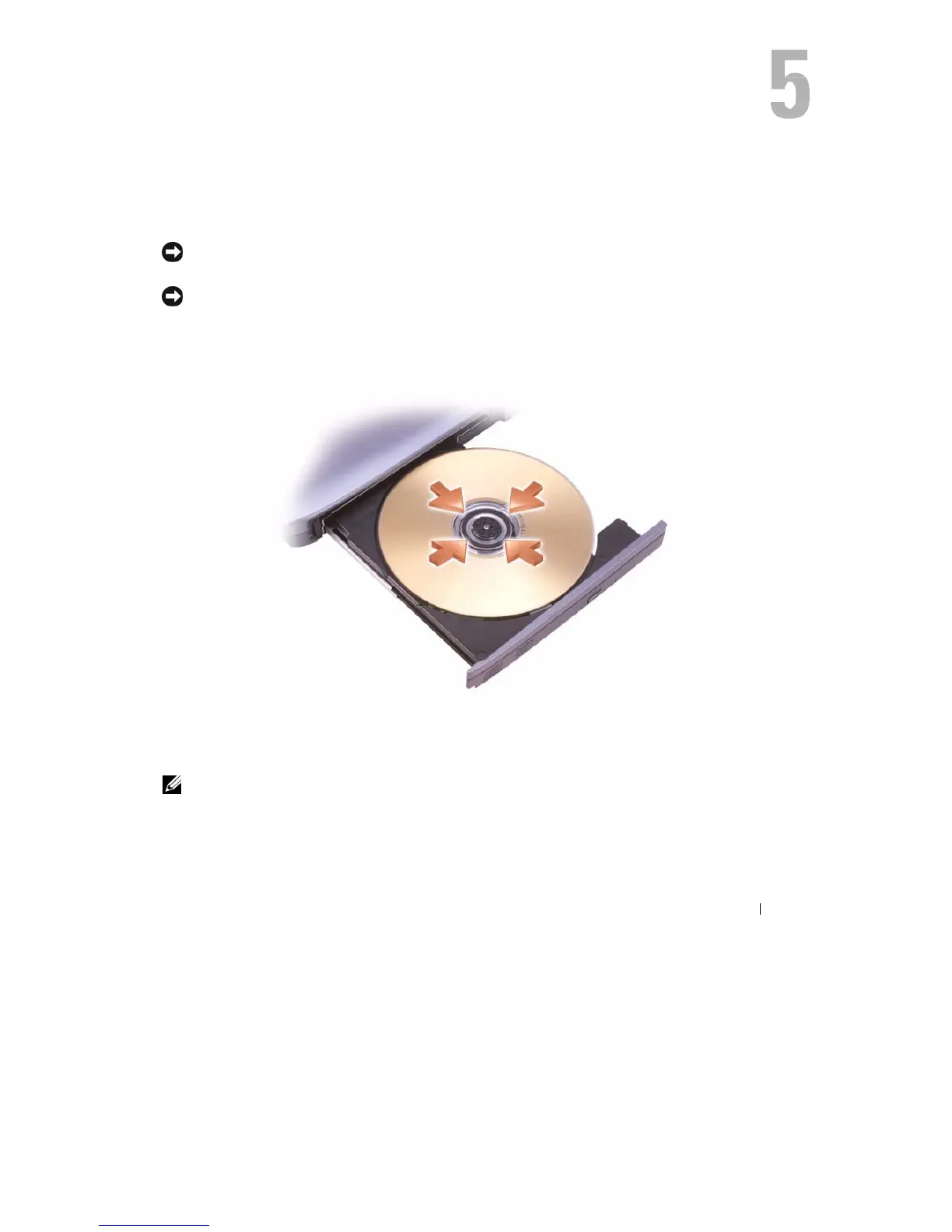
3 Place
the
disc, label side up,
in the
center
of the
tray and snap
the
disc onto
the spindle.
NOTE:
If
you use
a
module that shipped with another computer, you need to install the drivers and
software
necessary to play DVDs or write data. For more information, see the Drivers and Utilities
CD (the Drivers
and
Utilities CD
is optional and may not be available for your computer or in certain
countries).
Using
Mu
ltimedia
41










 To Next Page