EasyManua.ls Logo

Dell PP04X - Installing a Smart Card; Passwords

Dell PP04X
161 pages
Print Icon
To Next Page IconTo Next Page
To Previous Page IconTo Previous Page
Loading...
Installing a Smart
Card
You can
install
a smart card
in the
computer while
the
computer is running.
The
computer
automatically
detects
the card.
To install
a smart
card:
1
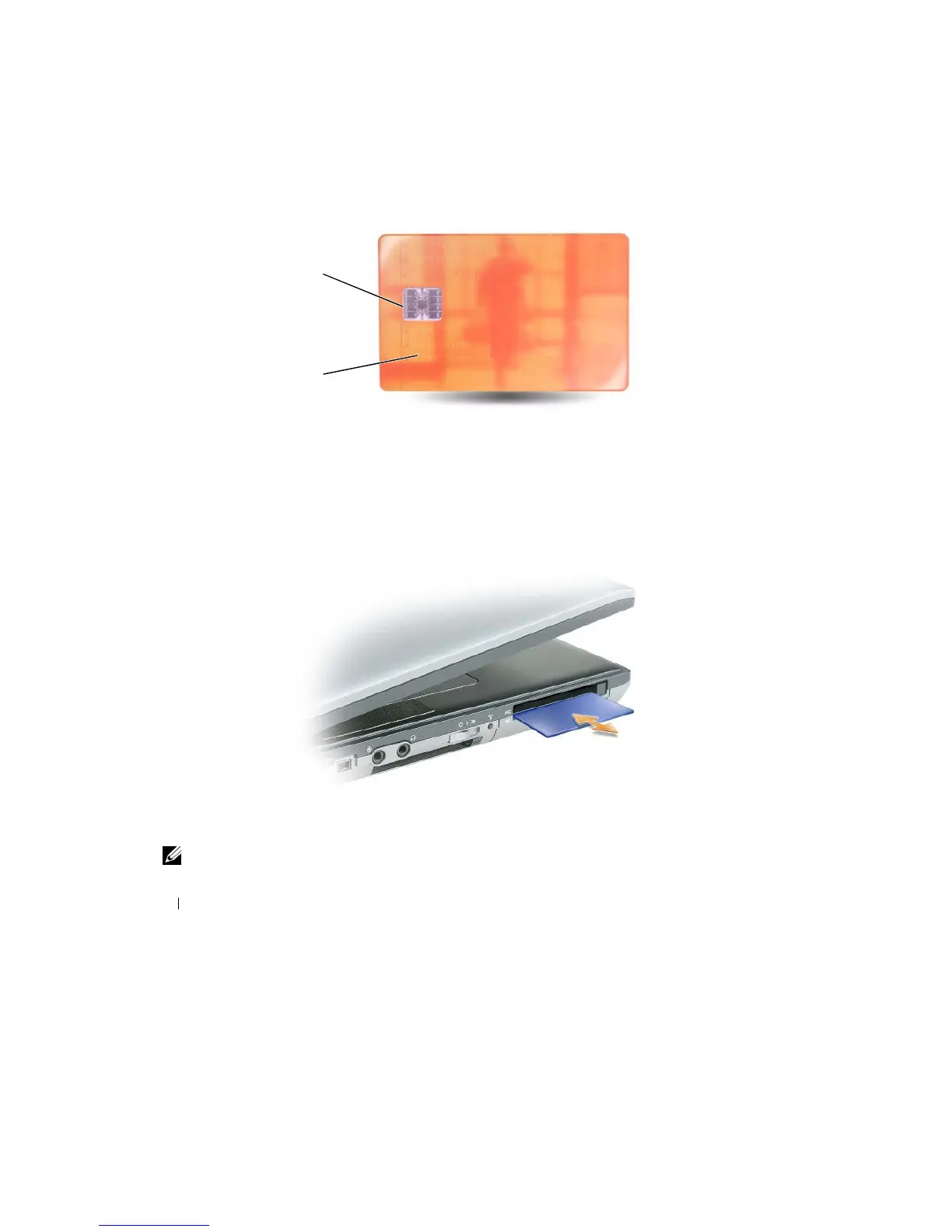
Hold the
card so
that the
gold contact pad is facing upward and pointing toward
the
smart card
slot.
1
2
1
gold contact pad
2
smart card
(top)
2 Slide
the
smart card
into the
smart card slot
until
the card is completely seated
in its
connector.
The
smart card protrudes approximately .5
inch from the
slot. The smart card slot is located below
the PC
Card
slot.
If
you encounter
too
much resistance, do
not
force
the
card. Check
the
card orientation and
try again.
Passwords
NOTE:
Passwords are disabled when you receive your computer
.
64
Securing Your
C
o
mputer

Table of Contents

Related product manuals