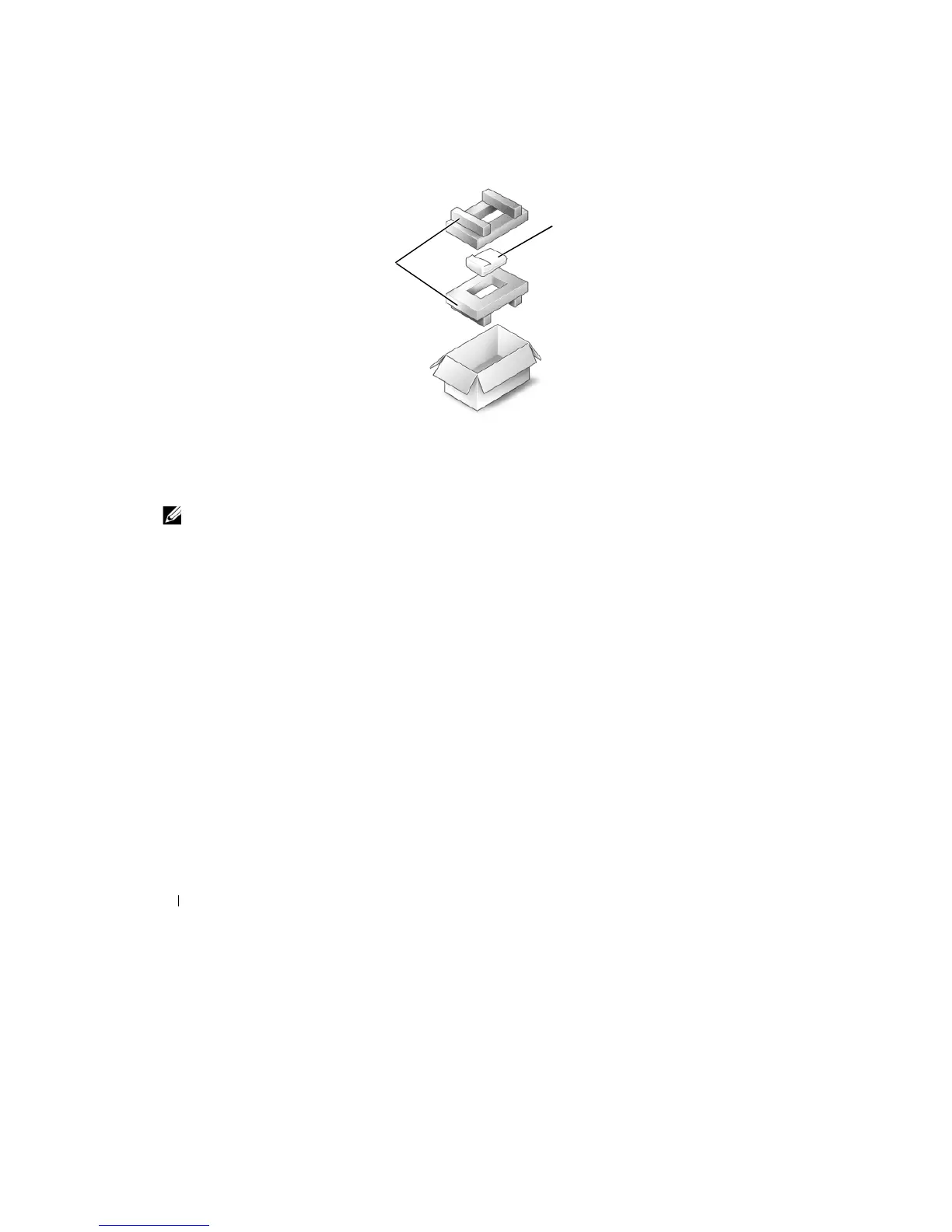
Returning a Hard Drive to
Dell
Return your
old
hard drive
to Dell in its
original
or
comparable foam packaging. Otherwise,
the hard
drive may be damaged
in transit.
2
1
Media
Bay
1
foam
packaging
2
hard
drive
NOTE:
If
the device security screw is not present, you can remove and install devices while the computer
is
running and connected to
a
docking device
(docked).
Removing the Device Security
Screw
If
present, you must remove
the
device security screw before you remove
the device:
1 Save and close any open files,
e
x
it
any open programs, and shut down
the computer.
2
If the
computer is connected
to
a docking device (docked), undock
it.
See
the
documentation
that
came
with
your docking device
for instructions.
3 Close
the
display and
turn the
computer
upside-down.
4 Use a
#1
Phillips
screwdriver
to
remove
the
device security screw
from the bottom of the computer.
110
Adding and Replacing
Parts










 To Next Page