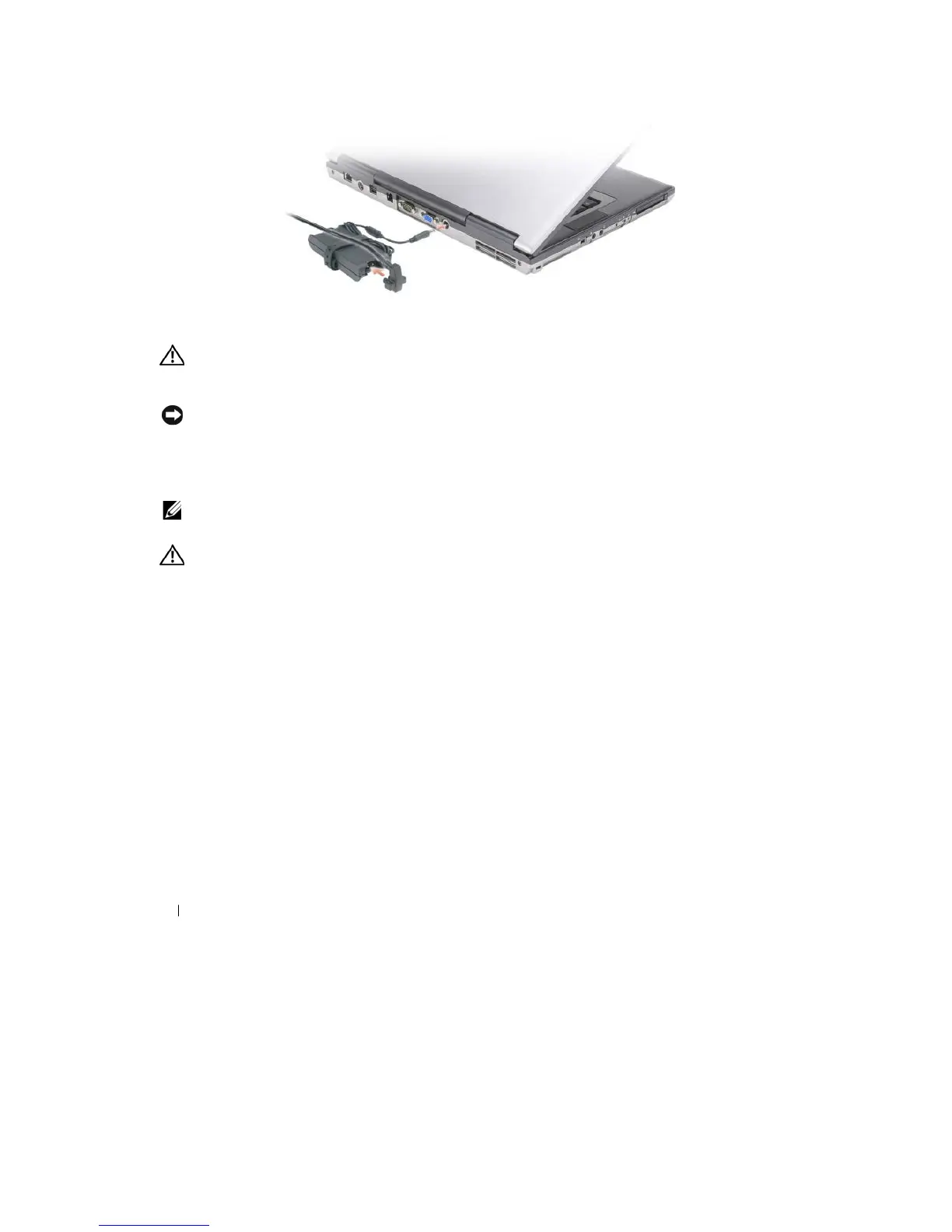
The AC adapter converts AC power to the DC power required by the computer. You can connect the AC
adapter
with your computer turned either on or off.
CAUTION:
The AC adapter works
with electrical
outlets worldwide. However, power connectors and power
strips
vary among countries. Using an incompatible cable or improperly connecting the cable to the power
strip
or electrical
outlet may cause
fire
or equipment
damage.
NOTICE:
When you disconnect the
AC adapter cable from the computer, grasp the connector, not the cable itself,
and
pull firmly but gently to avoid damaging the cable. When you wrap the AC adapter cable, ensure that you follow
the
angle of the connector on the AC adapter to avoid damaging the
cable.
A IR
V E N T S
— The computer uses an internal fan to create airflow through the vents, which prevents the
computer
from
over
heating.
NOTE:
The computer turns on the fan when the computer gets hot. Fan noise is normal and does not indicate
a
problem with the fan or the computer
.
CAUTION:
Do not block, push objects into, or
allow
dust to accumulate
in
the
air
vents. Do
not store your
computer
in a low-airflow
environment, such as
a
closed briefcase,
while it is
running. Restricting the
airflow
can
damage the computer or cause
a fire.
24
About Your
Computer










 To Next Page