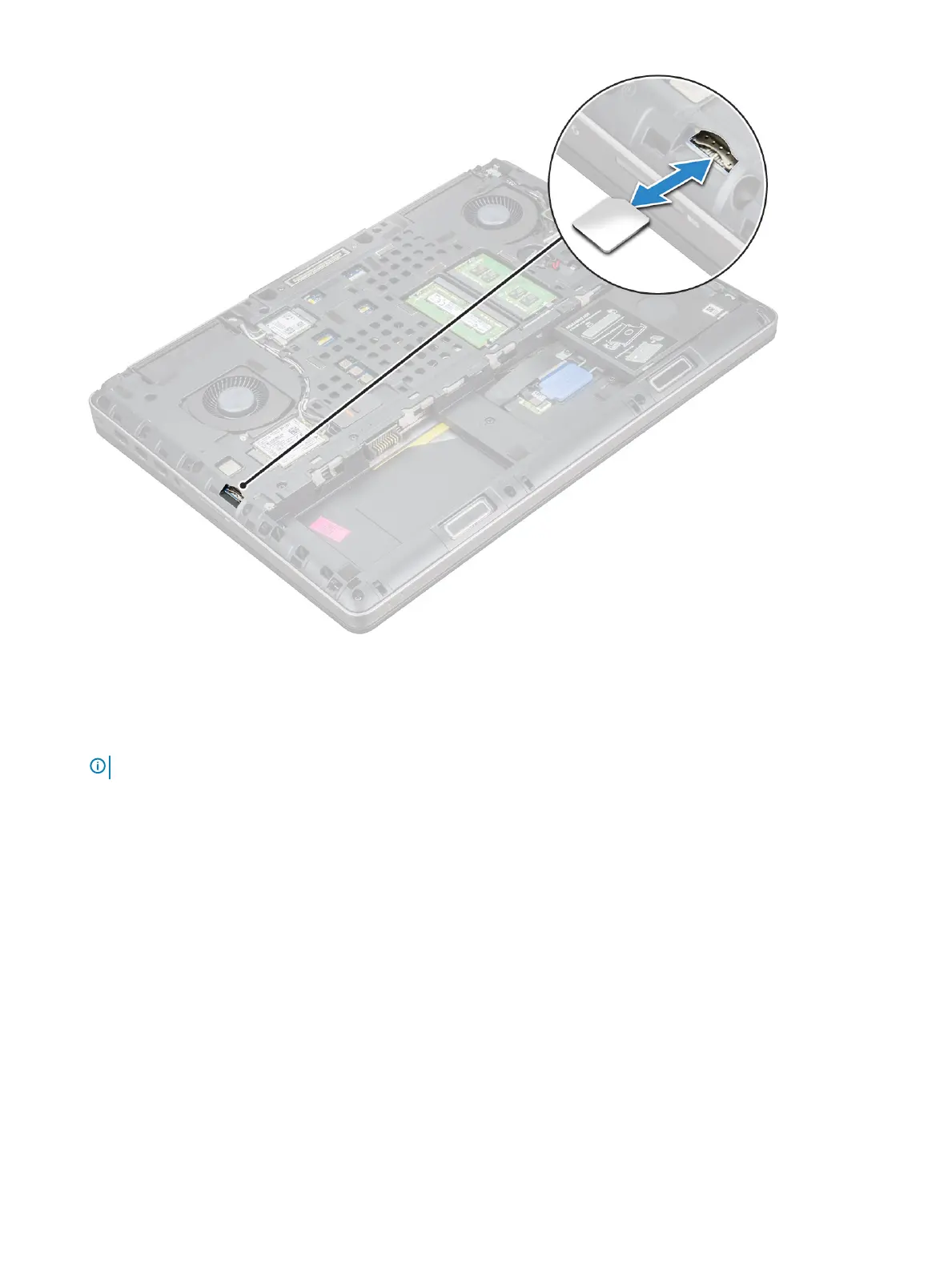
Installing the SIM card
1 Slide in the SIM Card into its compartment and press until its fully engaged with a click sound.
NOTE
: During installation or removal of the SIM card, always ensure all data is backed up properly.
2 Install the:
a base cover
b battery
c battery cover
3 Follow the procedure in After working inside your computer.
Memory modules
Removing the primary memory module
1 Follow the procedure in Before working inside your computer.
2 Remove the:
a battery cover
b battery
c base cover
3 To remove primary memory module:
Disassembly and reassembly
17















 To Next Page