Disassembly and reassembly
Recommended tools
The procedures in this document require the following tools:
• Phillips #0 screwdriver
• Phillips #1 screwdriver
• Plastic scribe
NOTE: The #0 screw driver is for screws 0-1 and the #1 screw driver is for screws 2-4
SD card
Removing SD card
1 Follow the procedure in Before working inside your computer.
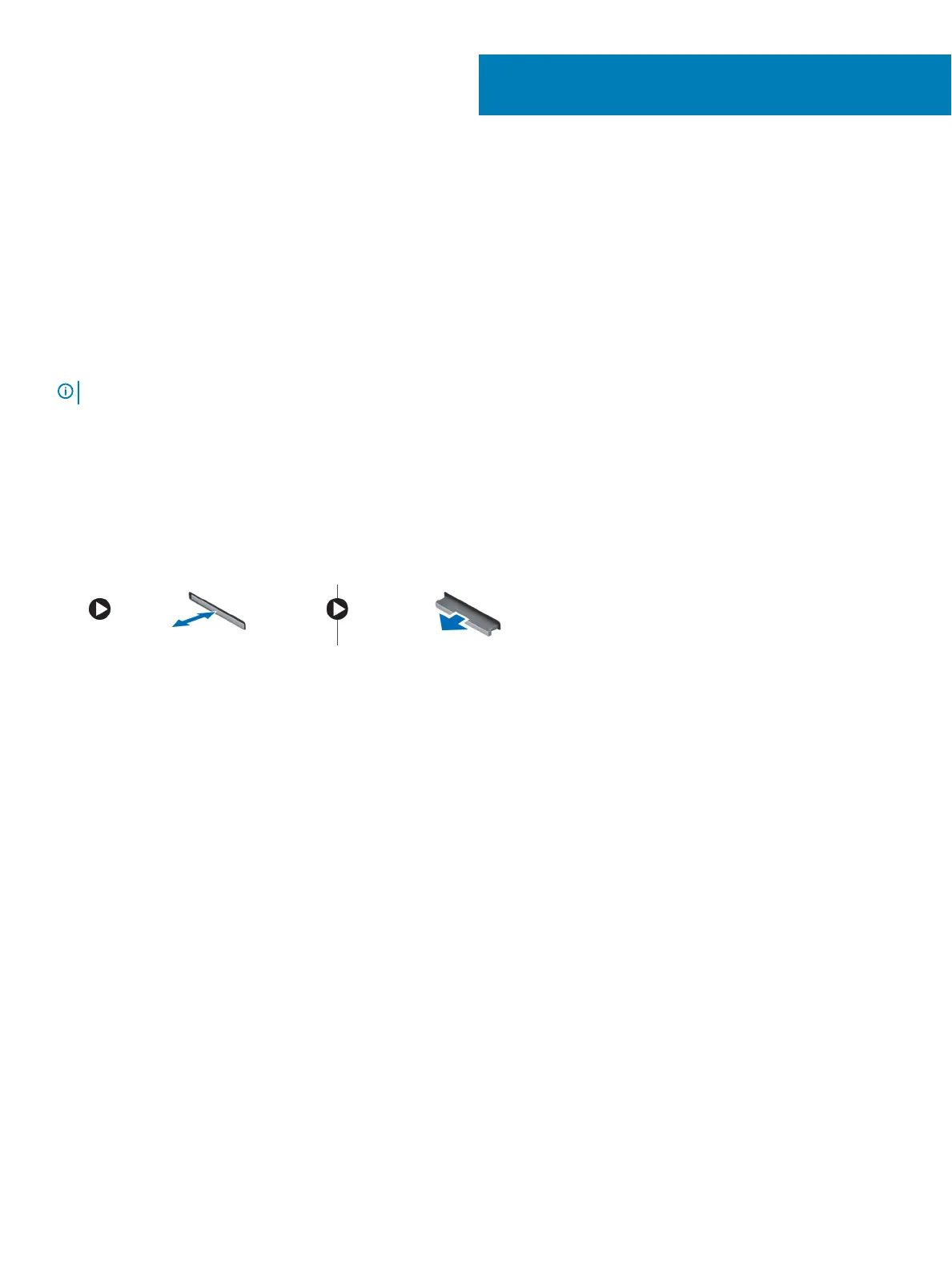
2 Press in on the SD card to release it from the computer.
3 Remove the SD card from the computer.
Installing SD card
1 Slide the SD card into its slot until it clicks into place.
2 Follow the procedure in After working inside your computer.
Battery cover
Removing the battery cover
1 Follow the procedure in Before working inside your computer.
2 To remove the battery cover:
a Slide the release latch towards the unlock icon to release the battery cover [1].
b Slide and lift the battery cover to remove it from the computer [2].
2
Disassembly and reassembly 9















 To Next Page