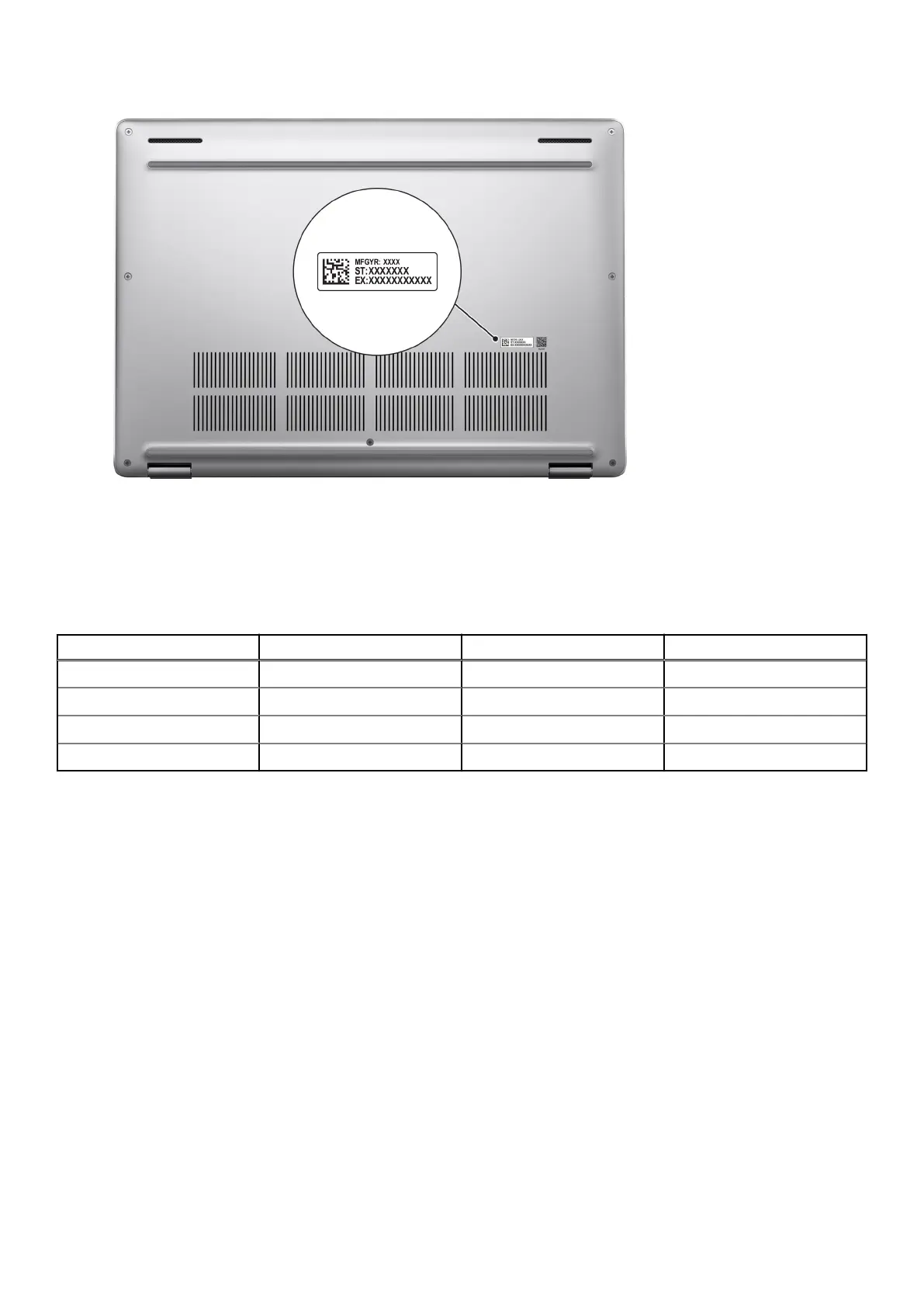
Battery-charge status light
The following table lists the battery-charge status light of your Dell Pro 16 Plus.
Table 1.
Battery charge and status light behavior
Power source LED behavior System power state Battery charge level
AC adapter Off S0 or S5 Fully charged
AC adapter Solid white S0 or S5 < Fully charged
Battery Off S0 or S5 11-100%
Battery Solid amber (590+/-3 nm) S0 or S5 < 10%
● S0 (ON): Computer is turned on.
● S4 (Hibernate): The computer consumes the least power in the Hibernate state than in the ON or OFF state. The computer
is almost in the OFF state. The context data is written to a storage device, allowing you to resume from where you left when
the computer is turned on.
● S5 (OFF): The computer is in a shutdown state.
Views of Dell Pro 16 Plus
11











 To Next Page