GAVIN-8C Instruction Manual
- 31 -
Airplane Gyro
1/8
1. Mode Switch
2.Yaw Gain
3.Roll Gain
4.Pitch Gain
5.Mounting:
Face Up
Programmable items include: Mode Switch, Roll Gain, Pitch Gain, Yaw Gain,
Offset on Roll Axis, Offset on Pitch Axis, Mounting, and Wing.
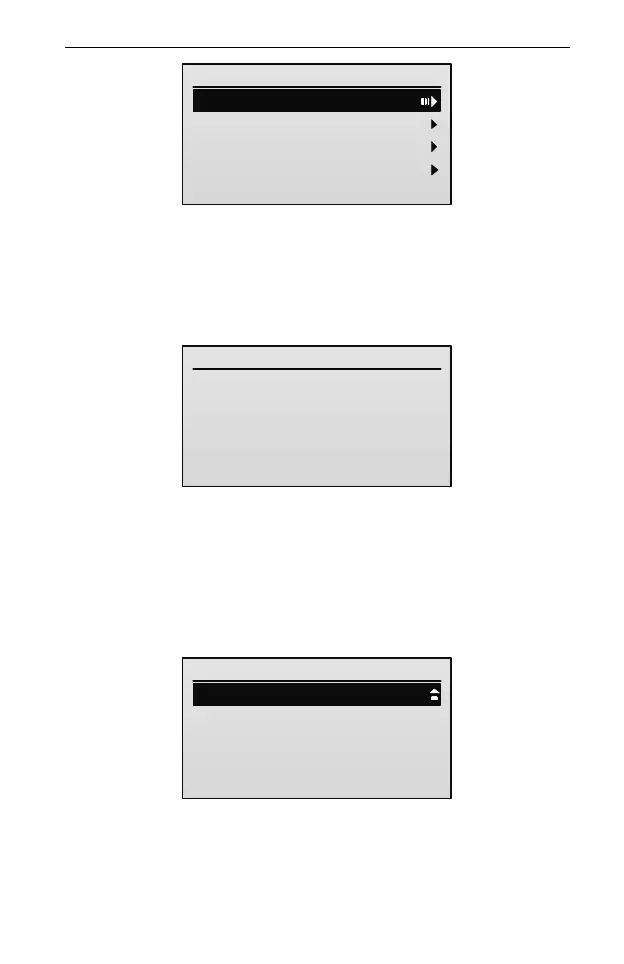
If the receiver is disconnected or powered off, the transmitter cannot enter the
Airplane Gyro setting interface and will enter the following interface.
Connect Exception
Unable To
Connect the Receiver
3. Assign the desired flight mode to the mode switch.
(1) In the Airplane Gyro menu, press UP or DOWN key to select Mode Switch,
and then press ENT key to enter the setting interface.
If a 3-position switch is assigned to AUX1 channel, the interface is shown as
below.
Mode Switch(SD)
1/3
1. Position-1:
2.Position-2:
3.Position-3:
Gyro Off
Auto-Recovery
Normal
If a 2-position switch is assigned to AUX1 channel, take SF switch as an
example, the interface is shown as below.



 To Next Page