User Manual DEV 2194
38 Copyright DEV Systemtechnik GmbH 2013-2017
Note:
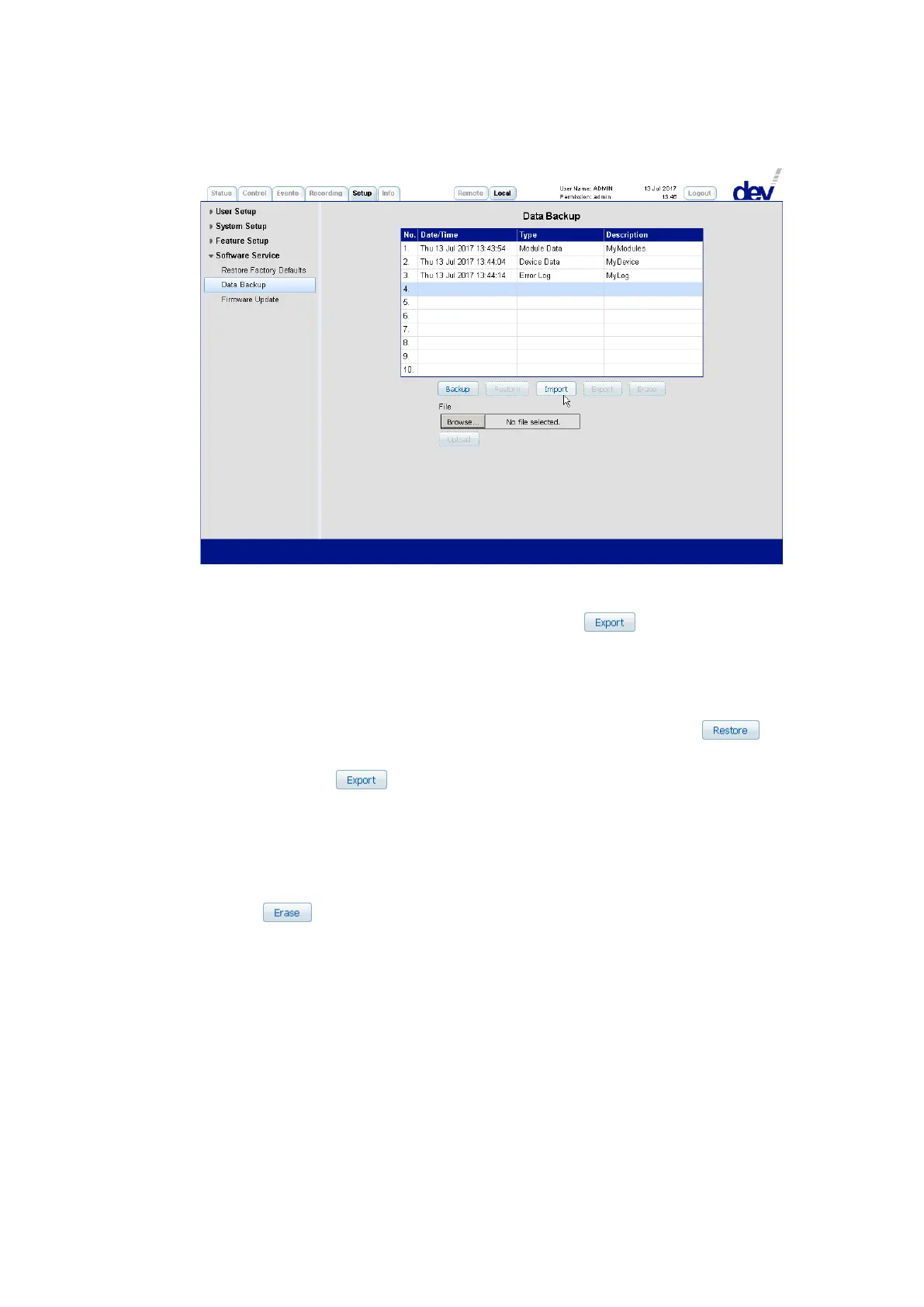
Precondition for the import is a valid backup set containing "Module Data" or
"Device Data", which was generated before via the button (see below),
or which was provided by DEV Systemtechnik.
It is always possible to import a valid backup set containing "Module Data" or
"Device Data" to a selected slot. The information, which is possibly stored in
that slot, is overwritten without any confirmation!
If the imported backup set is to be applied to the device, the button is
to be operated after the import.
After operating the button a browser specific window pops up and suggests
the storage of the data as "backup_slot_xx" (with "xx" being the number of the slot (i.e.
the line number 01…10 of the table) to be exported). If a backup set contains
"Module Data" or "Device Data", this data is stored in an encoded binary format.
The export of an "Error Log" backup set is stored in text format similar to the
appearance in the Events Tab (chapter 5.4.5).
With the button, the content of the selected slot is deleted without any
confirmation!



 To Next Page