Display indications
4
4-6 ineo 164
4.2
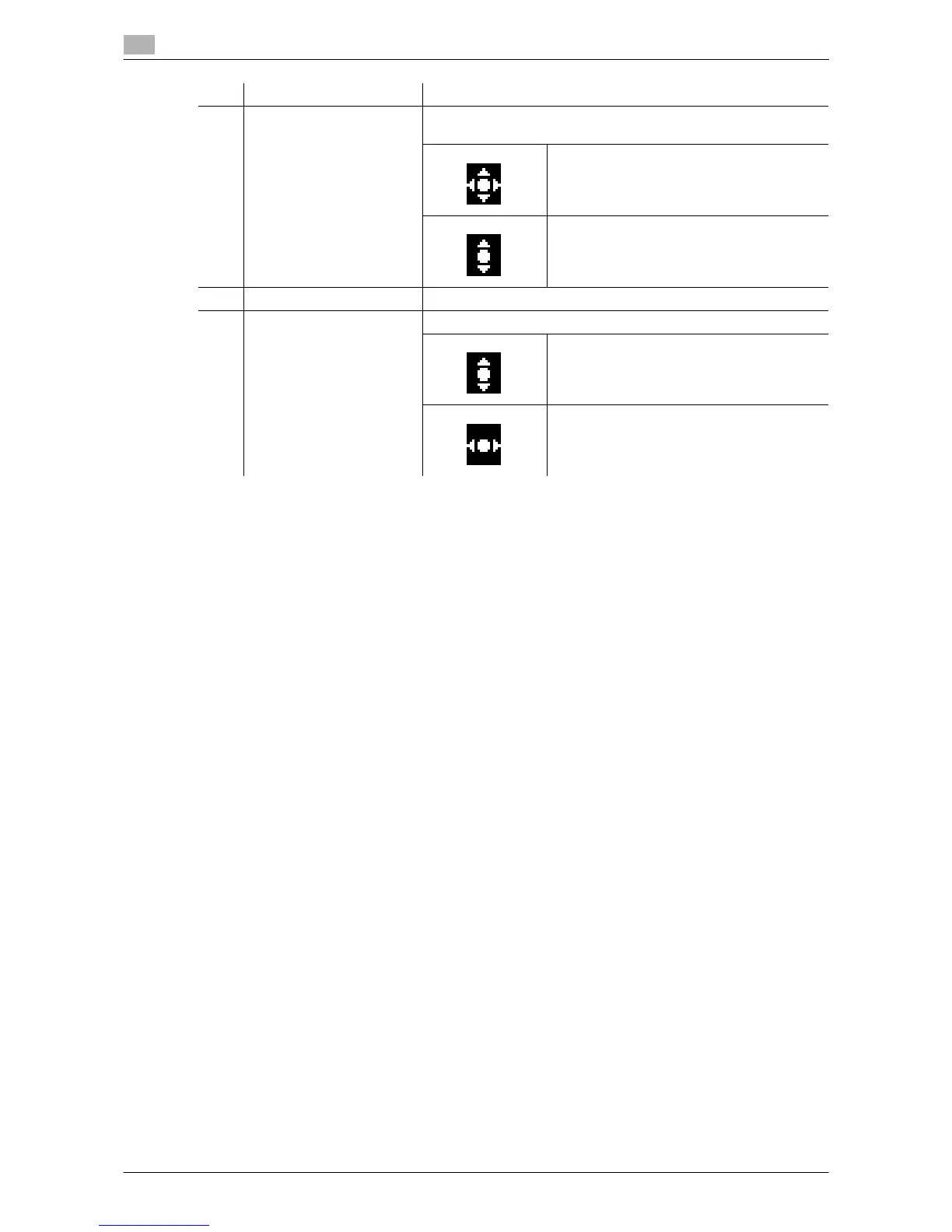
9 Cursor Displays the key that can be used to set the number of copies to
be made.
Press the + , , , * , or ) key to specify the
number of copies.
Press the + or , key to specify the number
of copies.
10 Menu or function Displays the menu, function or setting.
11 Cursor Display the key that is used to selector specify the settings.
Press the + or , key to select a menu and
change the settings.
Press the * or ) key to change the settings.
No. Display indication Description











 To Next Page