Page 24 of 87 DGH 55B-INS-OMENG Rev: 3
9. Power Modes
During use, the Pachmate 2 is designed to automatically enter power-saving modes to conserve
battery life. The user should be familiar with all modes before using the device.
9.1 Measurement Mode
Measurement Mode is when the device is at full power. In Measurement Mode the device is
energizing the probe. When the probe is properly applanated (See section 4.4) to the cornea in
Measurement Mode, the unit will detect contact and automatically take a measurement.
Measurement Mode can take either Continuous Averaging measurements or Mapping
measurements.
• When Measurement Mode is set to Continuous
Averaging, the device will display:
• When Measurement Mode is set to Mapping, the
device will display:
9.2 Standby Mode
This is when the device is not energizing the probe. The unit automatically goes into
Standby Mode if there has been no attempt at measurement for one minute. The device will not
be able to detect corneal contact in Standby Mode.
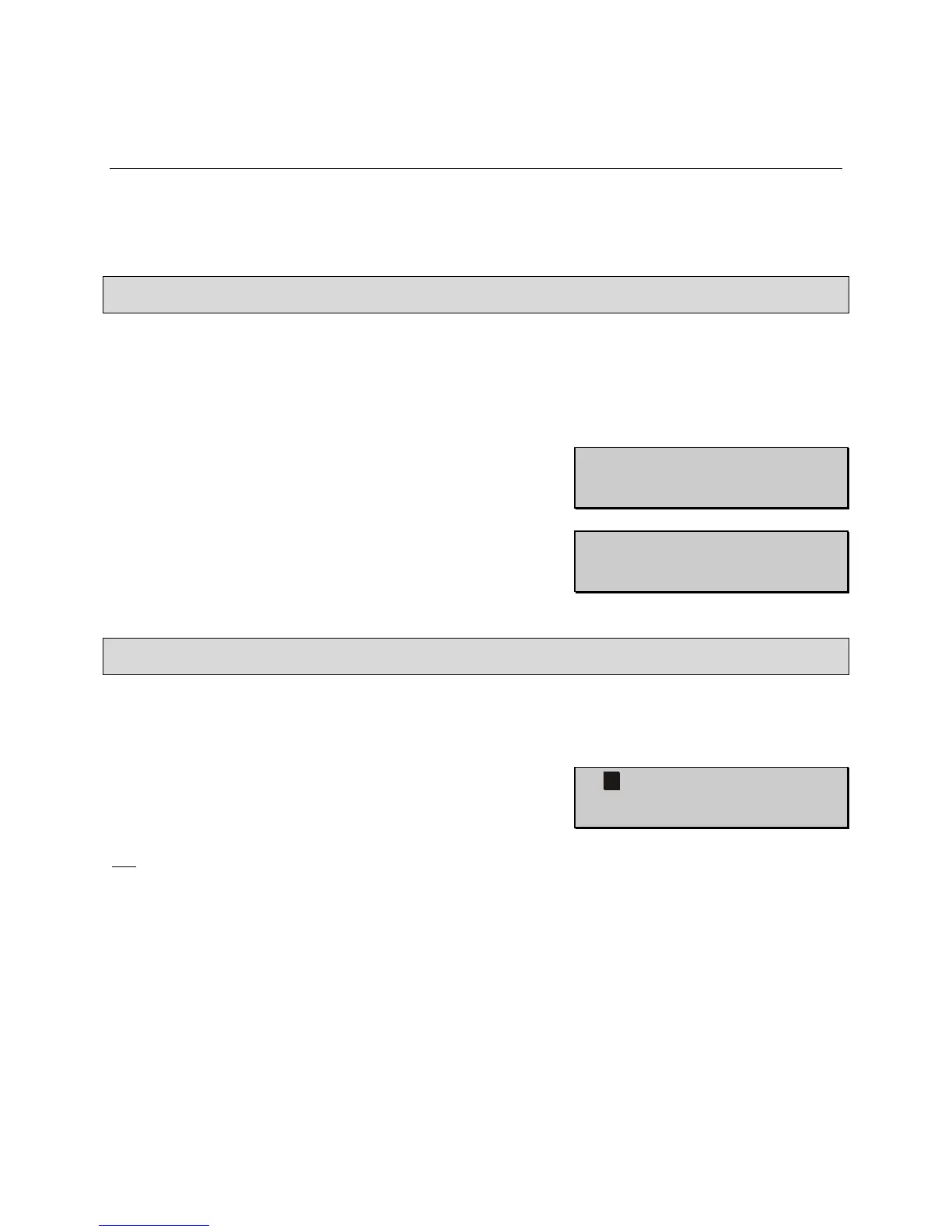
Standby Mode is indicated by a beep and flashing cursor in
the upper left-hand corner of the display. While in Standby
Mode, the display will stay on and you will be able to view
measurements and access the configuration menu. You will
not be able to take a measurement in Standby Mode.
To exit Standby Mode press the PWR key, this will put the unit back into Measurement Mode.
The 1 minute delay can be adjusted from 0.5 to 9.5 minutes by accessing the configuration menu
as described in section 13.4.1.



 To Next Page