Page 61 of 87 DGH 55B-INS-OMENG Rev: 3
14.7 Recalling paired device configuration
The Pachmate 2 will store pairing configurations for up to 5 devices. This allows for quick
pairing at a later time. To recall a paired device:
14.7.1 Enter the Configuration Menu by pressing the CFG key.
14.7.2 Press the ENT key one time to navigate to the ‘Bluetooth’ parameter. Confirm that it is
turned ‘On’. If not, press the or key to enable Bluetooth. (See Section 13.5.1)
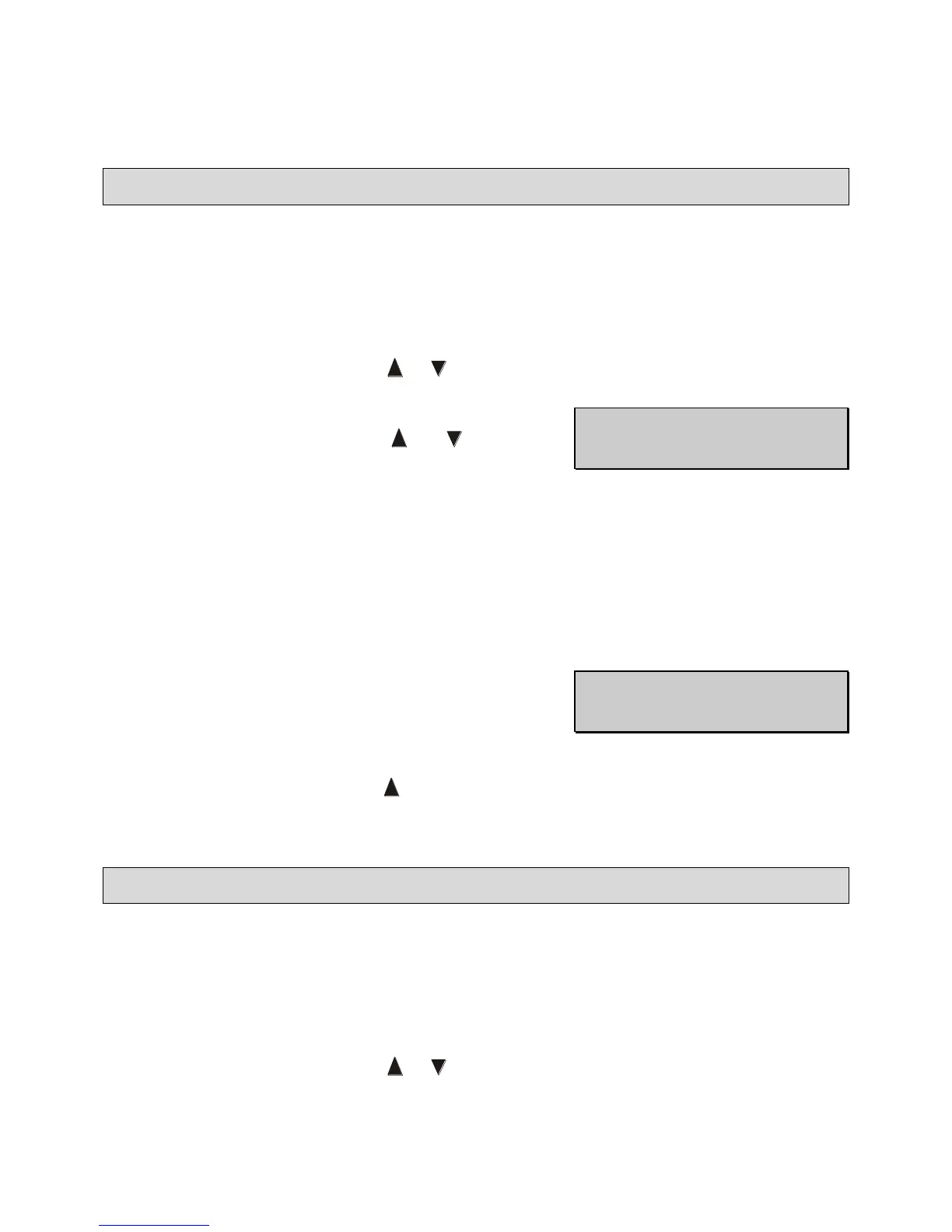
14.7.3 Press the ENT one more time to navigate to ‘Send
Meas To’ parameter. Use the and keys to
scroll through the saved configurations.
o NAME is the name of the device that will receive the records.
o #
A
is the list number of the device shown.
o #
B
is the total number of devices paired with the Pachmate 2. Up to 5 devices can
be paired at a time.
o Send → indicates that pressing the OD key will cause the Pachmate 2 to transmit
measurements to the currently displayed device.
14.7.4 With the desired device displayed, press the CFG
key. The Pachmate 2 will prompt for confirmation
of the configuration change.
14.7.5 Select ‘Yes’ by pressing the key. The Pachmate 2 is now configured to send
measurements to the selected device.
14.8 Clearing A Single Paired Bluetooth
®
Device
Occasionally it may be necessary to clear a single Bluetooth
®
pairing setting from the Pachmate
2’s memory to allow connection to new devices.
14.8.1 Enter the Configuration Menu by pressing the CFG key.
14.8.2 Press the ENT key one time to navigate to the ‘Bluetooth’ parameter. Confirm that it is
turned ‘On’. If not, press the or key to enable Bluetooth. (See Section 13.5.1)



 To Next Page