Page 67 of 87 DGH 55B-INS-OMENG Rev: 3
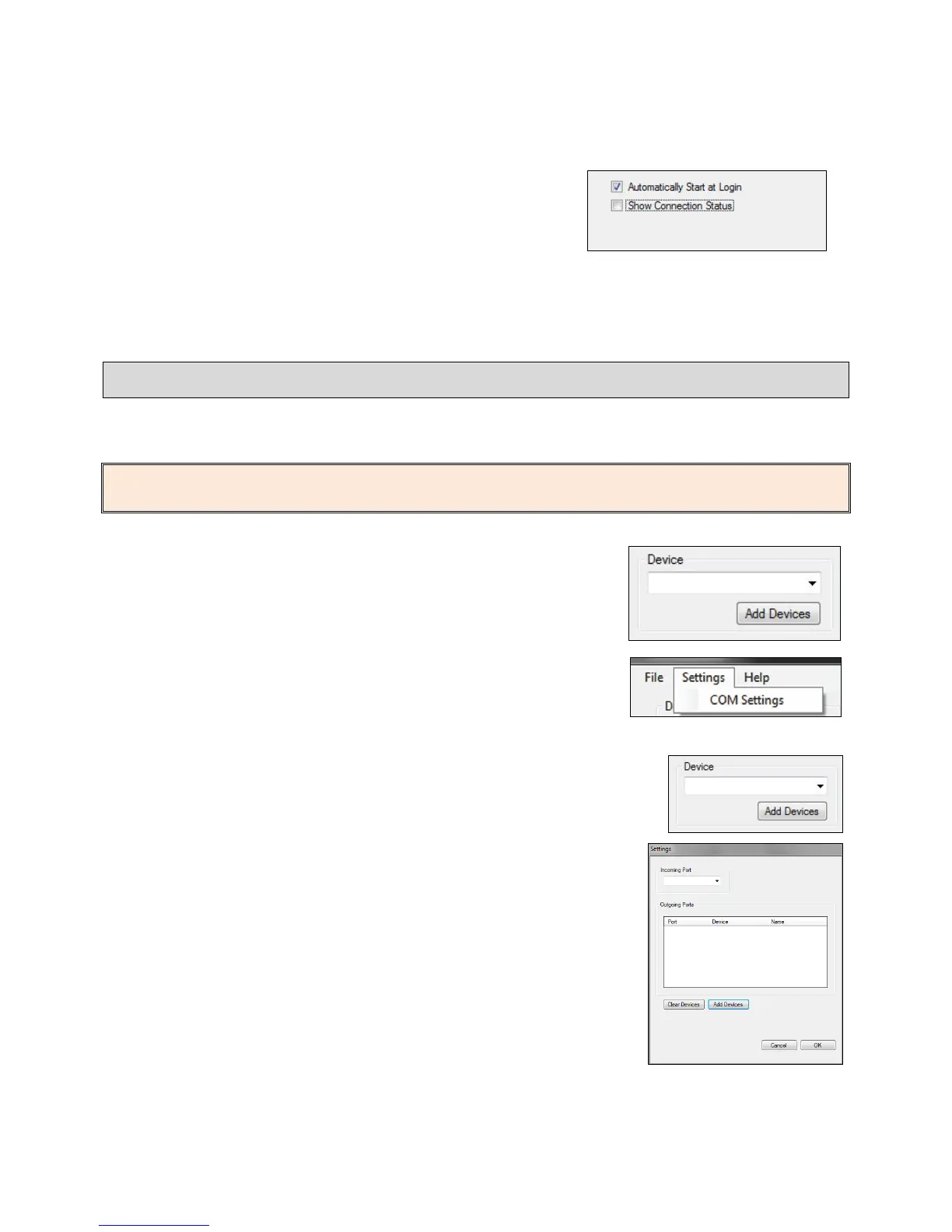
15.3.6 Automatically Start At Login (default Enabled)
determines if the software automatically starts when a
user logs in to the computer.
15.3.7 Show Connection Status (default Disabled) will open a box that shows connection status
between the PC and Pachmate 2.
15.4 Adding a device
After the device has been paired with the PC, it can be selected for use from within the DGH
Connect software.
NOTE: The Pachmate 2 must be paired with the PC and COM Ports must be created before it
can communicate with the DGH Connect Software (See section 14.4 and 14.5).
15.4.1 Adding a device can be done by clicking the ‘Add Devices’
button under the Device selection box, or by going to
Settings → COM Settings at the top of the window.
15.4.2 Click the ‘Add Devices’ button from the main page or from the
‘Settings’ dialog box.



 To Next Page