Page 64 of 87 DGH 55B-INS-OMENG Rev: 3
15.2 Installing the software
15.2.1 Insert the USB flash drive and allow the computer to initiate the installation
program.
15.2.2 The installer will check if the system has the .NET Framework v4.0. If the PC does not
have this software installed, a dialog box will prompt for installation.
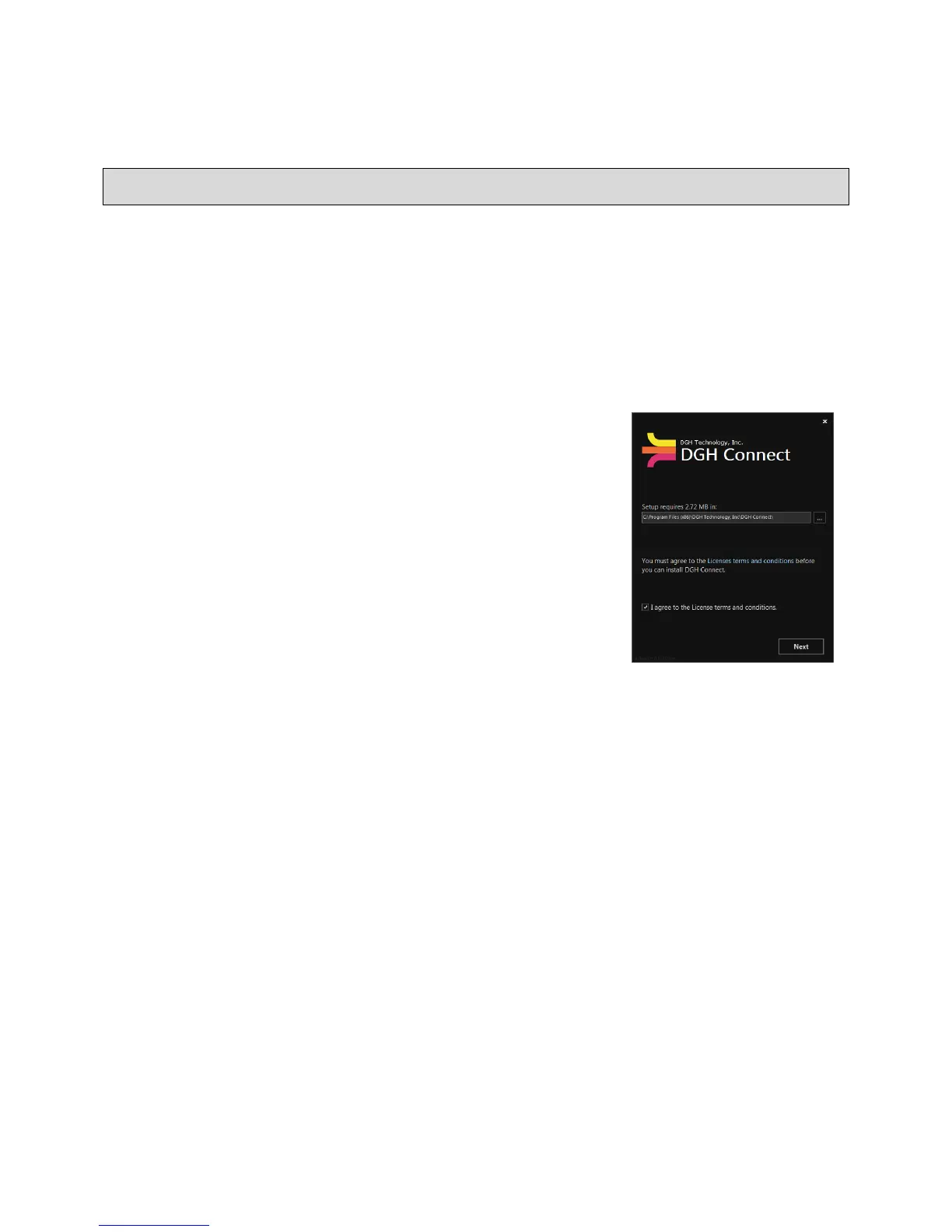
15.2.3 After the .NET Framework v4.0 has been installed, a dialog
box will open indicating showing an installation directory.
Confirm the installation directory, or set a custom directory.
15.2.4 Check the ‘I Agree to the License terms and conditions’
box on the bottom left-hand side of the window. The
“Next” button will appear highlighted. Click the ‘Next’
button.
15.2.5 The software will list all necessary prerequisite programs.
15.2.6 The installer will then install the remaining prerequisites:
• Microsoft
®
System CLR Types for SQL Server
®
2012
• Microsoft Report Viewer 2012 Runtime
15.2.7 Click the ‘Install’ button and the software will complete installation.
15.2.8 Once installation is complete, click the icon created on the desktop to start the program.



 To Next Page