Page 50 of 87 DGH 55B-INS-OMENG Rev: 3
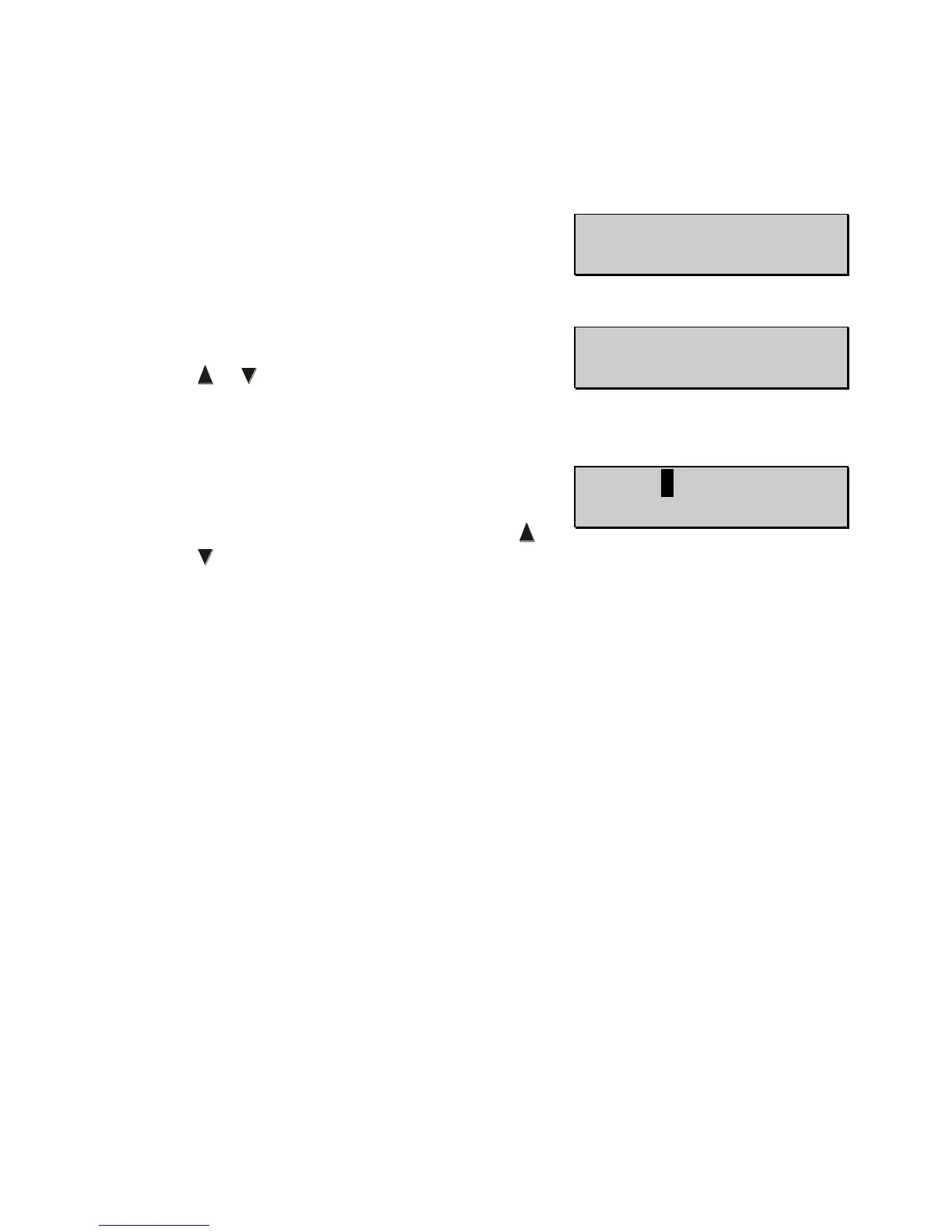
13.4.5 Time/Date allows the user to set the time and date
and choose the date format. Press the OS key to
adjust the date format. Press the OD key to set the
time.
• Press the OS key to enter the Date Format
(default MMM-DD-YYY) sub-menu. Press the
or key to change the value. The date can
display as either MMM-DD-YYYY or
DD-MMM-YYYY.
• Press the OD key to enter the Time Date sub-
menu. While in this sub-menu there will be a
blinking black cursor. Use the OD and OS keys
to move the cursor left and right. Press the or
key to change the value in each field.



 To Next Page