Page 69 of 87 DGH 55B-INS-OMENG Rev: 3
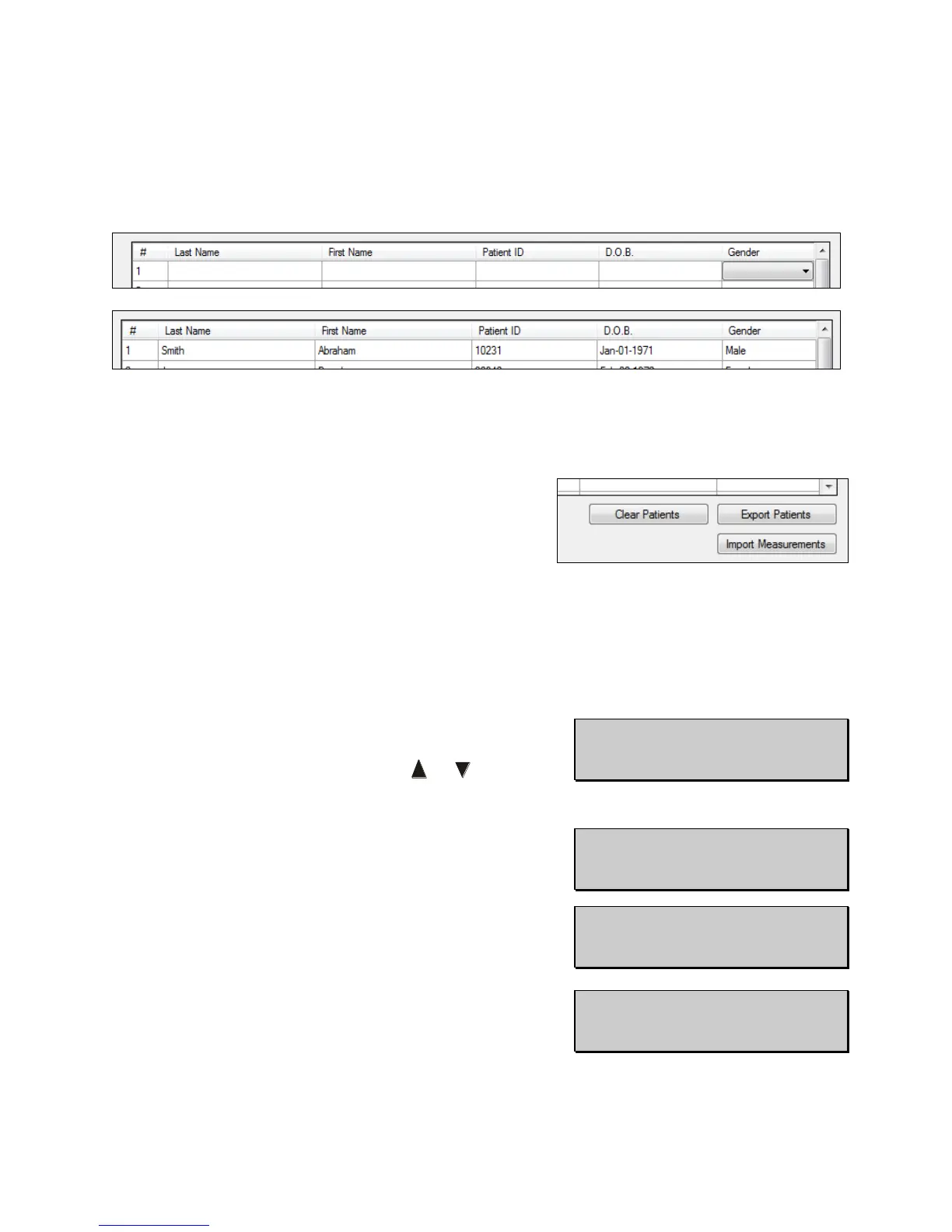
15.5.2 Input the patient Last Name, First Name, Patient ID (number) D.O.B. and gender in the
table. To do this, select the field you wish to edit and begin typing.
• There are 20 numbered rows for inputting patient information. When imported, the
Pachmate 2 will store this information in a similarly numbered patient location.
15.5.3 When all of the patient information is entered,
press the ‘Export Patients’ button located at the
lower right-hand corner of the table.
15.5.4 The Pachmate 2 will briefly display a message ‘Bluetooth Connected’ and beep when it
has started receiving files. It will display ‘Bluetooth Disconnected’ and beep when all
files have been received.
15.5.5 After the files have been received, press the CFG
key on the Pachmate 2. The device will display the
‘Select Patient’ menu. Press the or key to
scroll through the patient files.
• Pressing the OD or OS key while a patient’s
name is displayed will show additional
identifying information for that patient.



 To Next Page