Page 74 of 87 DGH 55B-INS-OMENG Rev: 3
15.7.8 The Pachmate 2 will display the message ‘Erase
Patients Sent?’ Selecting ‘Yes’ will clear all
information of the patient(s) that was exported.
15.7.9 The patient reports will be stored in the ‘Report
Import Location’ that is listed in the DGH Connect
Software.
• If ‘Auto Open’ is enabled, the software will open each patient record in its own
window.
• If ‘Auto Print’ is enabled, the software will print all patient records from the
default system printer.
15.7.10 To open the patient reports that have been imported, go to the
File → Open Report. The software will open a window that shows
all patient records that have been imported.
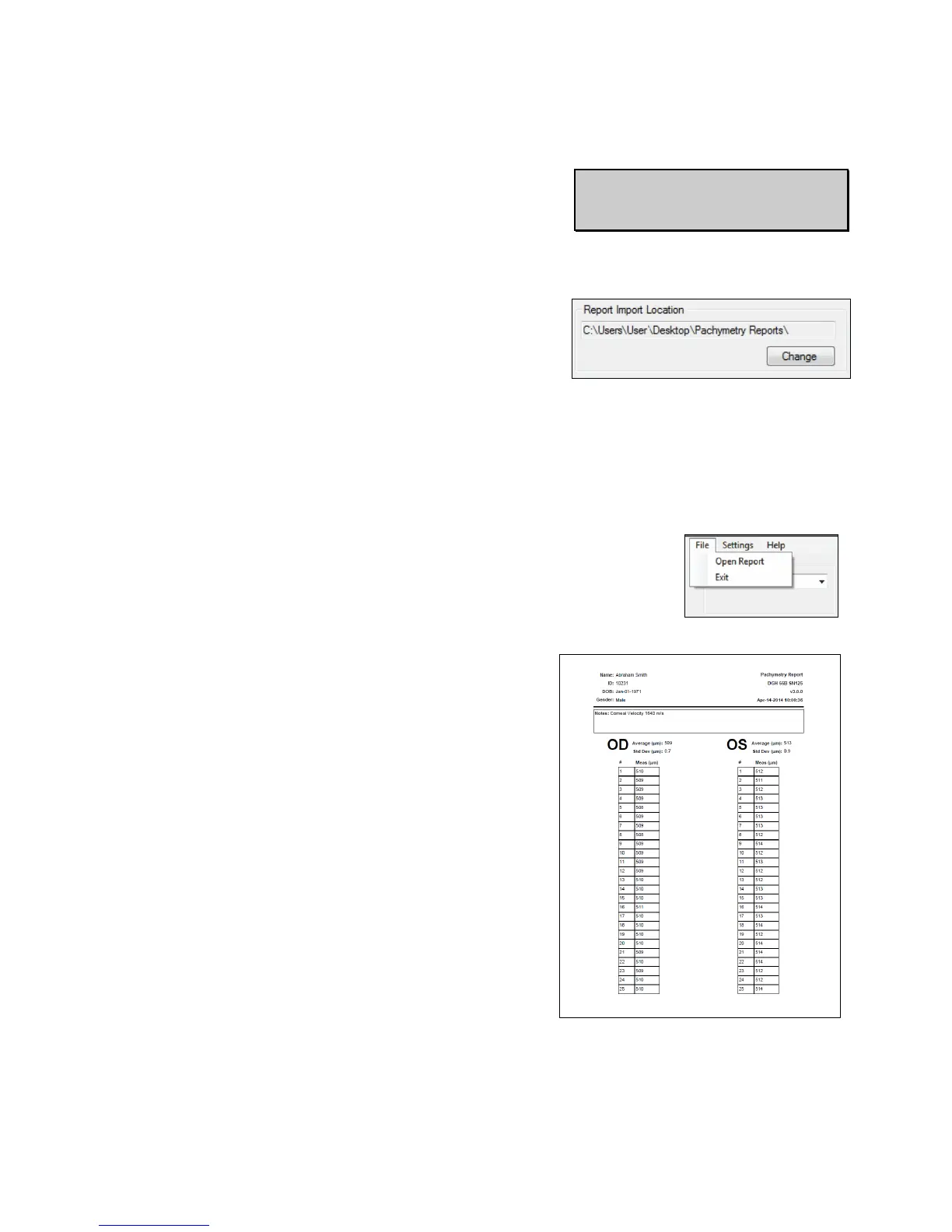
15.7.11 The report will show all measurement and
patient information. .PDF reports cannot be
edited. .DOC reports can be edited using a word
processing program.



 To Next Page