Appendices 70
11.6 Aligning the Printer
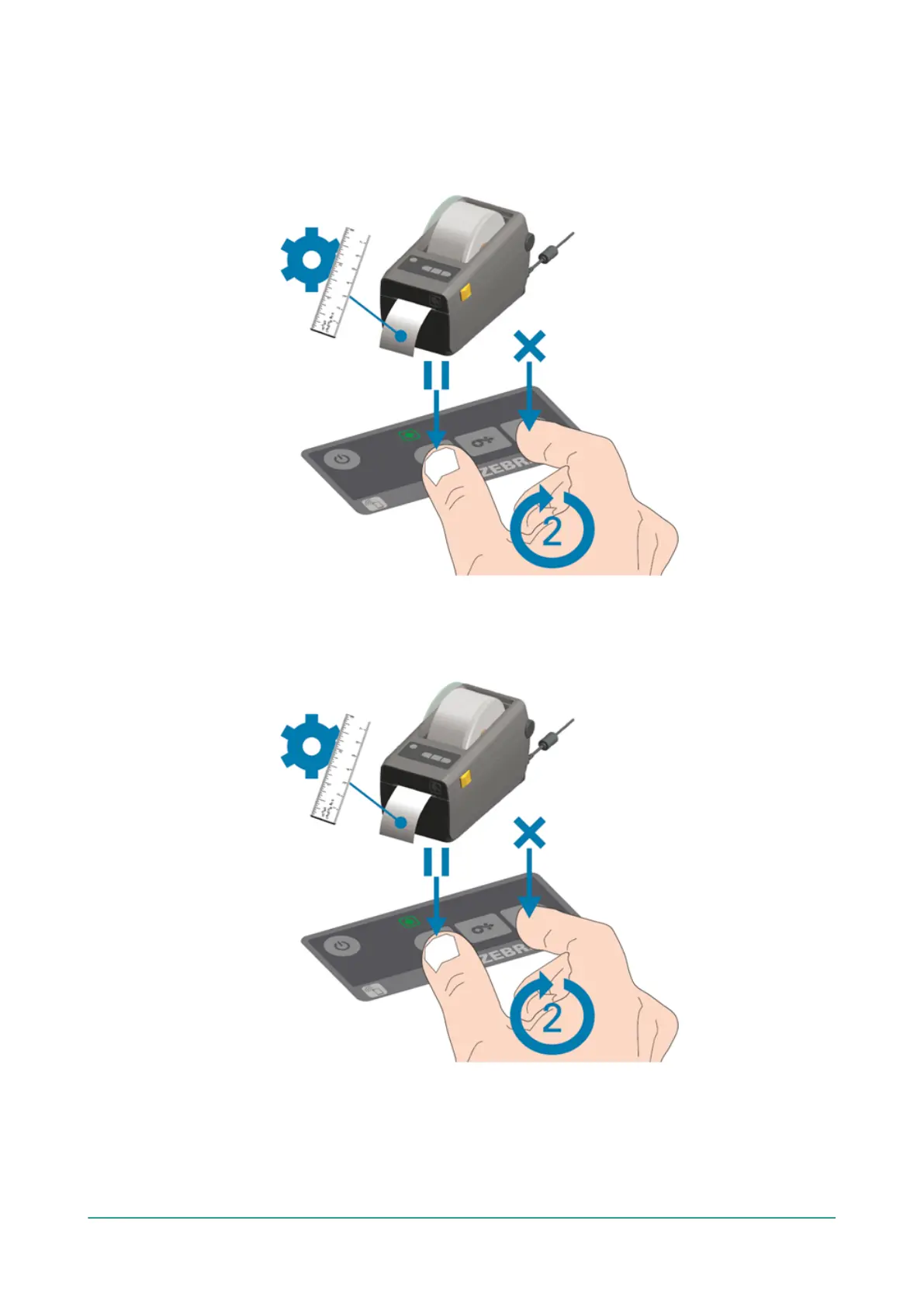
1. Switch on the printer and make sure the indication light is green.
2. Press the Pause and Cancel button simultaneously for 2 seconds.
Figure 24: Aligning the Printer
The printer will print several labels and determine the correct position.
3. Press the Feed and Cancel button simultaneously for 2 seconds.
Figure 25: Printing the First Label
The printer will print the first label.
4. Remove the first printed label to print the next labels.



 To Previous Page