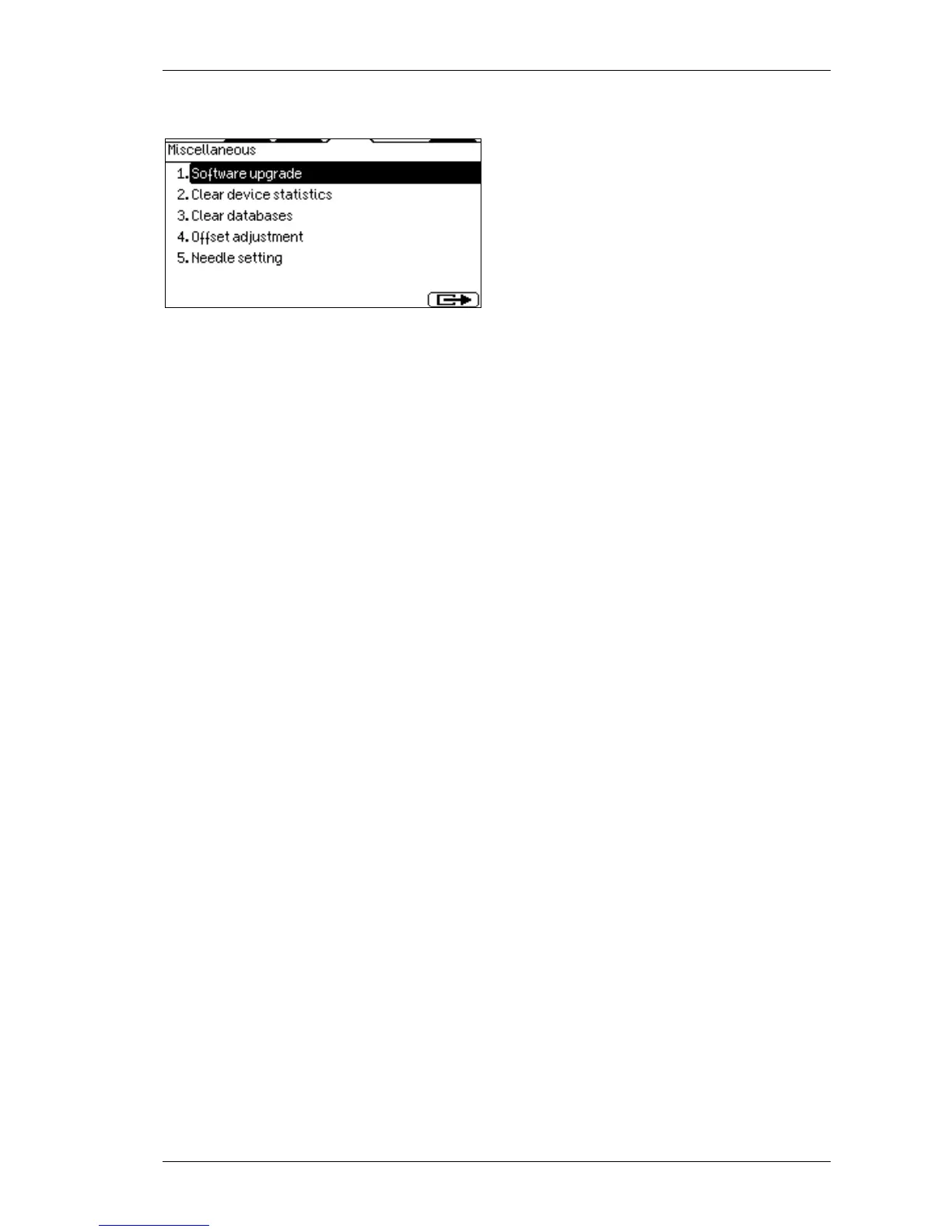
In this menu, you can directly perform
Software upgrade (this will restart the
instrument).
Clear Device Statistics: Device statistics
(number of measurements, aperture-clogging
and other errors) can be cleared.
Clear Database: The whole Database
(measurement results including histograms)
can be cleared.
Offset adjustment: You can adjust the offset on the amplifier board.
Needle setting: By entering this menu the needle will go to the position you can adjust it.
You can Log in as supervisor if the Multi-
submenu. (Number 4 if present, shows the availability of this function.)
In supervisor mode, you have the ability to change any user passwords and you have full
access over user settings. Always log out after this supervisor log in.
5.2.13. Multi-user Rescue Code
It the supervisor password has been forgotten, there is a rescue code for service purposes
to access the supervisor level. The Service user data are as follows:
User ID: 0 (zero),
Name: Service,
Password: 729456 (This forms a capital "A" on the keypad)



 To Next Page