6. SERVICE OPERATION
6.1. Opening the instrument
On the right side of the instruments there is a side door, which allows reaching of the fluidic
system and the mechanical parts. Other parts of the analyzer (electronic parts, etc.) can be
reached by opening the top-left cover.
How to take off the top-left cover:
First unscrew the 5 cover fixing screws located on the rear panel, 3 screws on the upper side
and 2 screws on the vertical side. After this, pull the cover backwards a few centimeters to
release sliding locks, and then you can turn it upwards to take it off completely. Care for
internal printer flat cable: disconnect it from the printer connector. In this way you will be able
to reach the electronics.
6.2. MDA (Monochrome Display Adapter) emulation mode
MDA emulation mode was developed to help the manufacturer and Service Personnel in the
checking phase of the instruments. This mode is available during the total operation but
especially useful for checking the BIOS setup and OS functions. This mode should be
handled the same as the service menu, the user does not have to know these options.
At power-on, the controller PIC display module displays the greeting screen. After 6
seconds, it starts to scan the keypad and behaves like an MDA adapter to the PC, although
the displayed screen is still holding the greeting screen.
If you switch to MDA emulation mode, the system boot events can be displayed, and the
CMOS SETUP program can be started, if necessary.
If the main program will not start in 90 seconds, the PIC will automatically switch to MDA
displaying mode to give information about the reason of hang-up. This can be some CMOS
failure, if the motherboard settings are lost for some reason, and the system is waiting for
user confirmation: F1 on external keyboard, or running setup - both require external
keyboard to be connected.
i.zer
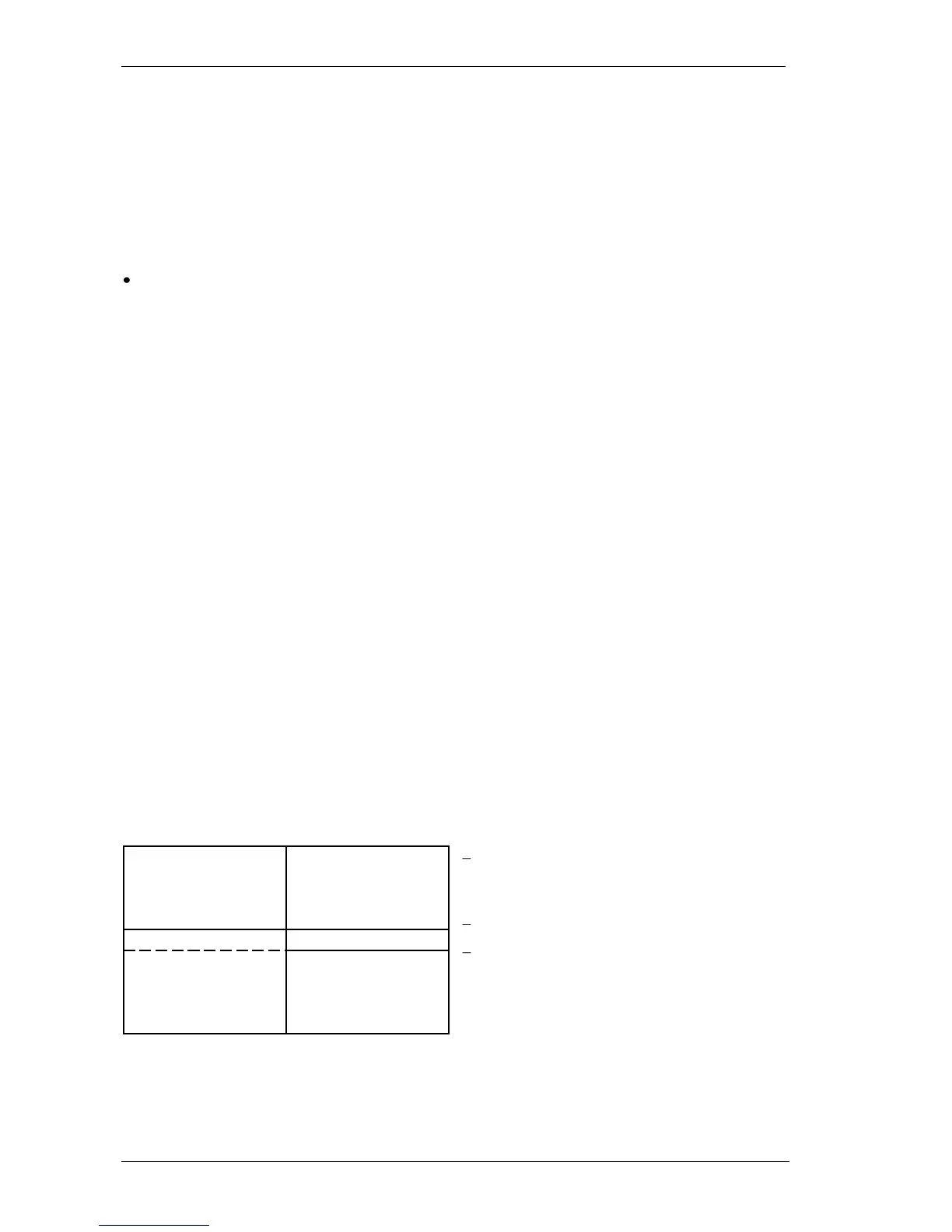
to activate the MDA mode, which uses the LCD like a primary computer monitor (80
characters by 25 rows). The LCD is smaller than the standard monitor area therefore just
about a quarter of the total screen is displayed (40 characters by 16 rows).
to change the actual quarter displayed,
use the arrows (cursor keys) on the
keypad,
i
to go back to the normal graphic
i .
Definition of displayed LCD quarters in
MDA emulation mode
6.3. Key BIOS settings for correct operation
The required settings are enclosed in this section.



 To Next Page