Abacus
+
Service Manual
rev 1.09
7.2.2. Database relating warnings
%u data record(s) is
selected.
There are %u data
records present in
the database which
match the selection.
There are no %u
data records present
in the database
which match the
selection.
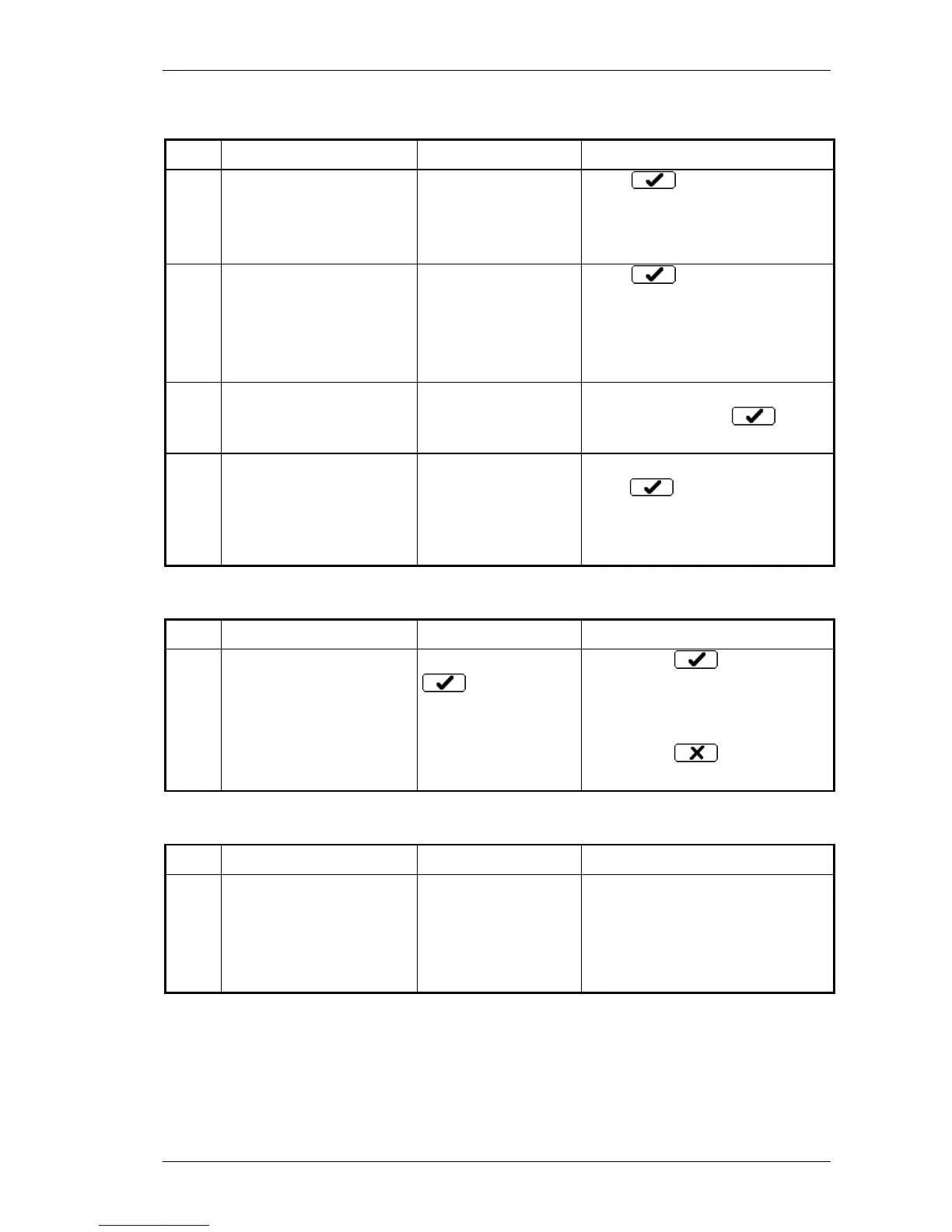
Press and check the
selection.
Connect an USB storage
device with data!
This message
appears at View
external function.
Connect storage media into the
USB port and press .
% data record(s) will be
saved on an USB
storage device.
Insert a storage device
into the USB port.
The analyzer will
save %u number of
data records.
Insert USB storage media and
press .
7.2.3. Warnings relating to QC measure
Your previous QC data
will be lost.
Are you sure?
When you press
for accepting
new QC target
values.
If you press the new
values will be accepted and all of
the measurements on the
selected QC level will be deleted.
If you press old values
remain
7.2.4. Calibration relating warnings
Some or all of the
calibration factors are out
of range!
During automatic
calibration at least
one of the factors are
out of the range 0.8
or 1.2.
Check the target values and the
control blood and repeat the
calibration. If the problem still
persists contact the Service
Personnel.



 To Next Page