DVR Server Manual
7.4 Appendix D: How to use “Copy File”
folder.
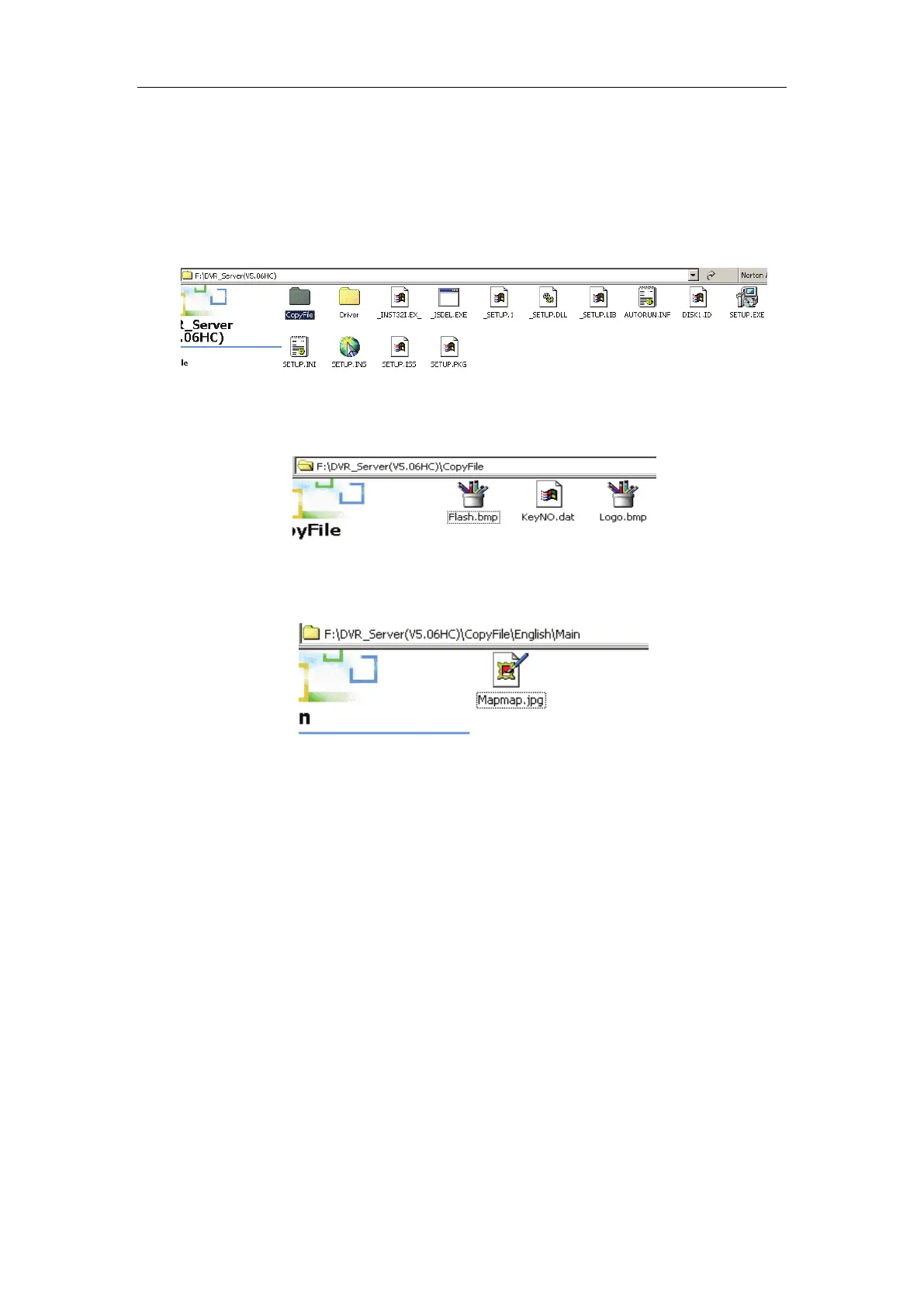
In installation CD, there is a file named “Copy File”
If you want to replace some files in installation directory, you can copy
new files into “Copy File”, when you finished the installation, the new files will
replaced the old files.
If you want to replace some files in sub directory of installation directory,
you can create the same directory in “Copy File” folder with the installation
directory.
Thus, the all files which in “Copy File” will replace the old files when you
finished the installation.
Note:
If you want to replace an image, the new image’s size and name should
be the same with the old image.
7.5 Appendix E: Frequent Asked
Questions
1. IE client is not able to visit the server.
Possible reason: The Web Server port is shielded or has been used by other
program.
2. Install one card in a PC, the server program runs ok, but it doesn’t run



 To Next Page