DVR Server Manual
5.2.1 Connection operations
Press will connect the DVR Server’s camera video from
and press will disconnect all connections.
Select the Main Stream or Sub Stream for current cameras
Server’s channel is more than channels that you selected partition mode, you
can use
button to display DVR Server’s video in sequence. Pressing
button
will switch full screen mode and Right-Single-Click image can
back to normal mode.
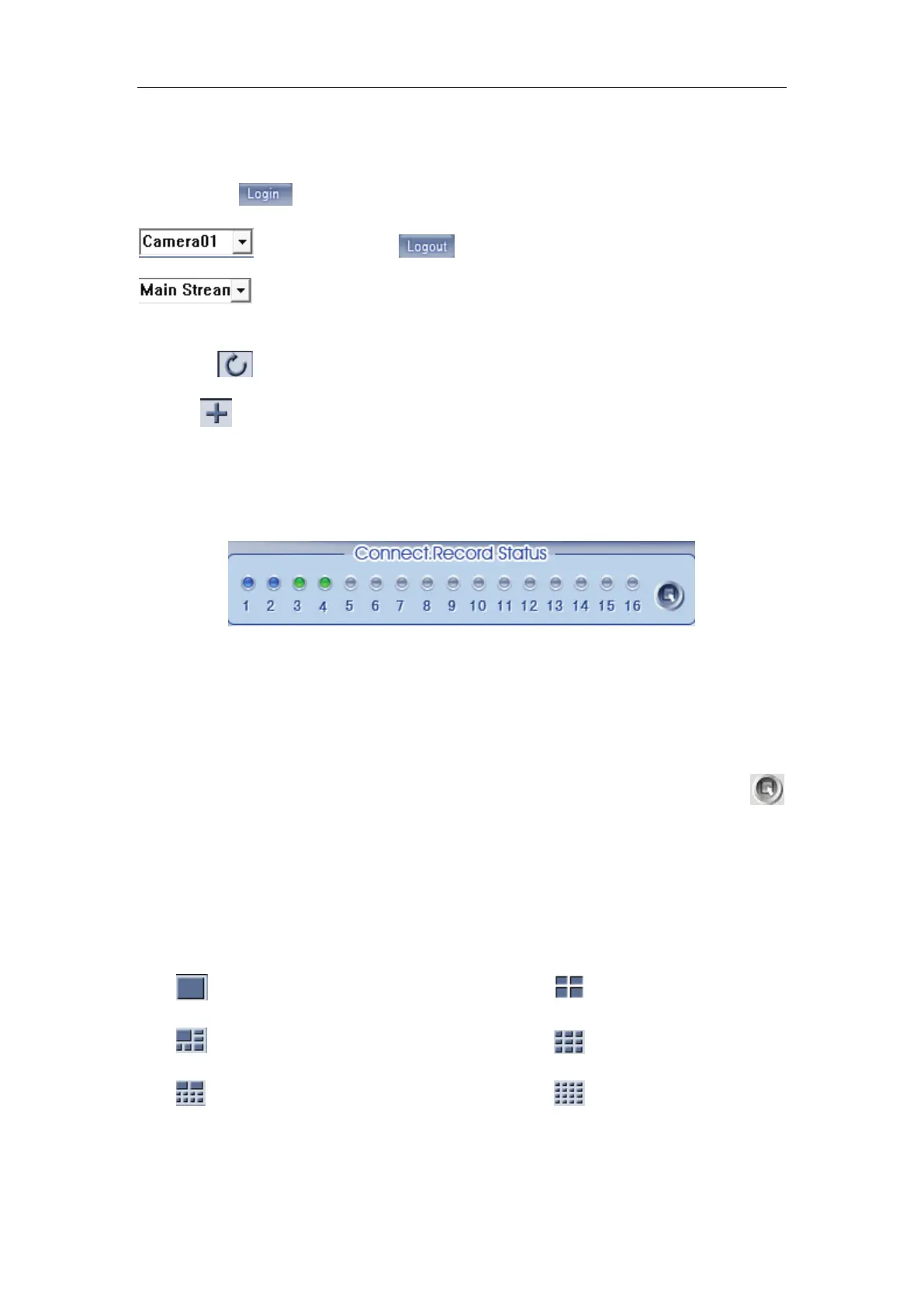
5.2.2 Connection/Record status
This icon indicates the current connection and their record status:
Gray: Not connected;
Navy blue: Connected with no recording;
Green: Connected with recording.
You can change the record status by pressing corresponding number
button or change status of all connections at the same time by pressing
button.
5.2.3 Partition mode
You can set the partition mode by pressing corresponding button on the
right of main interface. It has follow partition modes:
——1partition mode; ——4partition mode;
——6partition mode; ——9partition mode;
——10partition mode; ——16partition mode.
5.2.4 PTZ Control



 To Next Page