DVR Server Manual
Note:
1) Press synchronic button while smart search is running, system will end
smart search;
2) The sensitivity of the smart search is same as motion detection. If you
set a very low sensitivity, system will search even that there is no motion
in the specified area. Contrarily, if you set a high sensitivity, it is possible
that system will not search when there are some small range motions in
the specified area. So you should set the sensitivity according to the
surroundings.
4.2.4 Select file
After selecting the camera to play user can click button to show all
the files of this camera.
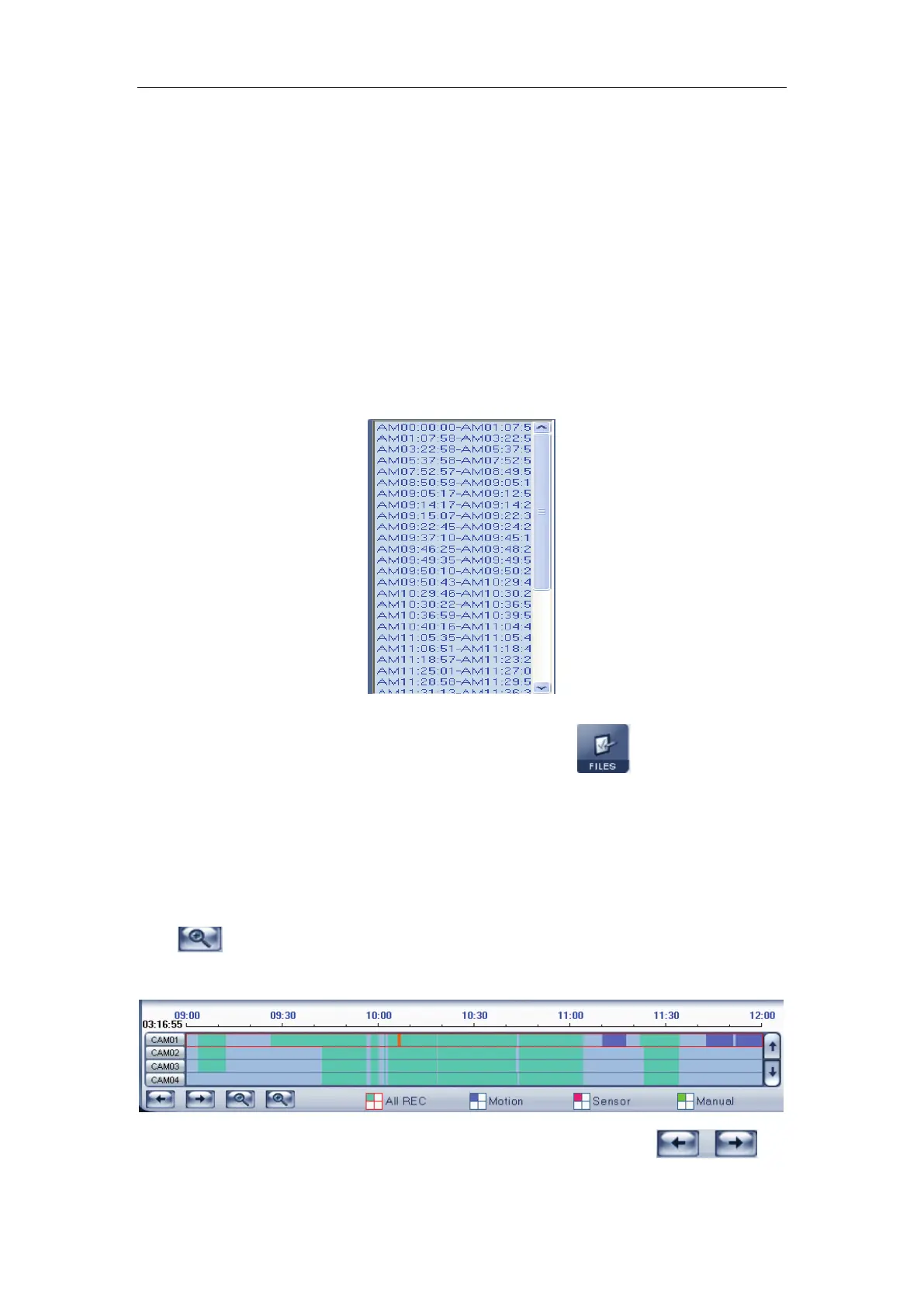
By default, system will play back video file from the first one. In this screen
you can select the file you want to play by clicking it directly.
The camera list below the window shows the recorded data of the day you
selected. Double click any time with record data, a red mark will be there. Then
use
to enlarge the time bar, so that you can select an exact time you
want to playback.
When there are too much record data, you can use to
select.



 To Next Page