DVR Server Manual
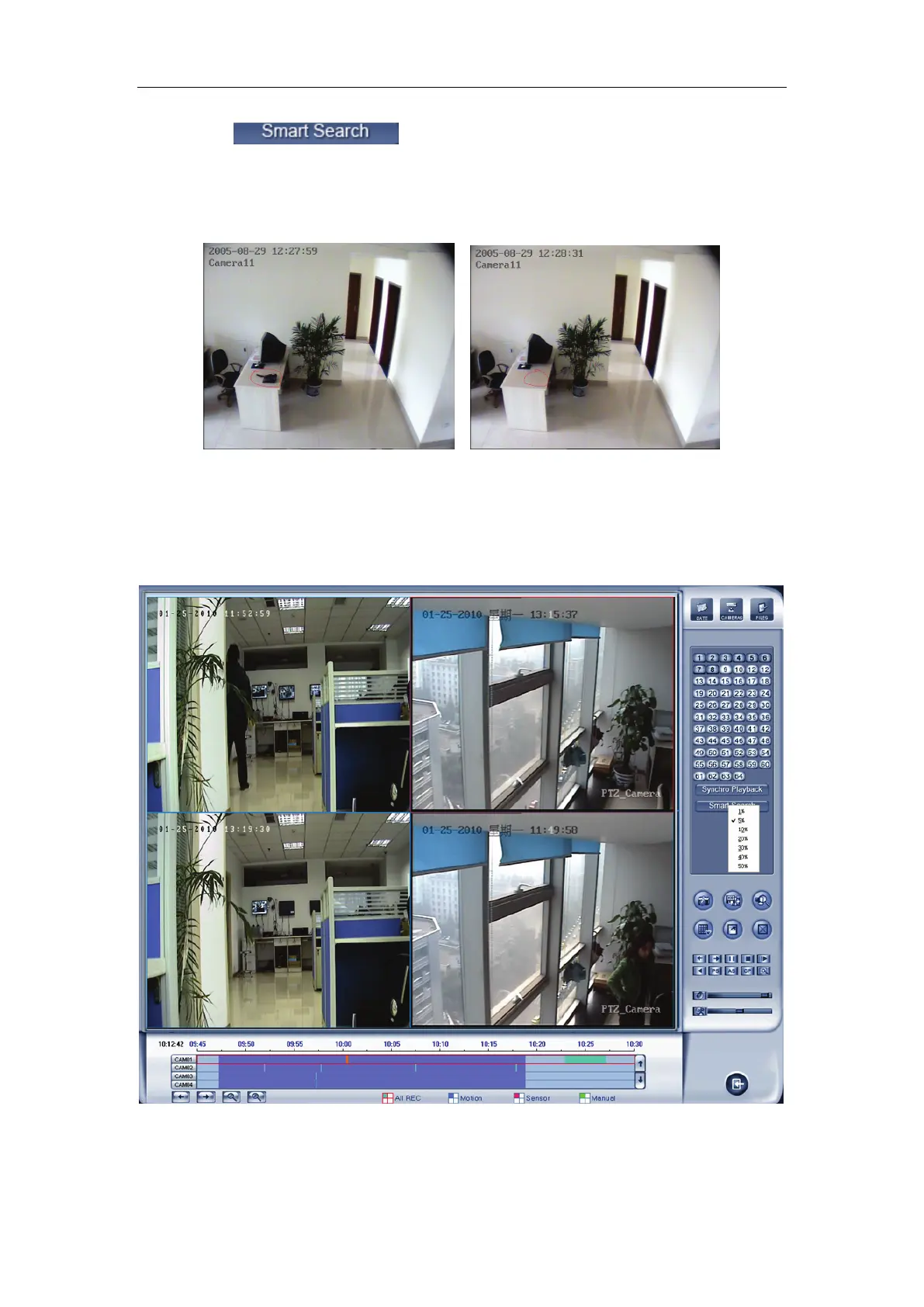
Press button, then select a search area, the system
will play all motion occurred within this area from previous 3 seconds to next 3
seconds when the motion occurred. Pressing this button again will end smart
search. E.g.:
1) There is a telephone on the desk (Picture ①);
2) But it disappeared now (Picture ②);
3) If you want to know where the telephone is, you can select this
area on the image to do a smart search when playback the video.
When you press the smart button, you should select the area percent by
single clicking the right mouse, if the motion percent of the area above the
select percent, it will be shown out.
① ②



 To Next Page