DVR Server Manual
PORT: the Port of the IE client of the DVR server.
When you download mobile client software on WAN, you must be sure
that your mobile phone connect with Internet correctly.
When you are not sure which program you should download to your
phone, you can only enter
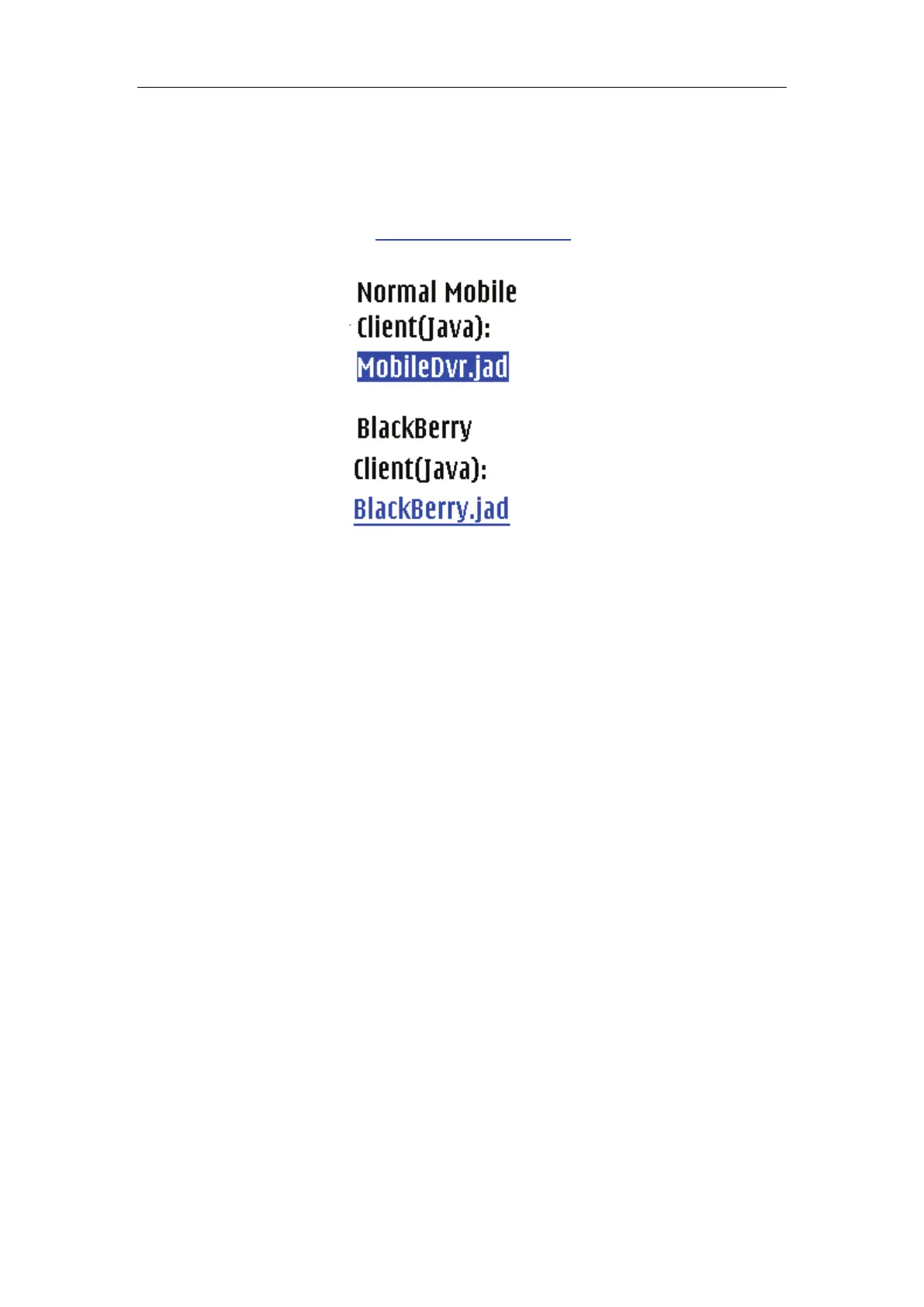
http://IP: port/mobiledvr, then, you will enter the
following interface
Select one and then enter it. When you are using BlackBerry, you would
better select the “BlackBerry.jad”. If you choosed “MobileDvr.jad”, the image
quality will be too poor.
6.3 Install and connect
6.3.1 Installation
You can install the mobile client as install java games in your smart phone,
install mobile client in your smart phone directly (downloaded the program in
WAN or LAN) or use the application supplied by the manufacture of your smart
phone to install mobile client.
6.3.2 Connection
After you installed mobile client in your smart phone, you should be sure
that your smart phone connect with Internet correctly. Currently, mobile
providers support WAP and WEB access point, mobile client must use Internet
as access point (AP) to access DVR Server remotely.
6.4 Login Interface
After you downloaded and installed the MobileDvr software, you can run it
on your mobile phone to enter the login interface.



 To Next Page