DVR Server Manual
processing to add IP camera device (“connecting…”indicated in connect status
column), user cannot delete that IP camera device.
15. Pos/Acu Function Setup\Event Monitor
We will introduce the Pos particularly in Pos introduction and function.
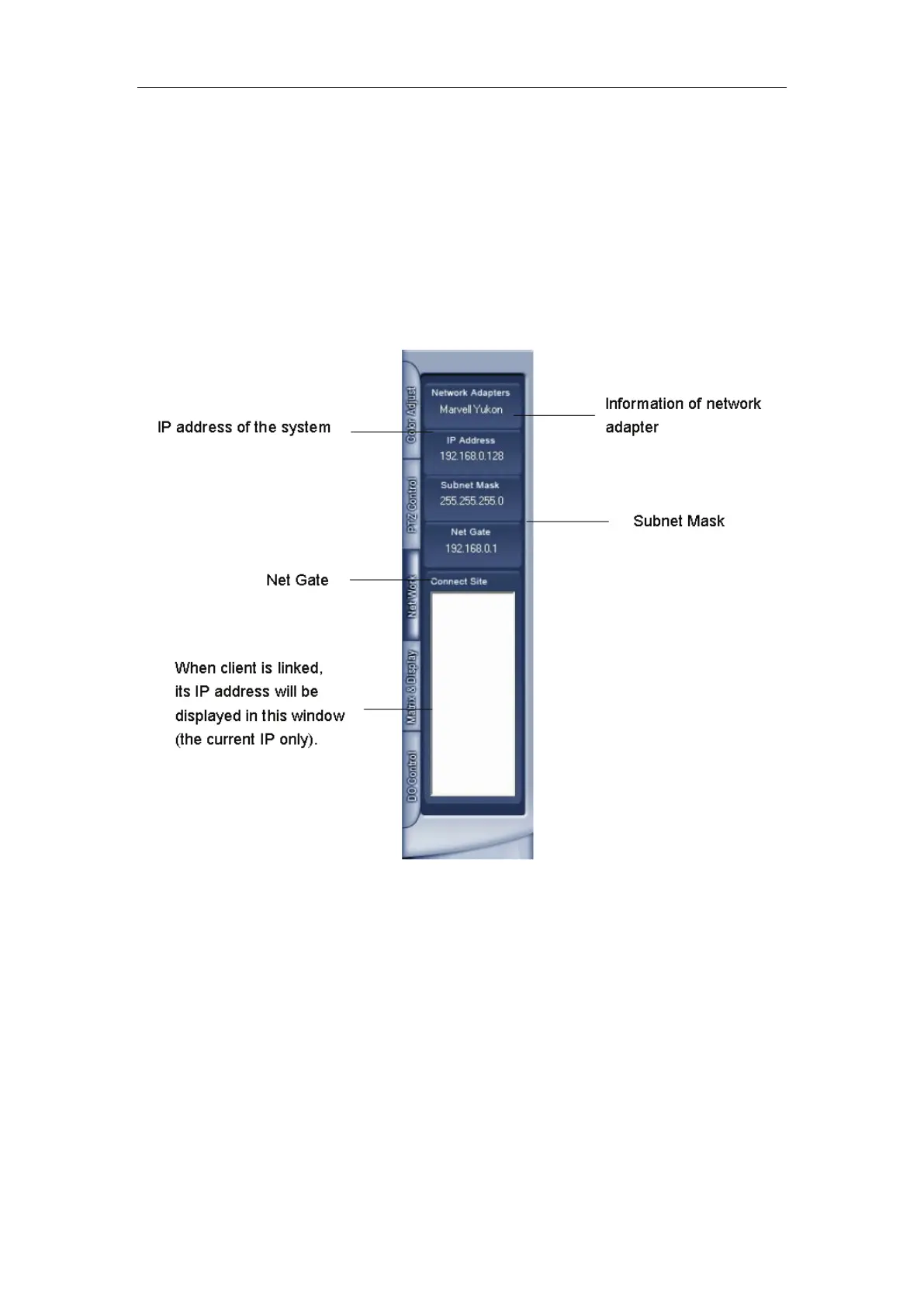
16. Network panel
This panel displays the network configuration of DVR system.
1.4.5 PTZ Control panel
In DVR system, there are three ways to operate PTZ:
a. Panel operate;
b. Operate in video area directly;
c. Keyboard operate.



 To Next Page