DVR Server Manual
all the ACU messages with the user name “Wang”.
4.9 ICON Playback
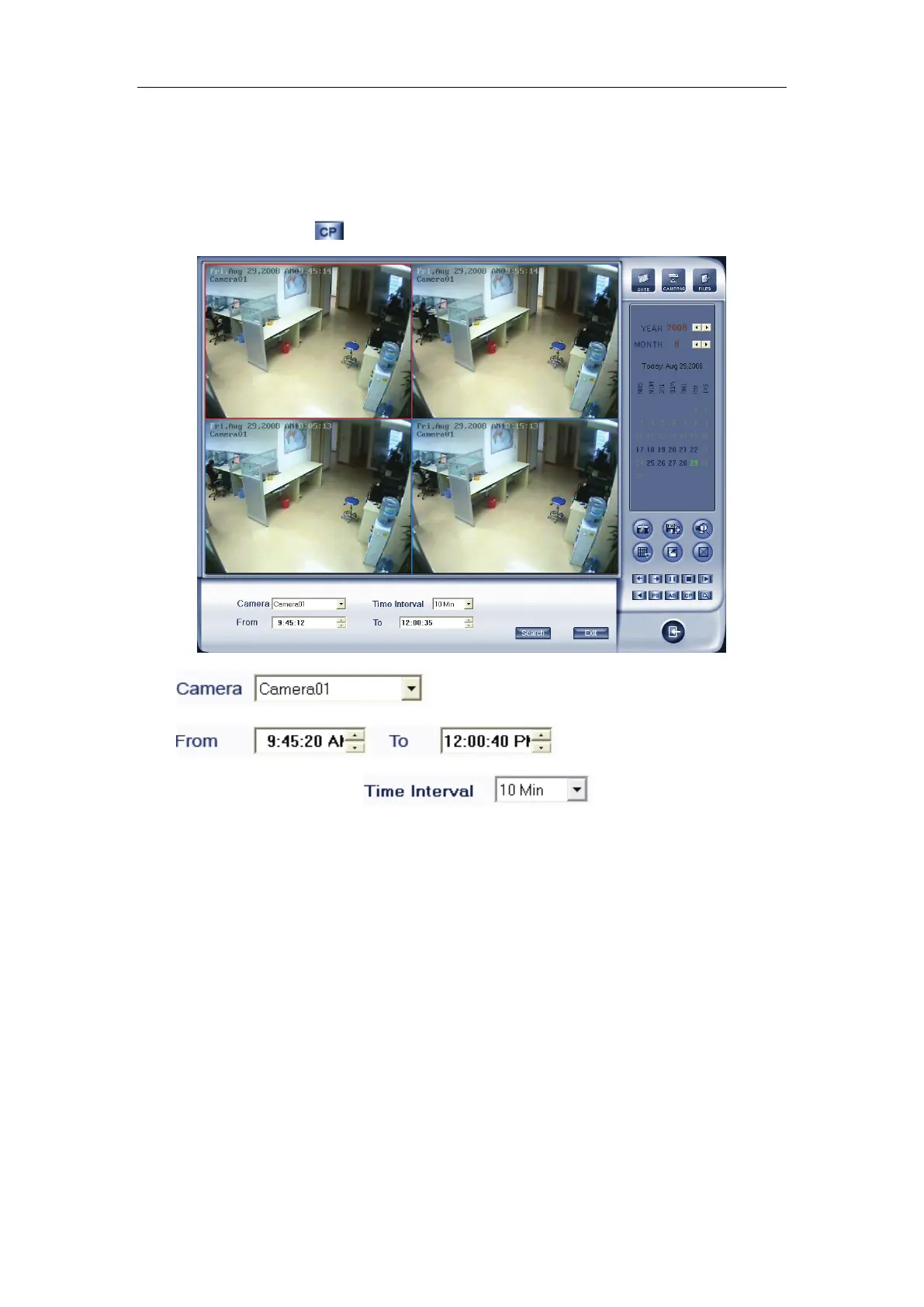
Press this button , you will see the interface as below:
Select the cameras
Set the begin time and
the end time of the record,
set the time of the one
view plays. E.g.: as the above image, the time from 9:45 to 12:00, it include
135 minutes between the begin time and the end time, the screen is 4 views,
the first view show the 0-10 minutes’ record, the second view show the 10-20
minutes’ record, .., when the 4 views plays end, it will play the second 40
minutes until the 135 minutes all end.



 To Next Page