DVR Server Manual
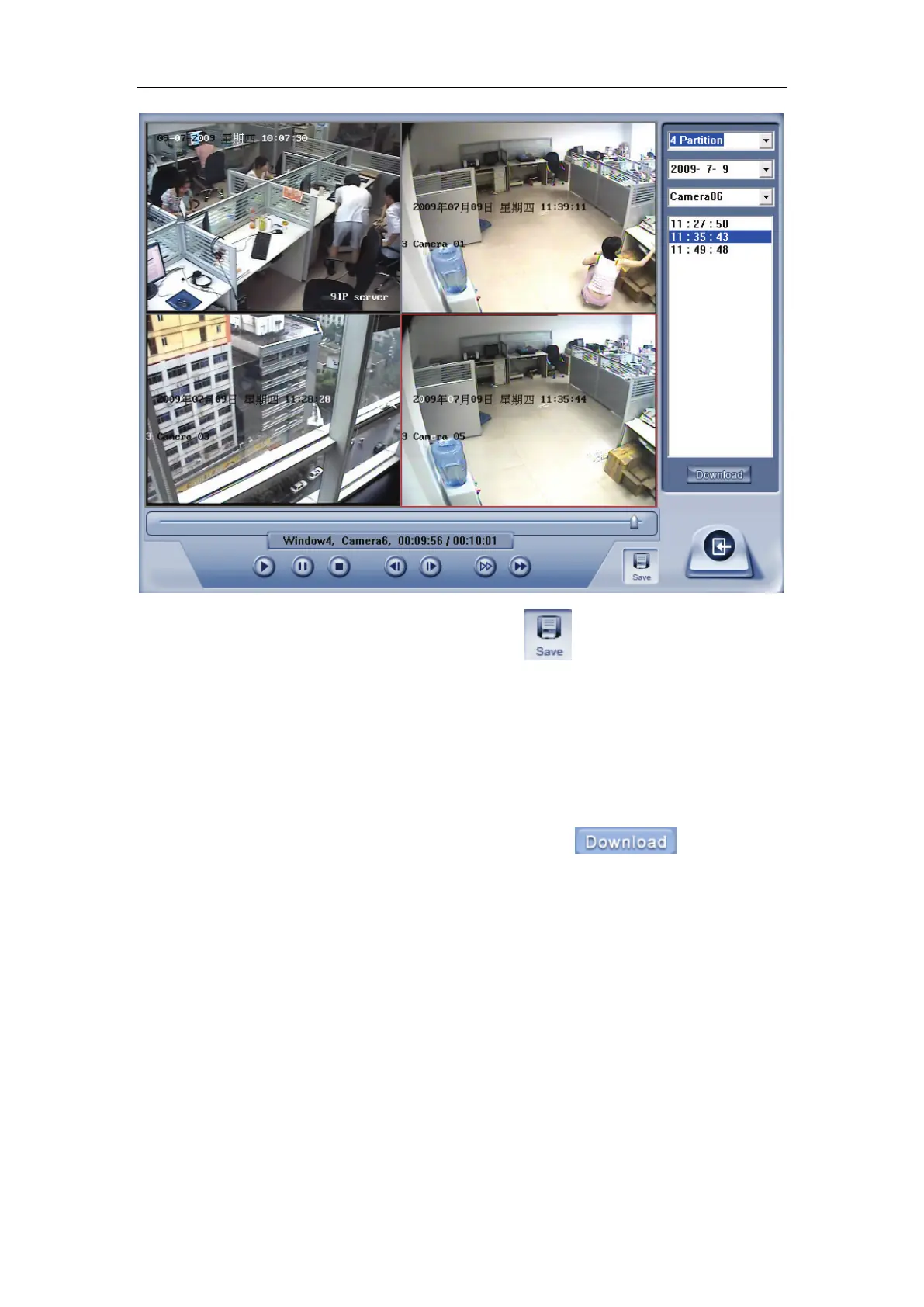
When you playback remotely, you click button to save video of
current channel you selected. After finishing it, system will inform the save
path.
5.4.1 Fast download record data
In the playback mode, select one camera that has record data, open file
list panel, select one record data file, and click
button, the
selected data file will download fast.



 To Next Page