DVR Server Manual
Chapter1 Start up and Main
Interface
1.1 Preparation & Uninstallation
1.1.1 Installation
Before you run DVR system, please be sure following issues:
1. All connectors are firmly connected;
2. Install the driver of compression cards correctly. For detailed
information, please refer to
Appendix C: Update drivers of
compression card;
3. Set the resolution of monitor equal to or bigger than 1024*768 pixels.
1.1.2 Uninstallation
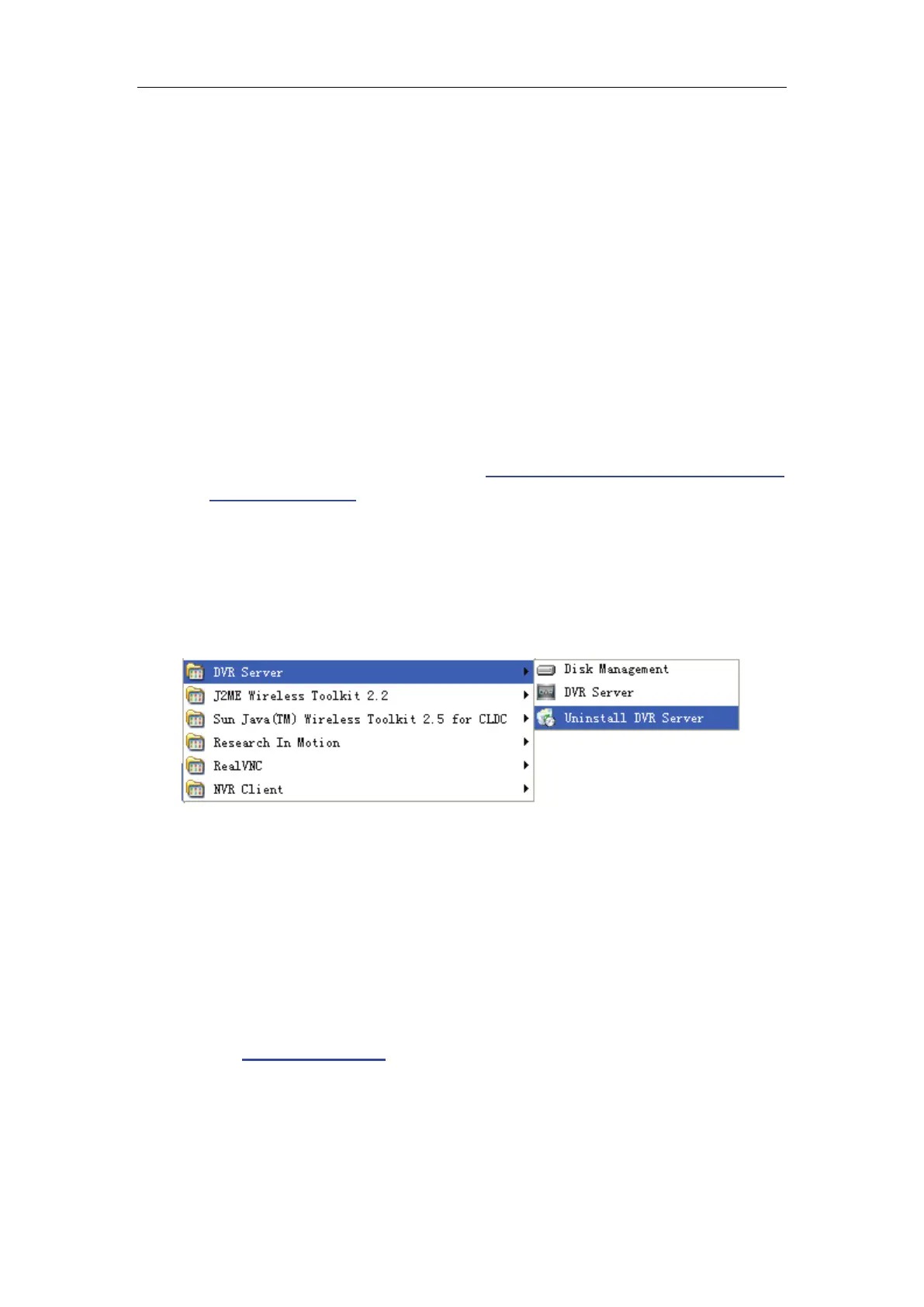
When you want to change this version to another one, you should uninstall
it. Click “Start All programs DVR server Uninstall DVR” to uninstall DVR.
1.2 Disk management
After installed DVR Server, you should assign space for recording,
otherwise, software can’t record. Actually, system will run disk management
automatically after you installed DVR Server. Also, you can run disk
management to assign space when you want.
However, you should input correct user name and password to get access
to Disk management when manger disables the disk manage right of some
operators in
Password setup.



 To Next Page