DVR Server Manual
4.2 Select playback channel
4.2.1 Select date
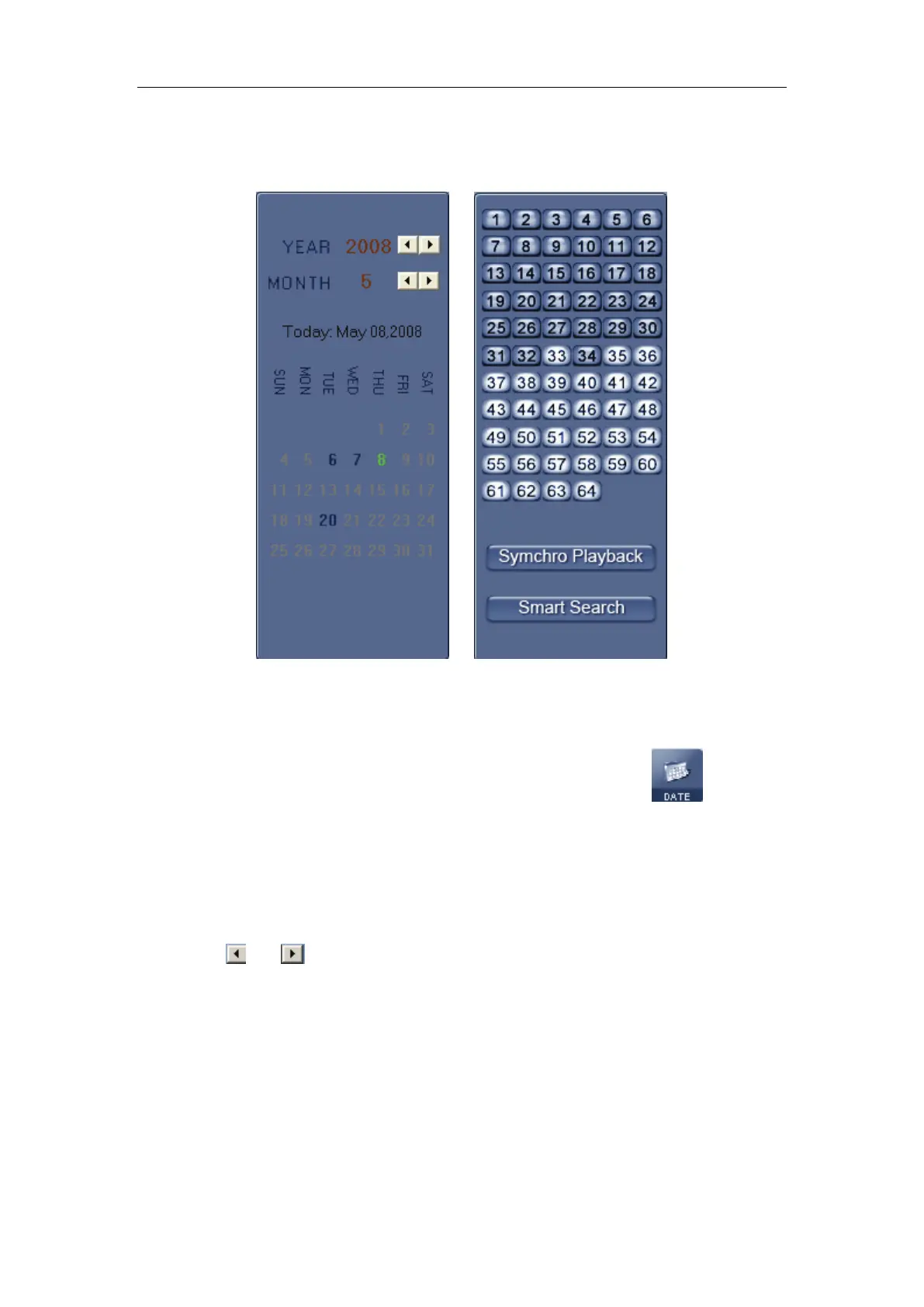
Select one window (the 1
st
one in default), and then click button to
show the date.
The blue dates contain recorded data. The green date is the current date.
The gray dates signify no data. Only those blue ones can be selected and
when they are selected the camera window will appear automatically to show
which cameras has record data.
Click
or to change month and year of search data.
You should select the date first; otherwise, you can’t entry the all
sub-playback interface. The date can’t be selected in the sub-playback
interface.
4.2.2 Select Record Type



 To Next Page