DVR Server Manual
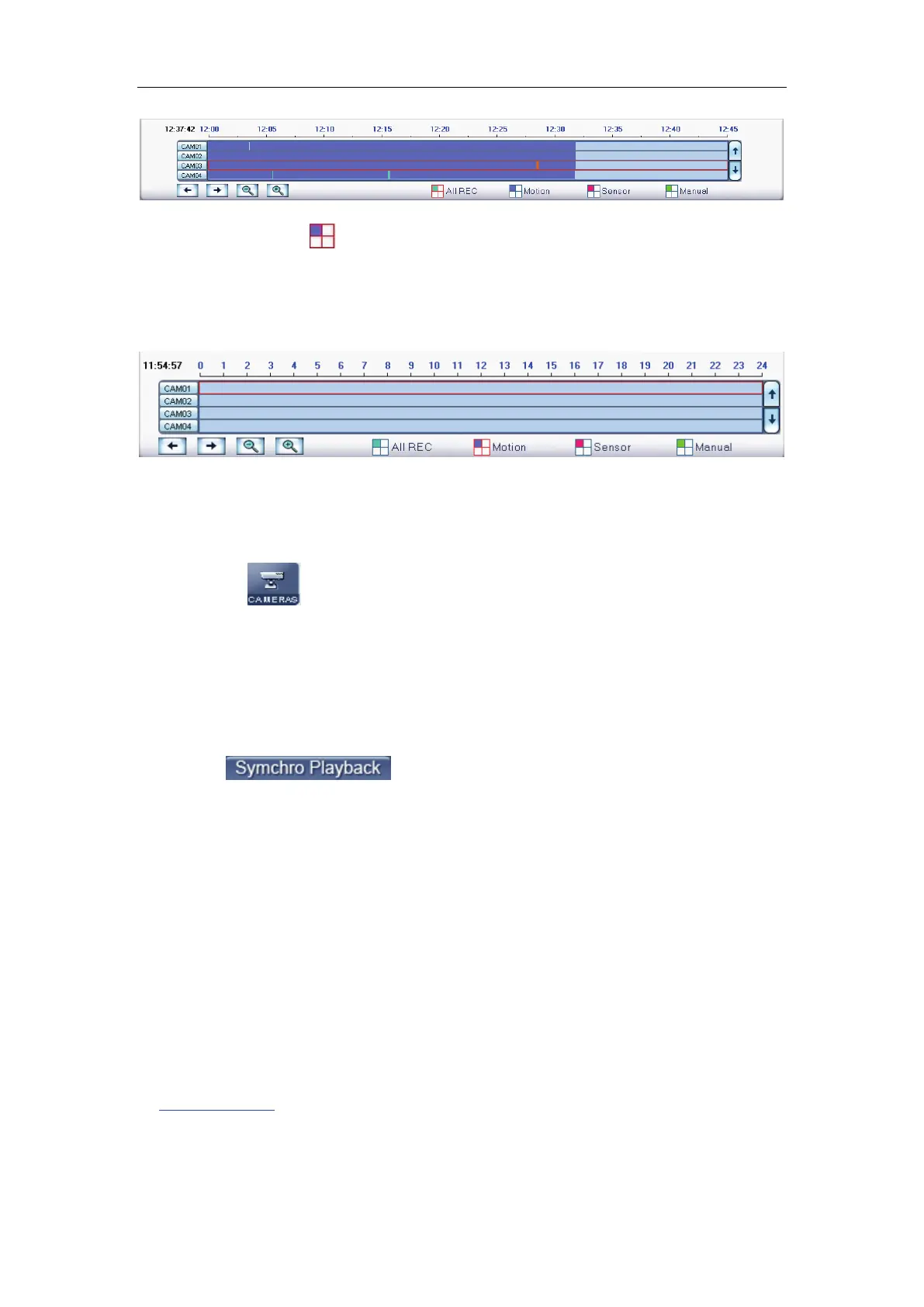
Press the icon
before “Motion” when you want to playback motion
recording. Others are the same.
When there is no record data of the selected record type, the below
picture will be shown.
4.2.3 Select camera
After date selected system will show the camera state of corresponding
day, or click
button directly to show the cameras state of current day.
The number button with navy blue means this channel has record data. By
pressing it directly on the numerical panel, DVR system will play back recorded
data from the first file.
1. Synchronic play
Click button to synchronize the time of all playback
channels. You can also keep all channels synchronically in pause and Next
Frame.
2. Smart search
(1). Function introduction:
This function allows users to draw a zone on a video image and do a
search for any motions, missing objects, or unattended object events occurred
in that zone. It can help you find recorded video you are interested in.
Note:
Smart Search accuracy is decided by sensitivity value and threshold
in
(2). Operation and example
Motion Setup.



 To Next Page