DVR Server Manual
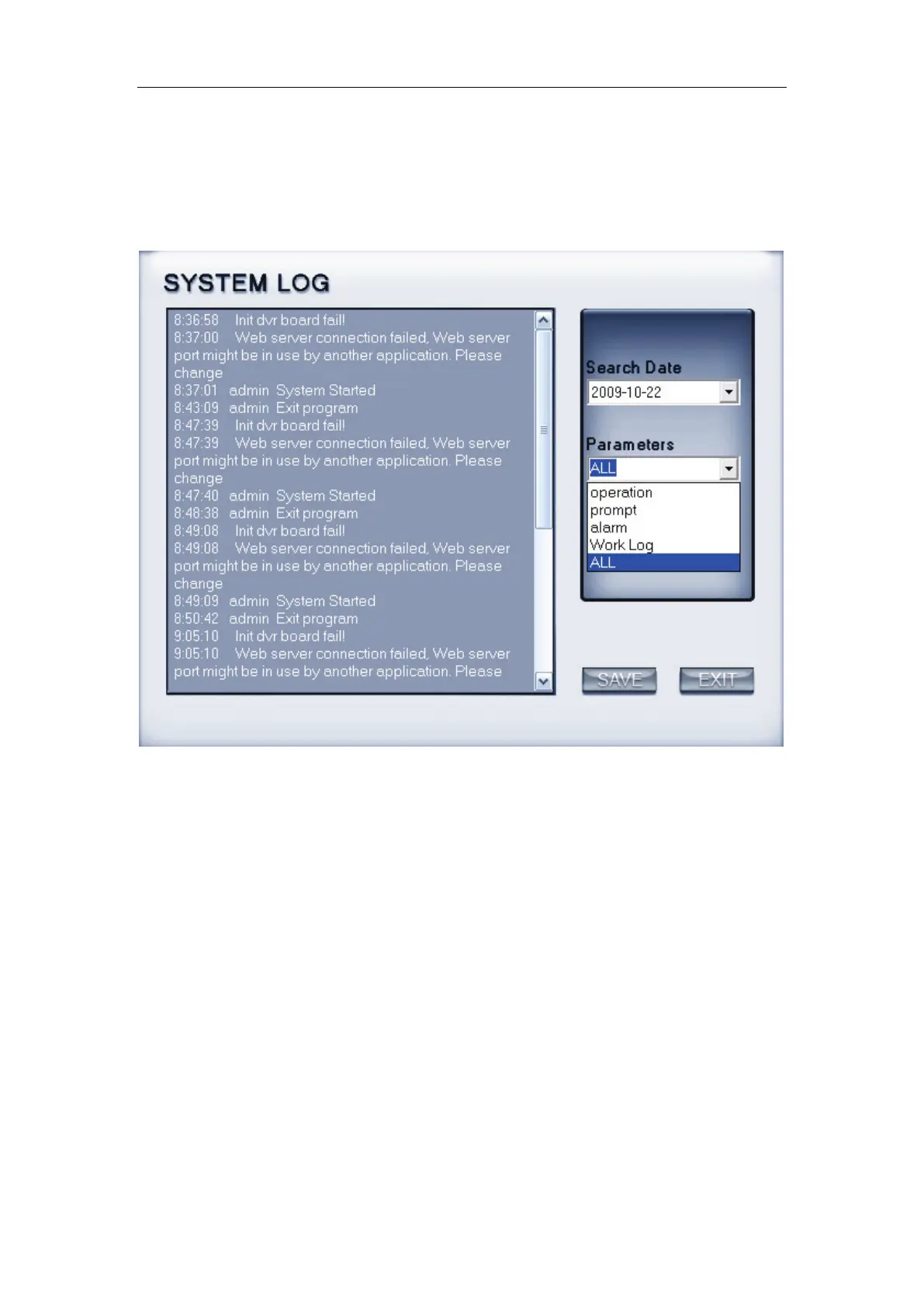
7. View system log
Select this function to view all actions of recording as well as operations.
Users can search log according to the parameters, such as: operation, prompt,
alarm and work log.
8. Open Explorer
When keyboard is locked, users can operate window resource via
explorer.
9. Open Screen Keyboard
This function allow user to use soft keyboard. Also, in the setup interface,
you can Left-Double-Click the blank to open soft keyboard.
10. Motion detection setup
You can use the motion link PTZ preset function. Select Motion detection
setup to set the motion detection area.



 To Next Page