DVR Server Manual
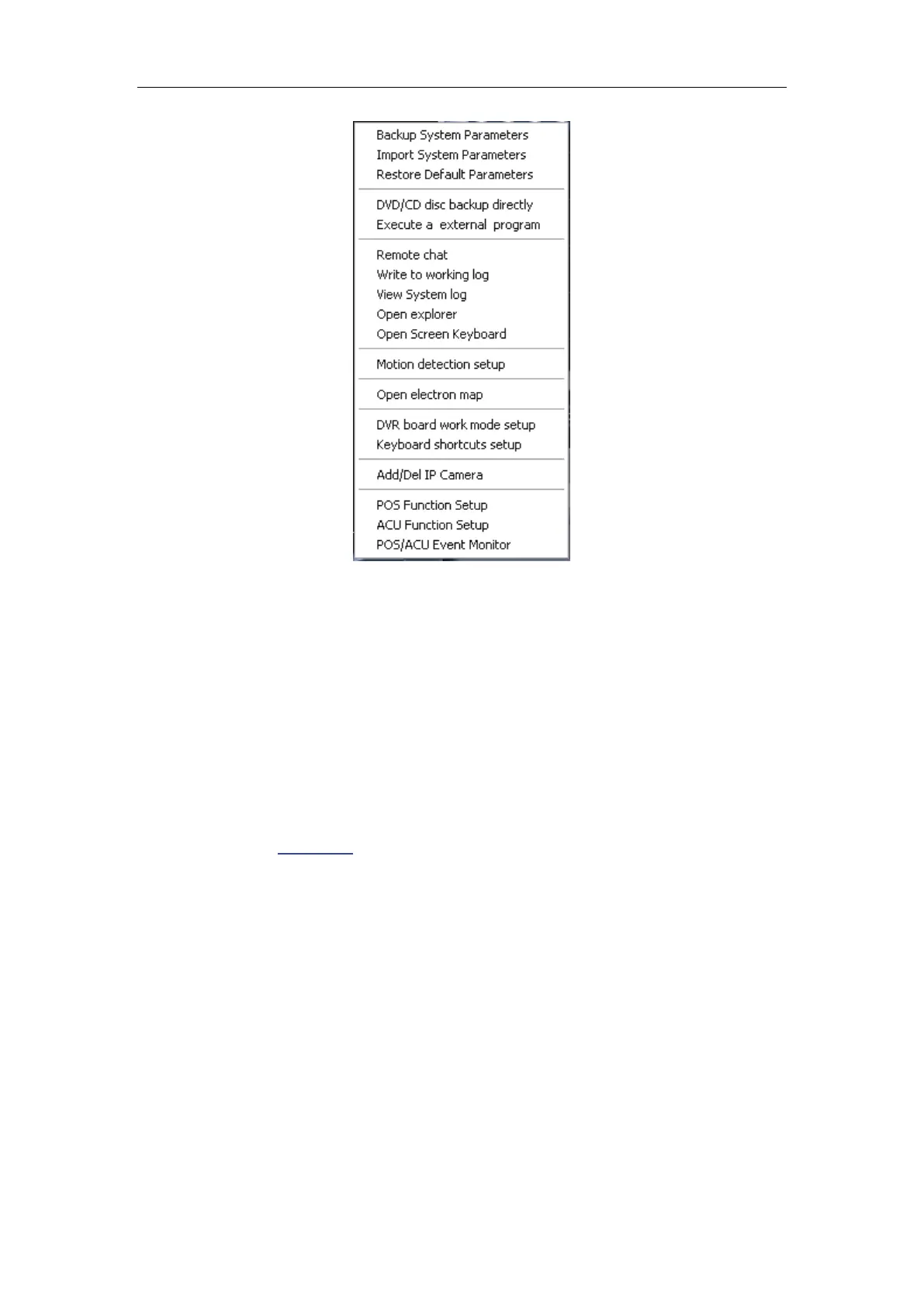
1. Backup/Import System Parameters
Select this function to export/import system configuration parameters.
2. Restore Default Parameters
Select this function to restore the default parameters of system.
3. DVD/CD Disc backup directly
Select this function to burn video data to DVD or CD, which is the same as
burn DVD/CD in
Playback.
4. Execute a external program
Select this function to execute an external program.
5. Remote chat
Select this option to connect a remote Client or Server for a live chatting
via IP address, but please make sure audio card and Microphone have been
installed.
6. Write to working log
This is useful to record events that occur during the operator’s shift.



 To Next Page