DVR Server Manual
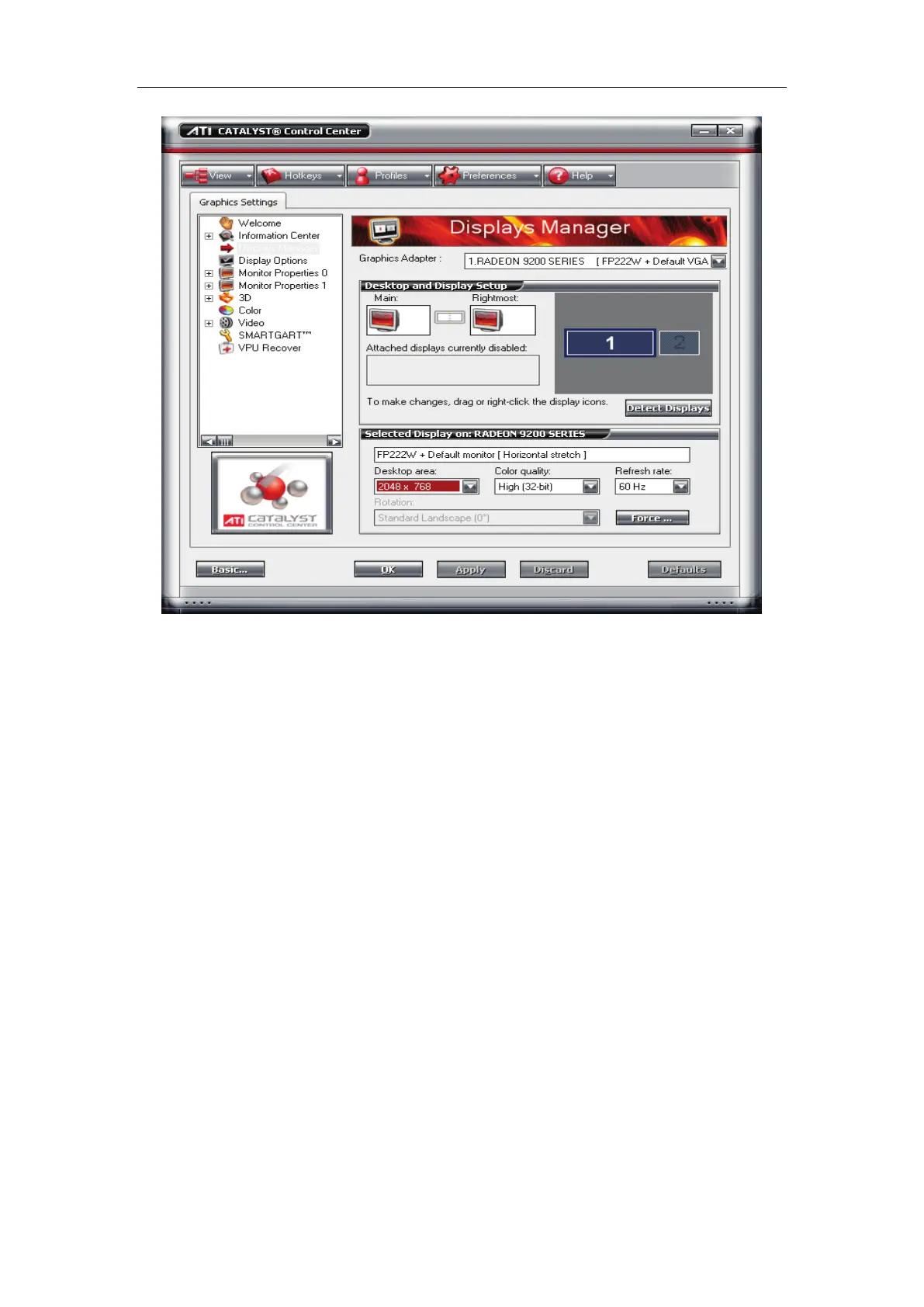
The desktop area should be selected 2048x768. Now, the dual monitor is
effective.
Note:
If the old ATI display card doesn’t support the ”CATALYST Control
Center”, you should download ATI Catalyst and install it ,then it can enter the
setting interface in ATI catalyst control center.
7.7 Appendix G: Sony Camera Setup
【Date Time Format】Select a suitable date time format from the drop-down
list.
【MPG4 Frame Rate】Select the frame rate of the image. Selectable values
are as follows: 1, 2, 3, 4, 5, 6, 8, 10, 15, 20, 25 and 30fps.
【MPG4 Bit Rate】Select a suitable bit rate for camera from the drop-down list.
Selectable values are as follows: 64, 128, 256, 384, 512, 768,
1024, 1536 and 2048kbps. The higher the values set, the higher
the image quality when the network bandwidth is ok.
【Adaptive Rate Control】Adjusts the image frame rate or bit rate
automatically to play smooth images to the connected computer
environment. If On is selected, the MPG4 image rate is adjusted



 To Next Page