DVR Server Manual
1.4.3 Interface description
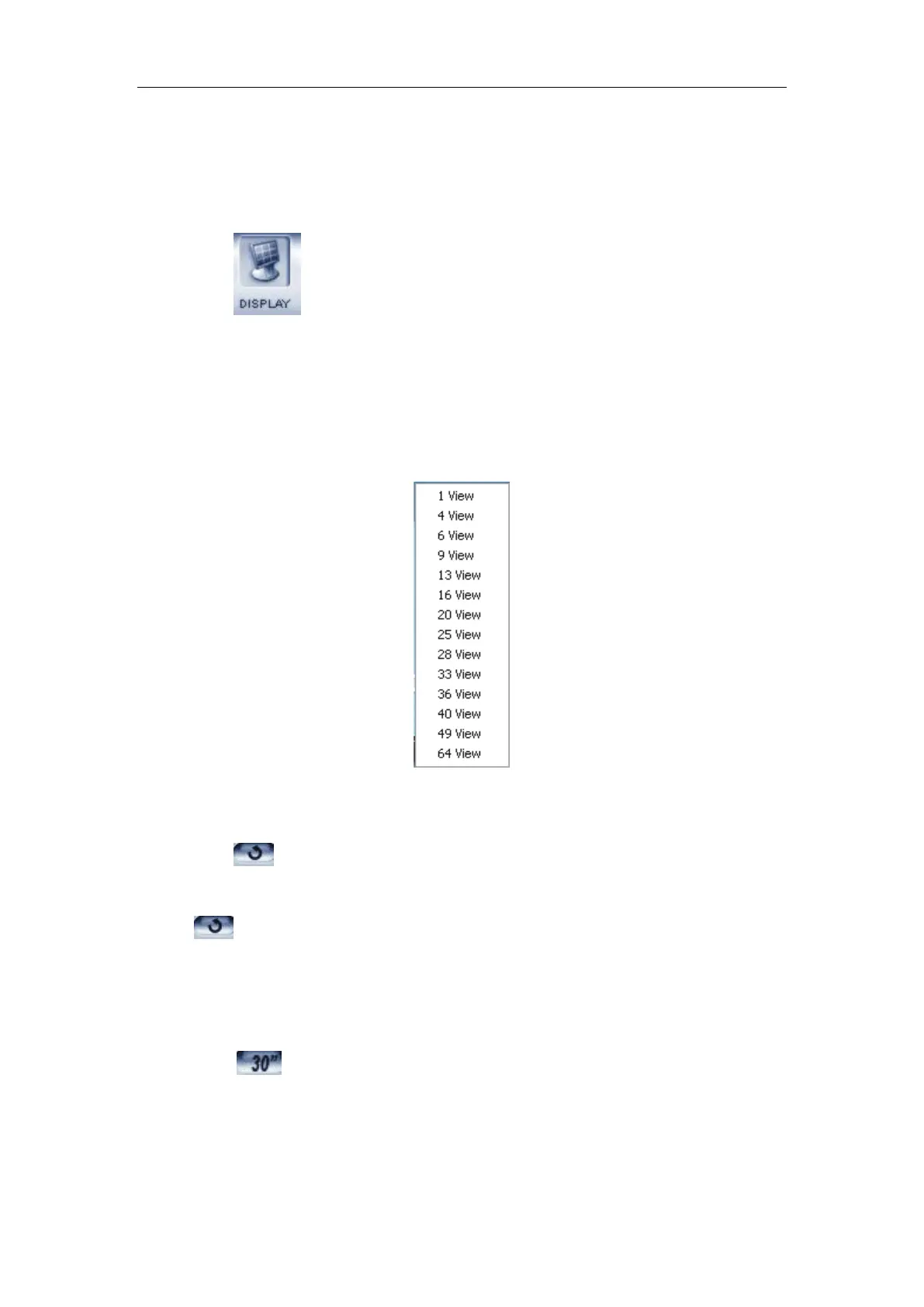
1. Partition mode
Press button to set the window’s partition mode of the main
screen. There are many types of partitions; the available partition is
determined by the total channels of cards, you can select the suitable partition
according to the number of video inputs.
However, the partition mode is changing according to the size of the main
interface. For example: When the size of the main interface is set as 1280*768,
the partition mode will be changed.
2. Videos play in sequence mode switch
Press button to switch among all cameras in current windows in
sequence when current partition number is less than total channels .You can
press
again to cancel the switch. But at first, you must confirm that
Camera Sequencing Interval in system setup has been set enable.
3. Emergency recording button
Press button to trigger recording for selected window for 30
seconds even if they have been set to record by any other modes. This
function is useful to deal with emergency when quick response is required.
4. Image capture



 To Next Page