DVR Server Manual
set. Press to test whether the SMS can be sent successfully
after setup.
Note:
The mobile number should be made up of the international code and
mobile phone number .E.g.: In China, the mobile number is “86130****1234”.
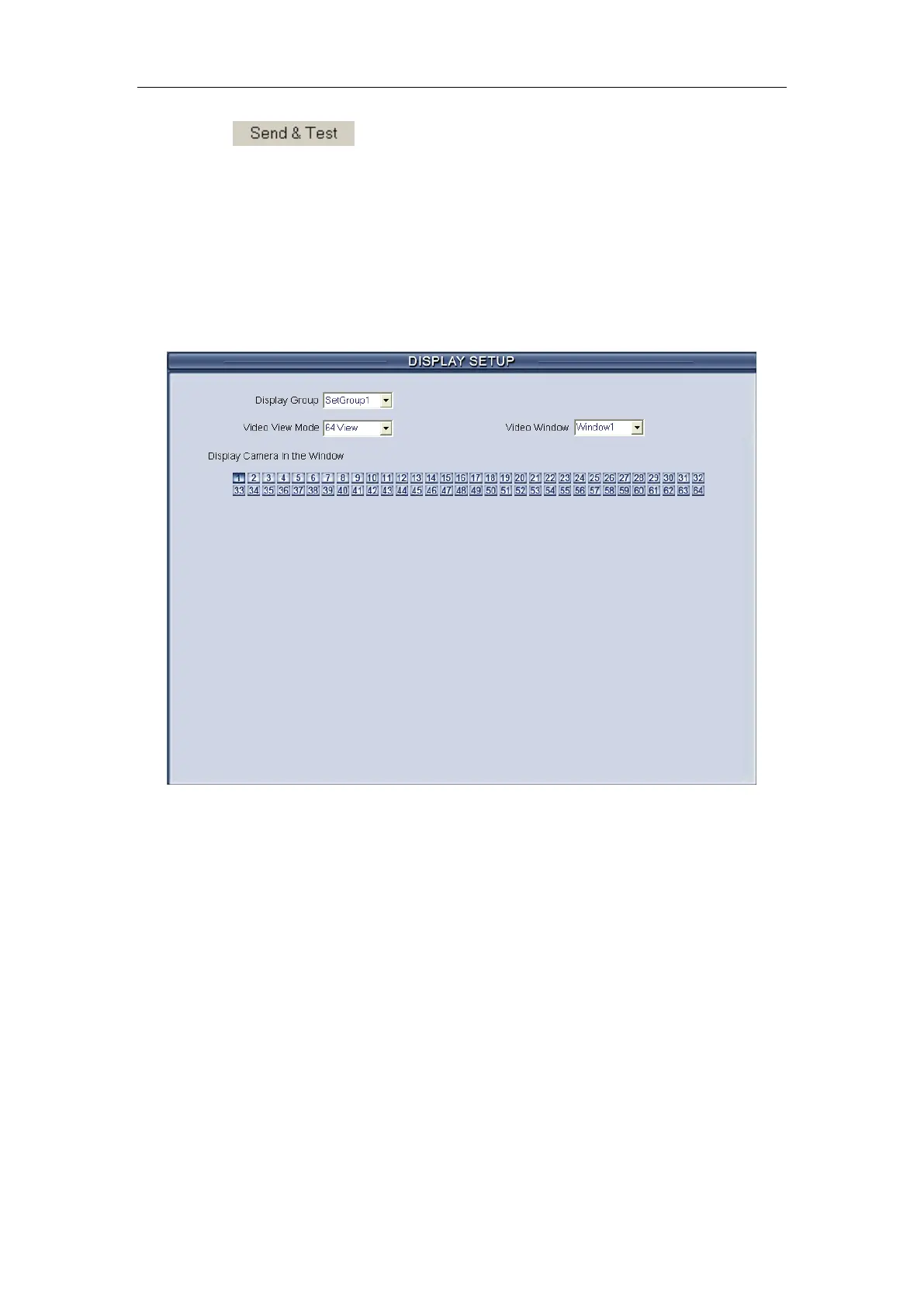
2.6 Display setup
【Display Group】System operator can set a groups of cameras to
display for fast preview, including its display mode and cameras. Up to 16
groups can be set.
【Video View Mode】Set the split mode, the split mode is same as main
window’s display split mode. There are1, 4,9,13,16,20,25,28,33,36,40,49 and
64 partition mode.
【Video Window】【 Display Camera in the window】After selecting video
split mode, there will have corresponding windows, select one camera show in
per window. The cameras include 64 cameras (the biggest of the system
limitation), when the total channels (cameras of local board card and IP
Cameras) are less than 64, some channels do not have image with black
window.
Note:
One camera is only showed in one window once, but each camera can be
displayed in any window discretionarily. E.g.: The 1st camera has been



 To Next Page