DVR Server Manual
invalid).
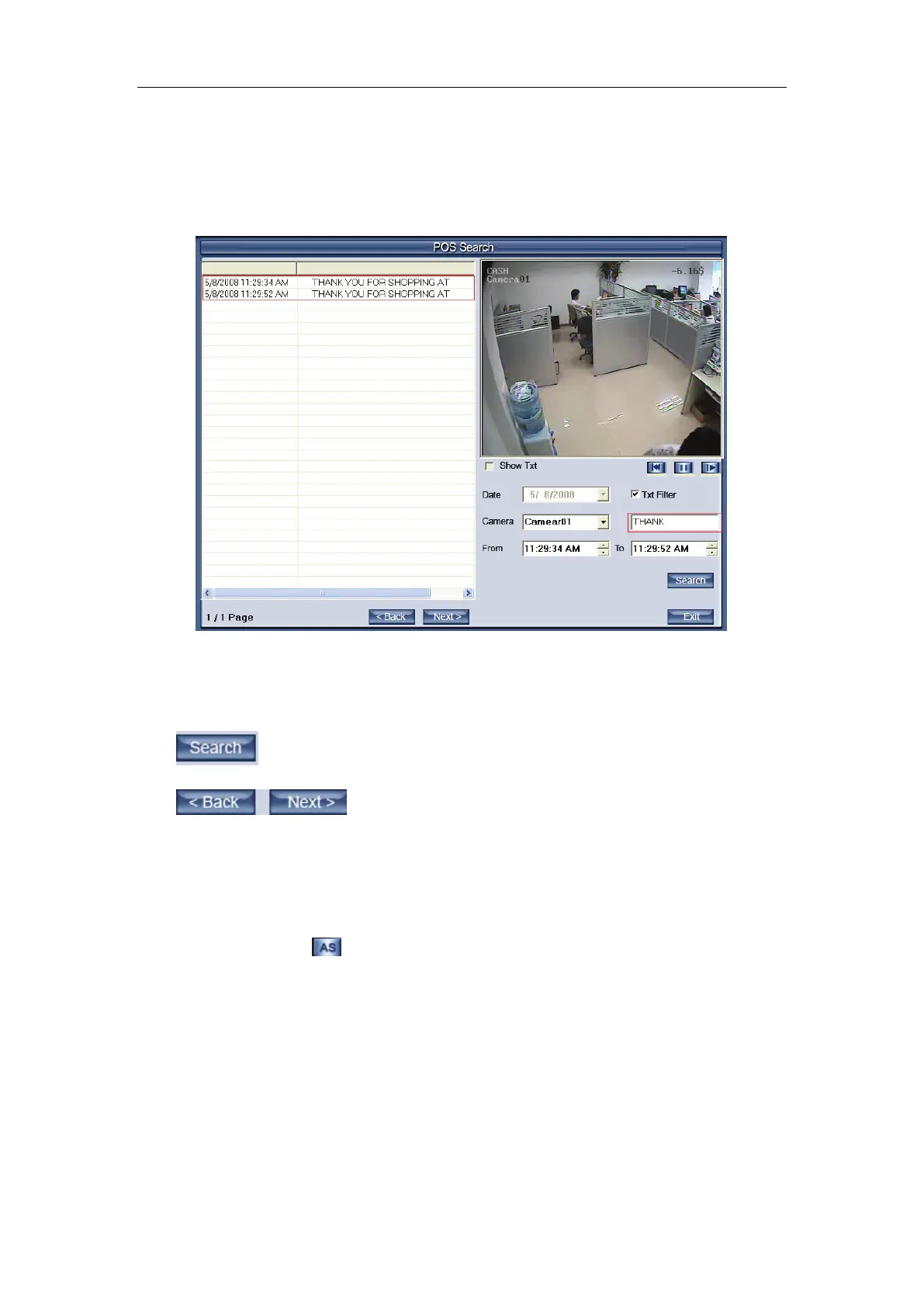
【Data】:Select the search data.
【Camera】:Select the search camera.
【TXT Filter】:Search the content including the word. E.g.:
The word of the TXT Filter is THANK, then, press the Search, the content
display all the Pos messages with the “THANK”
From ... To: Select the begin time and the end time.
Press this button to search the record for the setting setup.
Press these button to back or next the display
page.
4.8 ACU Playback
Press the button ; you will see the interface as below:



 To Next Page