DVR Server Manual
Press button to save an image for selected camera to local disk for
reviewing or printing. It will ask you for file name and save path when you use
to capture pictures for the first time. Next time, it will save to the
previous path directly.
5. Manual record switch
Press button to record manually for selected camera and press it
again to stop recording.
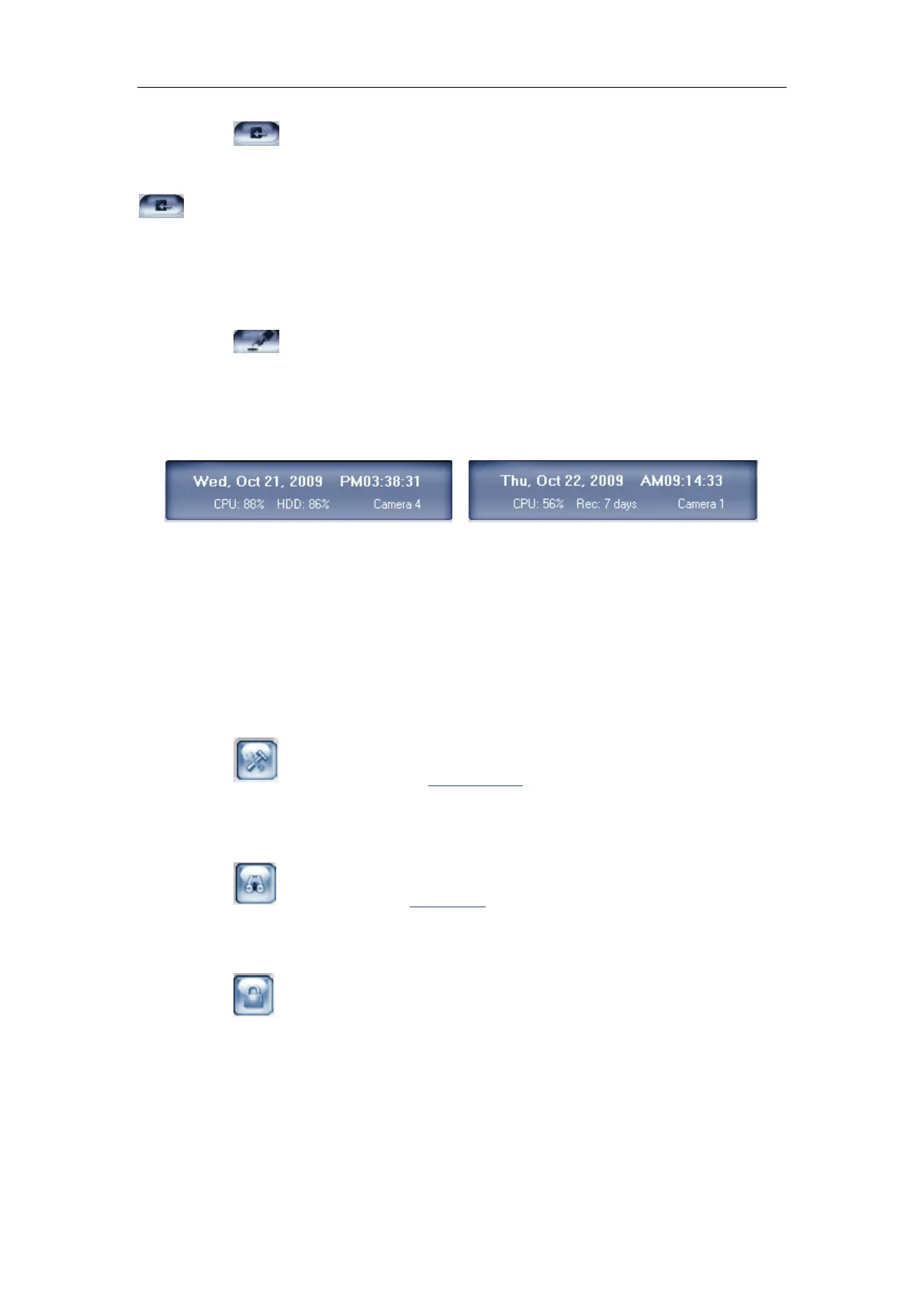
6. Information display panel
This panel displays the current date, current time, disk usage and
description of the selected camera.
Note:
Disk usage will be changed to record days when the record data package
is full and the new data is overlaying the old.
7. Local setup submenu
Press button to access Local setup.
8. Playback
Press button to enter Playback to search local video/audio data.
9. System lock
Press button to prevent unauthorized user to operate system. Click
this button again, the unlock dialog displayed, input User ID and password to
unlock it.



 To Next Page