DVR Server Manual
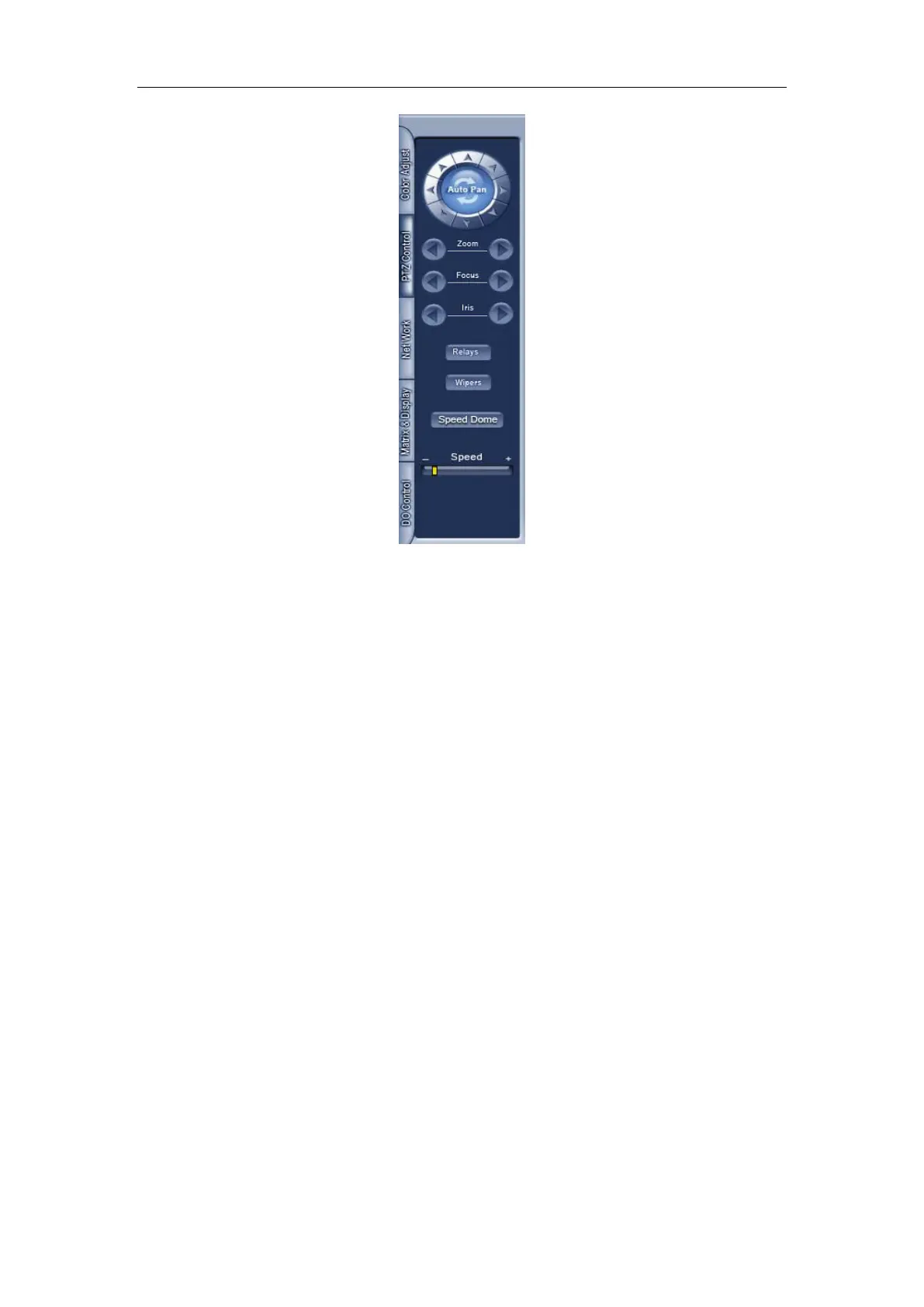
1. PTZ speed
Press and drag the slider bar to adjust the speed of PTZ.
2. Relay (On/Off)
Control the PTZ cameras internal relay (relay1) or the decoder’s relay
(relay 1). Used to turn on a light or control an access gate.
3. Wiper (On/Off)
If using the PTZ cameras corresponding wiper control relay, this toggles
the relay/wiper on and off.
4. Zoom + / Zoom –
Control the zoom function of the PTZ camera.
5. Focus + / Focus –
Overrides the auto-focus setup of the PTZ camera, adjust focus the
image.
6. Iris + / Iris –
Overrides the PTZ cameras auto-iris and brighten or darken the image.



 To Next Page